
In this article
Palworld 1.0 introduces a ton of changes to the game, but many of them are actually there to help make your life easier! Don't miss out on all of the new options and tools available to you to reduce some frustration when playing. We'll help cover some of those most important Palworld 1.0 Tips & Tricks for you to use when exploring the new update.
Single-Press Actions
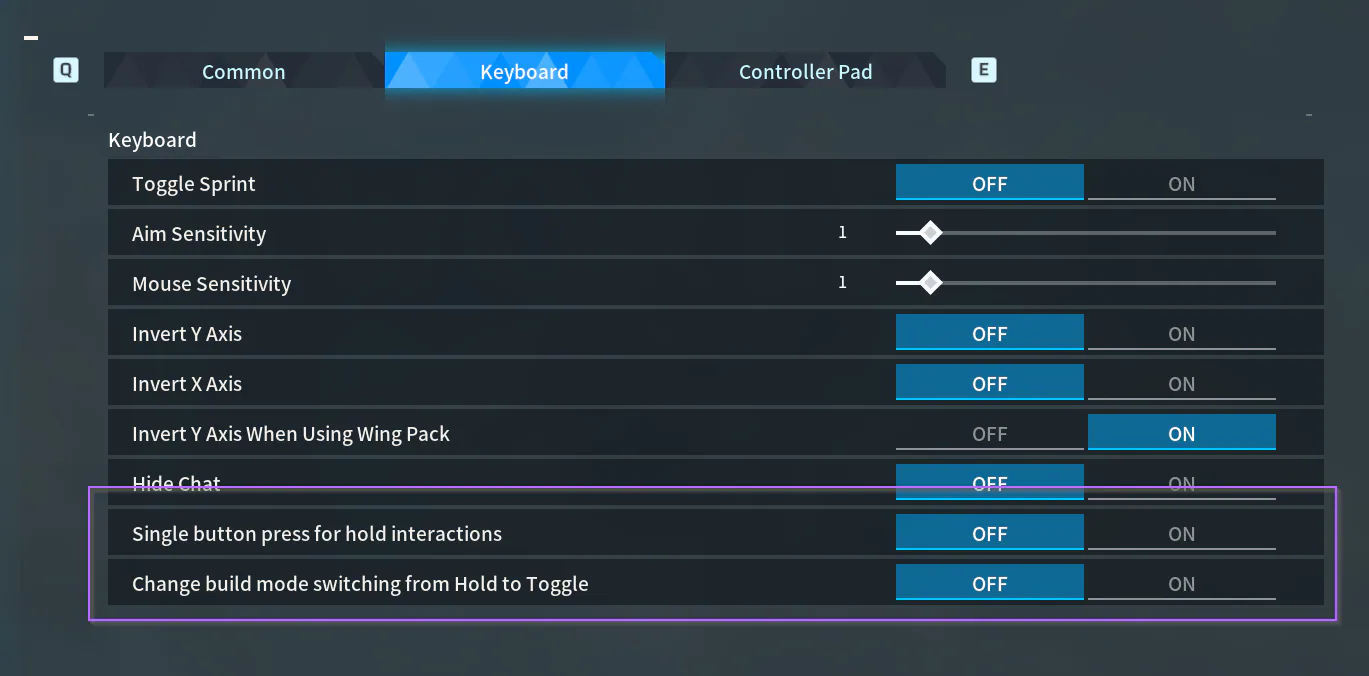
The easiest trick here also happens to be the most helpful to most people! Rather than holding down a button to craft things or perform actions in-game that may take a while, you can toggle two quick settings to make it so you only have to click the button one time to process that action.
To do this, you'll want to go to your game settings, and find the Keyboard options. There, at the very bottom, you'll find toggles for the following two options:
Single button press for hold interactions
Change build mode switching from Hold to Toggle
Change both of these to On, and then you don't need to hold down the button anymore while you're doing things! Especially as you get later into the game where actions take longer, this can be a huge life-saver (and accessibility feature).
Automatic Storage & Sorting
Alongside Palworld 1.0's expansion to the building and base systems comes the ability to far more easily store and sort your items without needing to run between chests!
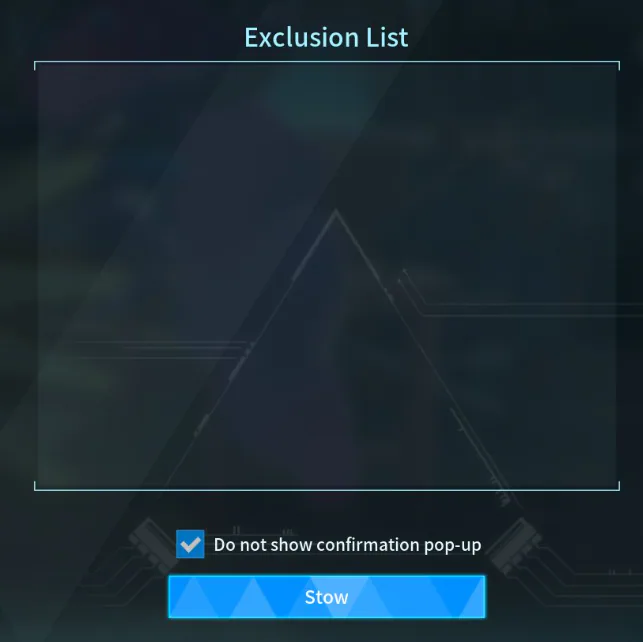
When you open your inventory in your base (Tab/I), you can click "R" on your keyboard to access the Easy Bulk Storage menu.
From here, you can select any items you want to exclude from storage (items you want to keep in your inventory), and then click Stow. All of those non-excluded items in your inventory then get automatically stored in the existing storage chests in your base.
The best part is that those items get deposited in chests containing the same item types by default, which keeps things sorted automatically! If you have lots of stone, it will automatically go to your storage chest(s) where you already have stone, rather than just depositing randomly.
Stat & Skill Investment

One of the things that hasn't changed in Palworld is what most people will agree are the best stats to invest into as you level up early.
The most common stats to prioritize are Stamina, Weight, and Work Speed.
The first two will just generally make your life a lot easier as you go about playing. Stamina helps keep you sprinting + rolling more, and makes it easier to avoid exhaustion while farming in general. Meanwhile, the Weight stat allows you to carry more without getting encumbered.
If you've missed investing in those stats early, you might find yourself needing to make more trips back to your base to store items, and those trips will become increasingly exhausting due to your lower stamina.
Already invested in other stats, and regretting those decisions? You can "respec" them to allocate your stats differently after the fact! To do that, you'd need to craft the Memory Wiping Medicine in an Electric Medicine Workbench. This is a tech available to learn at level 43, which will require that you have a Pal with work suitability for Medicine Production, and a power generator to power the device.
Catch Everything
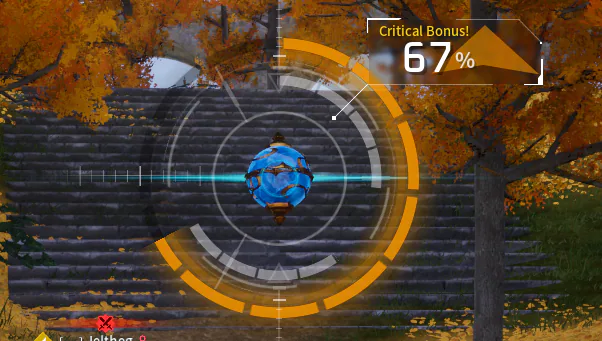
It's super easy to be locked in on only wanting to catch the Pals that seem the most interesting for you, and for the most part, that's totally okay! If you want to make early-game leveling a lot easier though, try to catch everything you can.
The first few times you capture a pal, you get bonus experience, which makes it one of the fastest ways to level up as you get started. Later on, you can either release them or use them as workers at your base while you focus more on using the pals you do want for your team itself.
Check Work Suitability
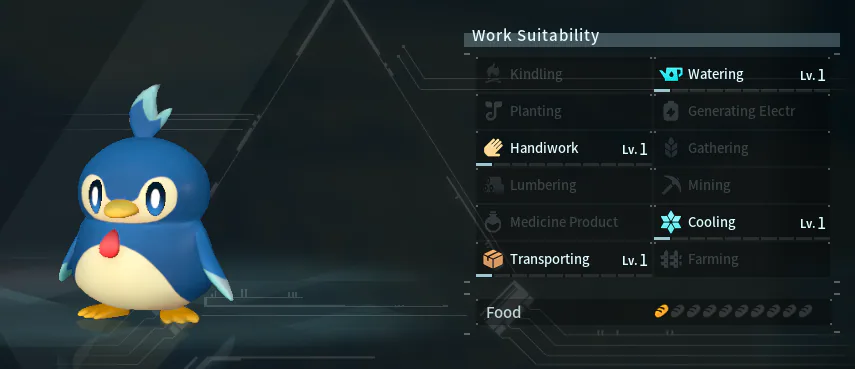
When assigning pals to tasks around your base, try to factor in their work suitability levels compared to each task! Many pals may be able to chop wood, but some (such as many Eikthyrdeer) may be much more suited to the task than others.
You can check this by viewing a pal's information / status screen either through the Party tab of your menu, or through your storage box. Work Suitability levels will be showcased on the right, showing what the pal is capable of doing, and their level in each trait which may make them more suited to some tasks than others.
Don't Be Afraid to Branch Out
You don't need to lock yourself down to one base! As you progress through the game, you'll unlock the ability to build multiple different bases.
Creating new homes and bases in various regions of the world can not only let you experiment more with your builds, but can also allow you to capitalize on the resources available in different areas more with your worker pals! Plus, thanks to the new Palworld 1.0 update changes, base events like raids will now also feature unique enemies and challenges based on what region your base is in.

Customize Your Experience
Palworld has a lot of settings available to choose from to make your playthrough your own!
There is no right or wrong way to play the game, and it's worth tailoring your world to what you'd most like out of the game. For example, many players end up choosing to adjust the hatching rate in their server or world so they aren't stuck sitting around waiting for eggs to hatch. Especially after the new breeding system changes in 1.0, if you're excited to try them out and maximize the strength of your Pals, this could save you a lot of time.
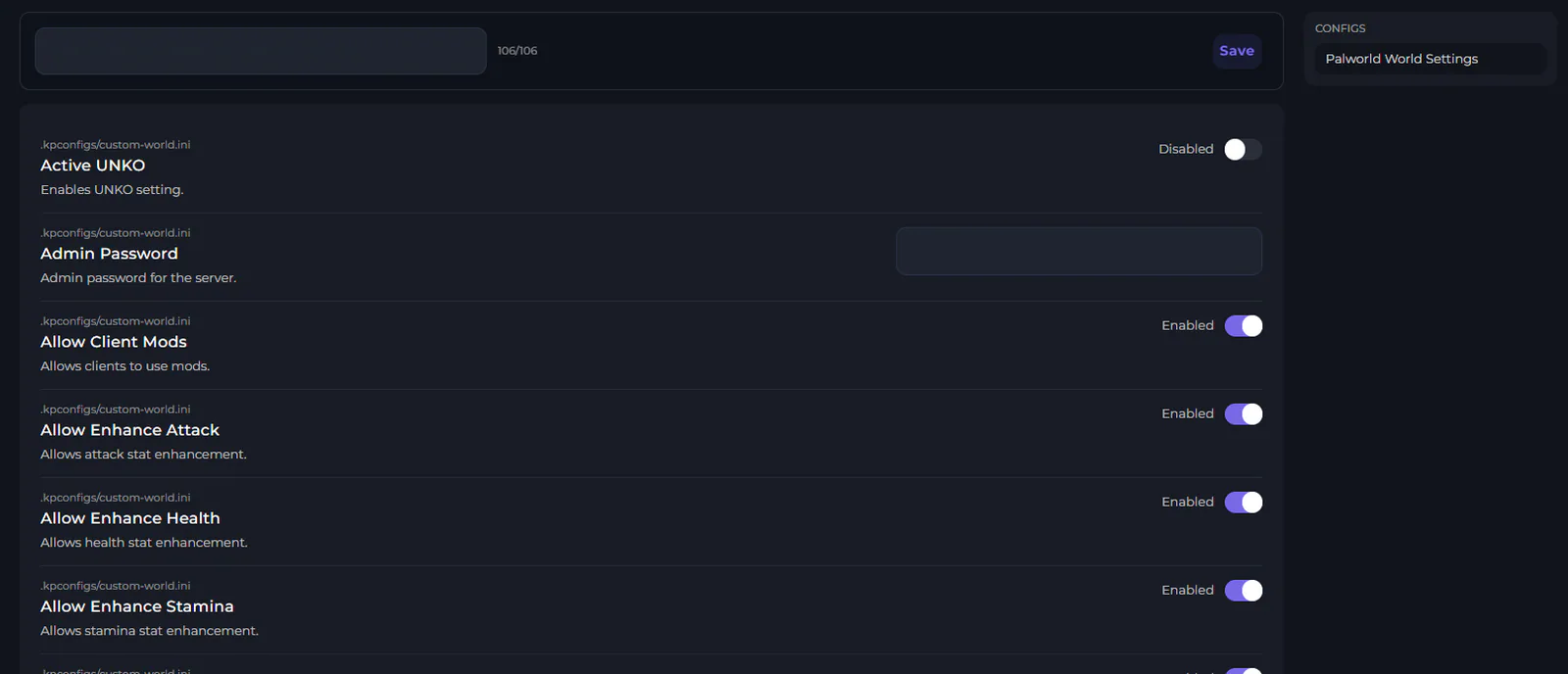
There are lots of other settings to explore, though, including being able to enable voice chat on your Palworld server, or changing the death penalty for what happens to your items when you die.
If you're hosting a Palworld server for you and your friends with Kinetic Hosting, these can all be changed with our visual config editor! Our panel is custom built around the idea of making customizing things as easy as possible, which helps you avoid the hassle of dealing with messy text file formatting / syntax. We even have a dedicated guide on how you can adjust your Palworld server settings here!
There's No Need to Rush
Palworld's massive 1.0 update definitely add a LOT of late-game content, but that doesn't mean that's all the game has to offer! A lot of the best moments in Palworld come from making new discoveries around the islands, finding new Pals to catch, or just exploring in general.
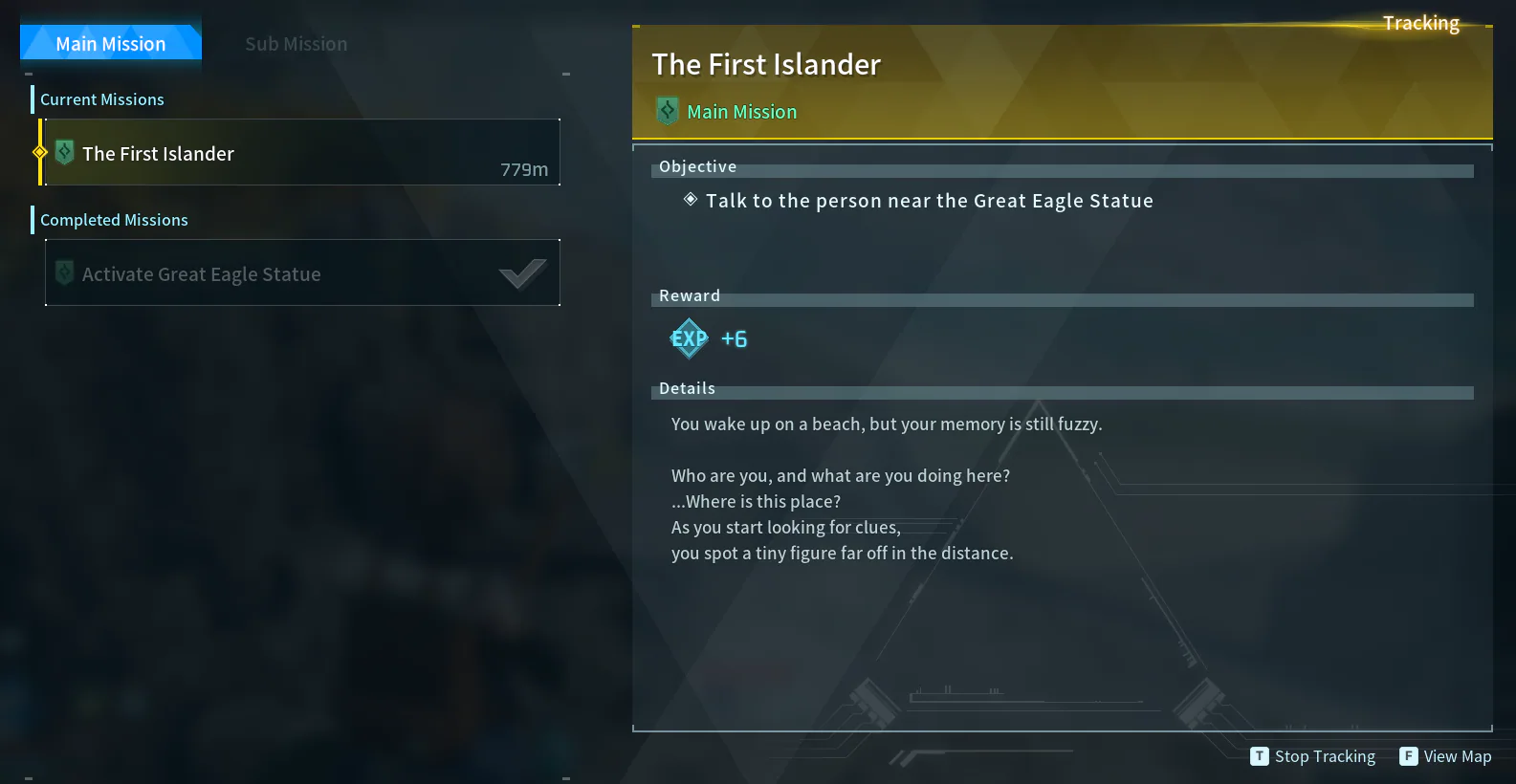
There's no need to speedrun your way to the endgame (unless that's your thing). It's okay to take your time building up your base, challenging (and losing to) world bosses before you're quite ready to fight them yet, and just experimenting. You could even pivot to focusing on side quests and the expanded mission system in the game instead of going straight through tower bosses!
Choose the Right Host
There are lots of options out there for playing with your friends, and each brings something different to the table. You could even choose to play session-based with your friends locally, but then you wouldn't be able to have people hop on whenever they have a bit of free time without you being there to load things for them.
We're confident enough to say that Kinetic Hosting can give you one of the best and easiest experiences hosting a Palworld server. We have continued to refine our custom server panel around games like Palworld ever since it first became playable in order to make sure that managing a server for it could be as easy and intuitive as possible.
A big part of keeping things easy is making sure we have a fully human support team available to help whenever anything comes up. We don't implement any sort of AI chatbots or features into our ecosystem, and firmly believe that the best of gaming happens when you get to experience it alongside other people that are passionate about those games as well.
If this sounds interesting at all to you, consider trying out our Palworld server hosting plans and give us a shot. We offer a 7-day guarantee where you can get your money back if not satisfied, so there's no risk to getting started now!