Branding & resources

Make it Kinetic.
Make it yours.

Brand guidelines, mockups, and downloadable logo assets for Kinetic Hosting. Everything you need to bring a little Kinetic to your next project.

Read the brand guidelines

Ready to download

Brand assets.

Find the right logo, mark or wordmark for your project. Choose a version for a light or dark background, then download your file.

Download all assets

Logos

Full lockups for general brand placement across light and dark backgrounds.

4 variations
Black logo

Black logo

Best for light backgrounds.

White logo

White logo

Best for dark backgrounds.

Colour logo, dark text

Colour logo, dark text

Original colour logo on light surfaces.

Colour logo, light text

Colour logo, light text

Original colour logo prepared for dark surfaces.

Logomarks

Standalone marks for avatars, favicons, badges, and compact placements.
3 variations
Black logomark

Black logomark

Best for light backgrounds.

White logomark

White logomark

Best for dark backgrounds.

Colour logomark

Colour logomark

Full-colour mark for flexible use.

Wordmarks

Horizontal wordmark assets for tighter header, footer, and partner placements.
2 variations
Black wordmark

Black wordmark

Best for light backgrounds.

White wordmark

White wordmark

Best for dark backgrounds.

A little guidance

Our brand. Your creativity.

We don't have any strict rules when it comes to our brand. Feel free to recolour our logos, or tweak elements to fit your needs. We only ask that you keep the shape of our logo, and don't do anything "distasteful" with it.
Download full branding guide
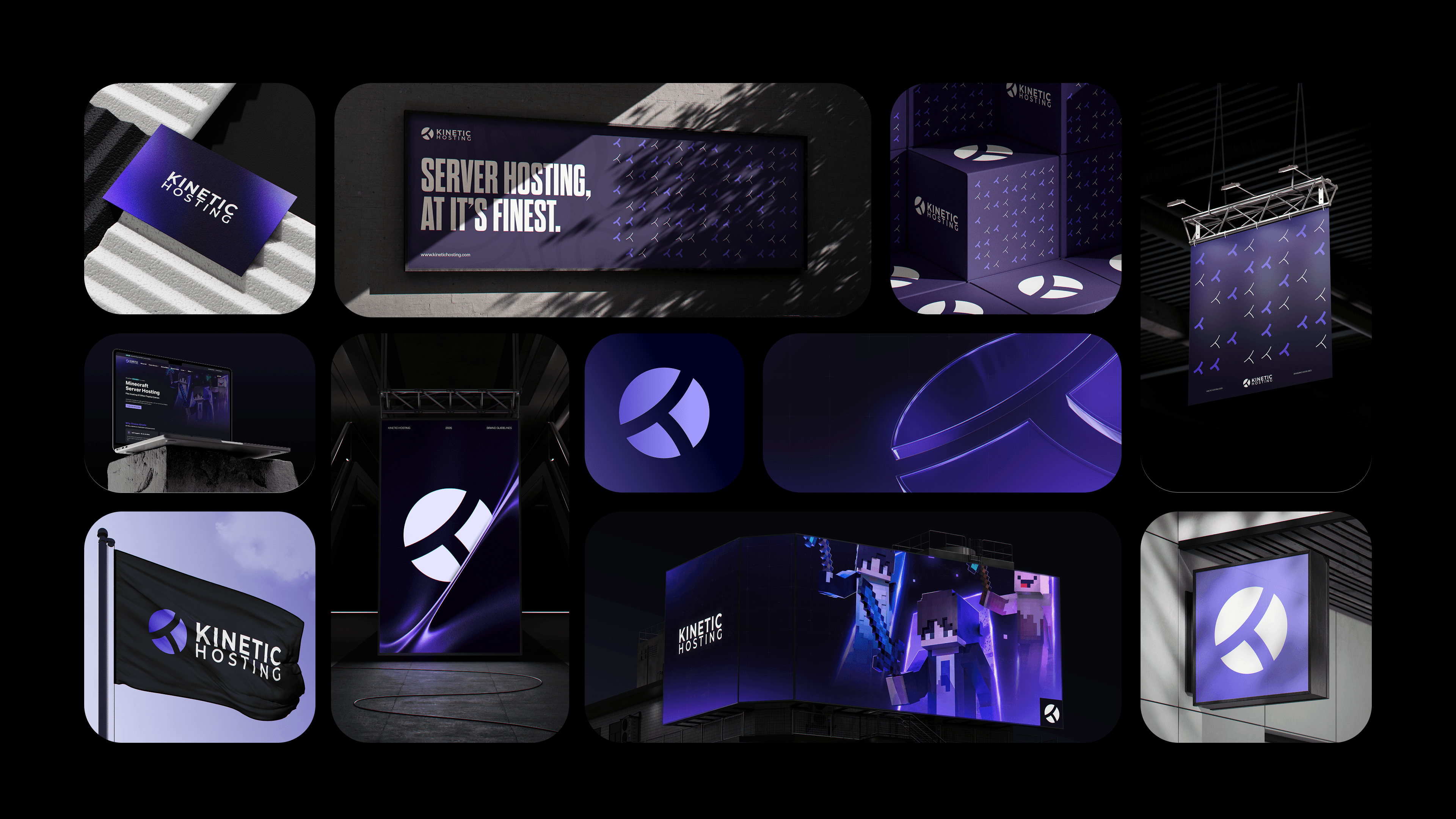
Mockup overview

Mockup overview

A high-level snapshot of the updated Kinetic Hosting visual system.

Section 1 of 9

Need a hand with our brand?

Talk to our team about using Kinetic in your next project.

Get in touch

Display and navigation

Accessibility options

Personalise how the website looks and how you move around it. Your choices are saved on this device.

High-contrast dark theme

Use black and dark backgrounds with white text and stronger borders throughout the site.

Keyboard link hints

Hold Shift to label visible links and controls. Keep holding Shift and type a label to activate it, or release Shift to close the labels.

Keyboard shortcuts

Ctrl+KOpen site search

ShiftShow link hints when enabled

Find your way around

Search Kinetic Hosting

Search site pages, game servers, knowledgebase articles, blog posts, FAQs and modpacks.

Enter at least two characters to search the site.