
In this guide
Editing The Settings.
Login to the Kinetic Panel
notice
Make sure the server is fully offline before making any changes to your server.
Head to the settings.
-1770311132720.png)
From there, click "Palworld World Settings"

Within this settings page, you'll be able to edit any settings you wish. You can even use the search bar for easy access.
Whenever you're finished editing your settings, make sure to click "Save"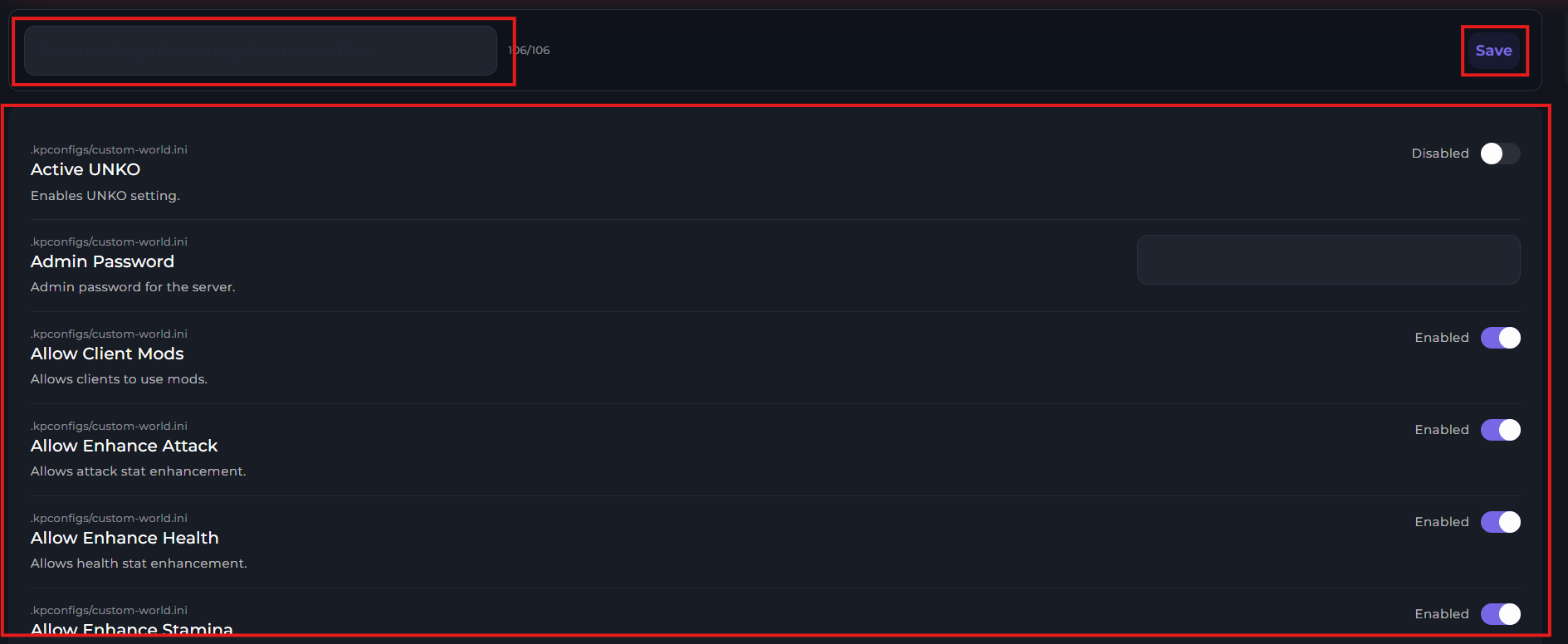
Restart your server.
-1771174363177.png)
Death Penalty
You can set the following value of the "DeathPenalty" inside of the Palworld Config file to the following values:
● None - Players do not lose anything upon death.
● Items - Players drop inventory items, not equipped.
● ItemAndEquipment - Players drop inventory items and equipped gear.
● All - Players drop all items, gear and pals.