In this article
Horses are an underrated way to get around in Minecraft, allowing you to traverse the world far faster than normal! We'll cover how you can time a horse, ride one, and some lesser known secrets to improve your chances with a horse.
How to Tame a Horse in Minecraft
The actual process of taming a horse is pretty simple! Compared to other animals like wolves that need to be fed bones, horses just require you to keep right clicking on them to try to ride them.
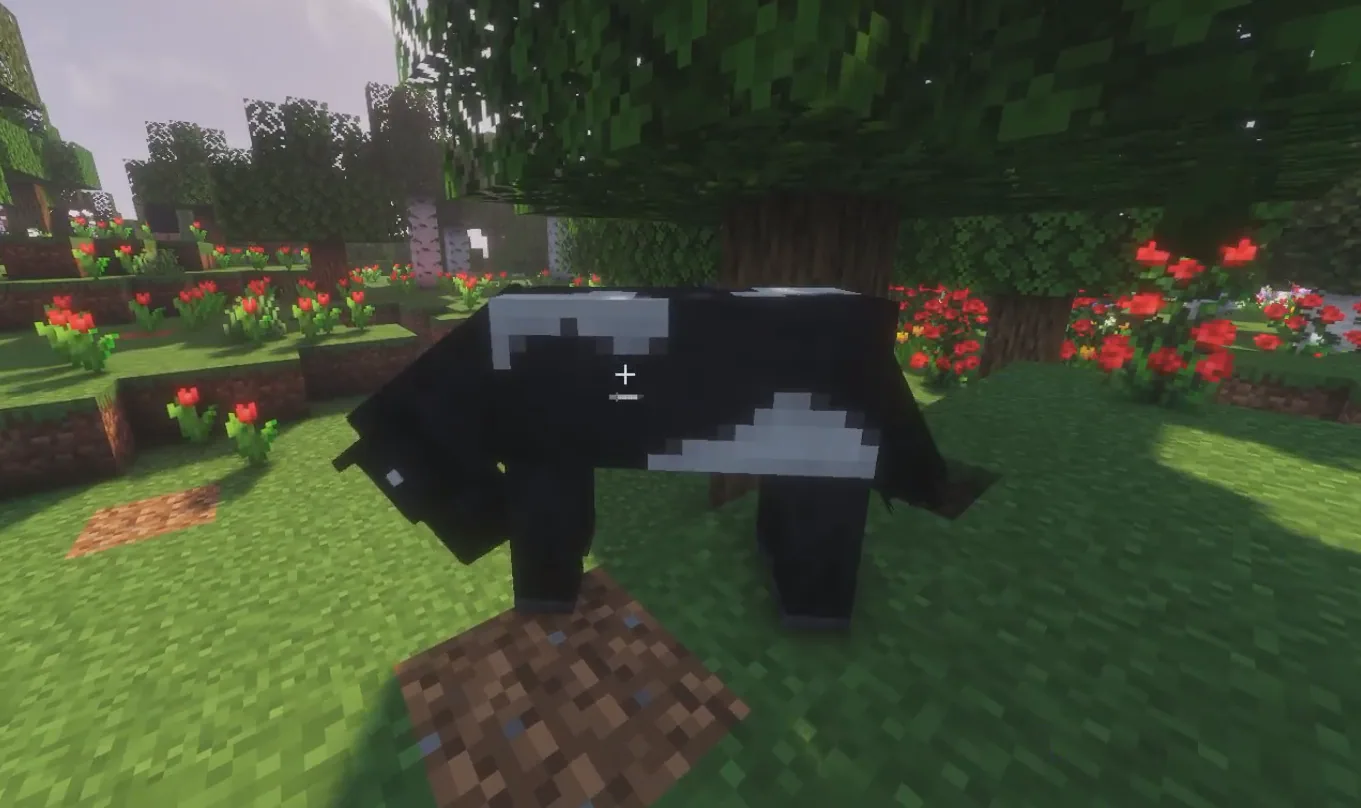
Every time you try to ride a horse that isn't tamed, the horse will wait a bit to decide whether it likes you or not. You'll then either be kicked off of the horse, or it'll pop up with hearts and let you stay on!
Feeding Tips:
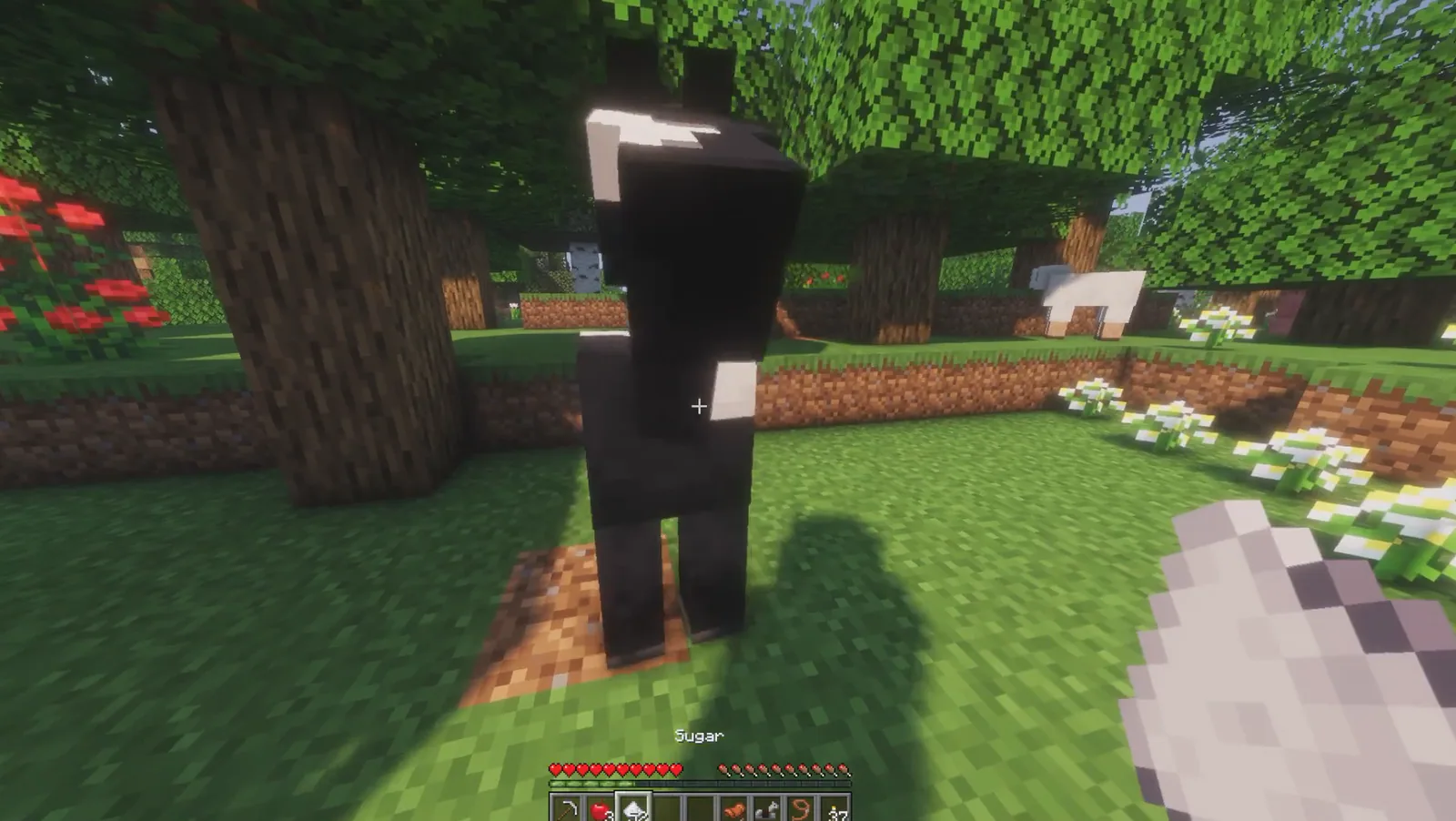
Most people aren't aware that you can feed a horse sugar to increase the chances of your taming attempt succeeding! This will heal the horse a bit, and will give you a higher chance of success.
This is also possible by feeding horses other compatible food types, including Wheat, Apples, Golden Carrots, Golden Apples, and Hay Bales.
In-Depth Explanation:
For those looking for a more precise breakdown of how horse taming works, we do know the exact formula used!
The first time you try to mount a horse, a "temper" threshold is randomly selected somewhere from 0-99. Then, every time you try to get back on the horse and it bucks you off, the horse's temper will be increased by +5.
So if the randomly generated temper threshold was 10, you may fail your first two attempts before the horse lets you stay on.
How to Equip a Saddle on a Horse
Equipping a saddle requires that you first have a horse tamed. Without one, you won't actually be able to guide the horse to move the way you want it to! You'll just be riding at the whims of the horse itself.
Once you have tamed the horse, though, all you need to do is to right click it with a saddle in your hand! You can then mount the horse again and use your regular movement keys to control the horse.
Otherwise, you can also swap saddles using the horse's inventory menu as shown a bit later here!
How to Equip Armor on a Horse
Armor works just like saddles when it comes to equipping it to a horse!
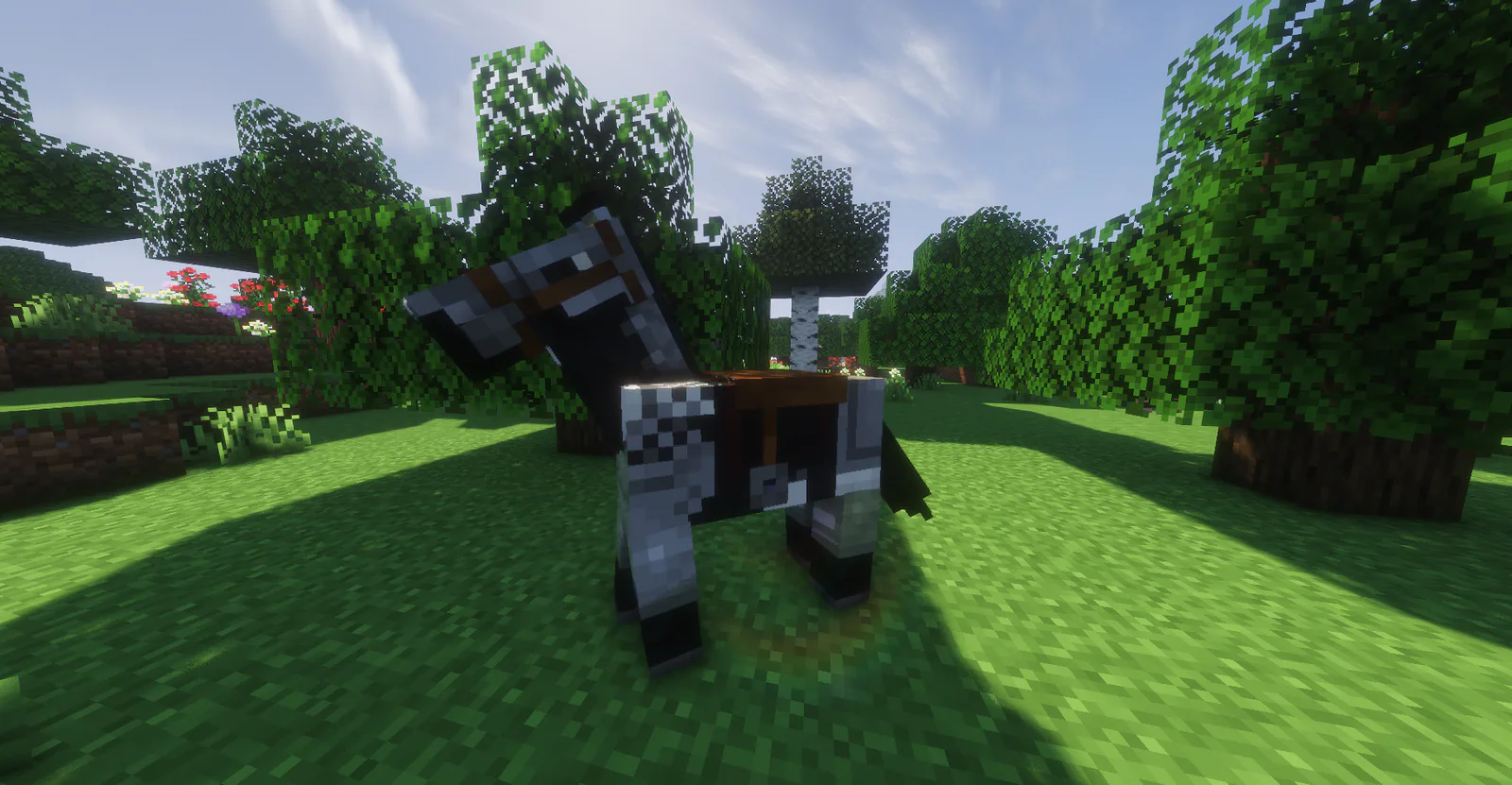
Once you have a horse tamed, you can equip armor to it be right clicking it with a piece of horse armor. Note that if you ever want to change the armor your horse has equipped, you can do that by opening your inventory while mounted on the horse.
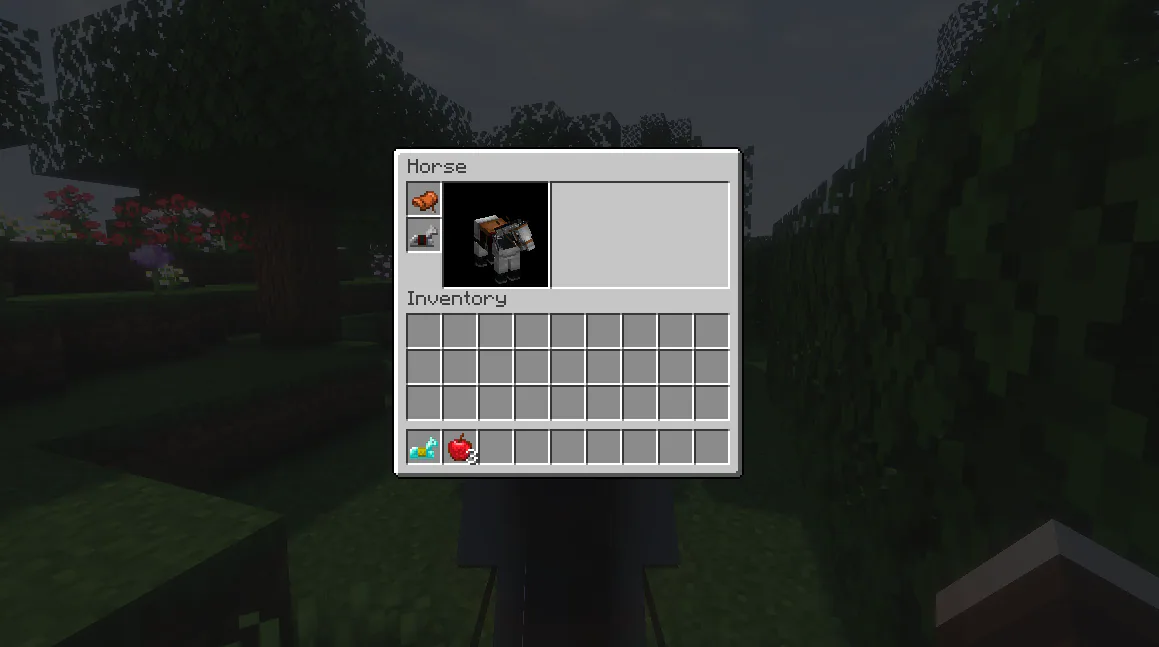
This will reveal the horse's inventory, including the saddle and armor slots for you to swap around!
Extra Horse Tips
You can not tame or mount a Foal (a baby horse), so make sure the one you're trying to mount is a fully grown horse!
If you breed together a horse and a donkey, you'll end up with a mule!
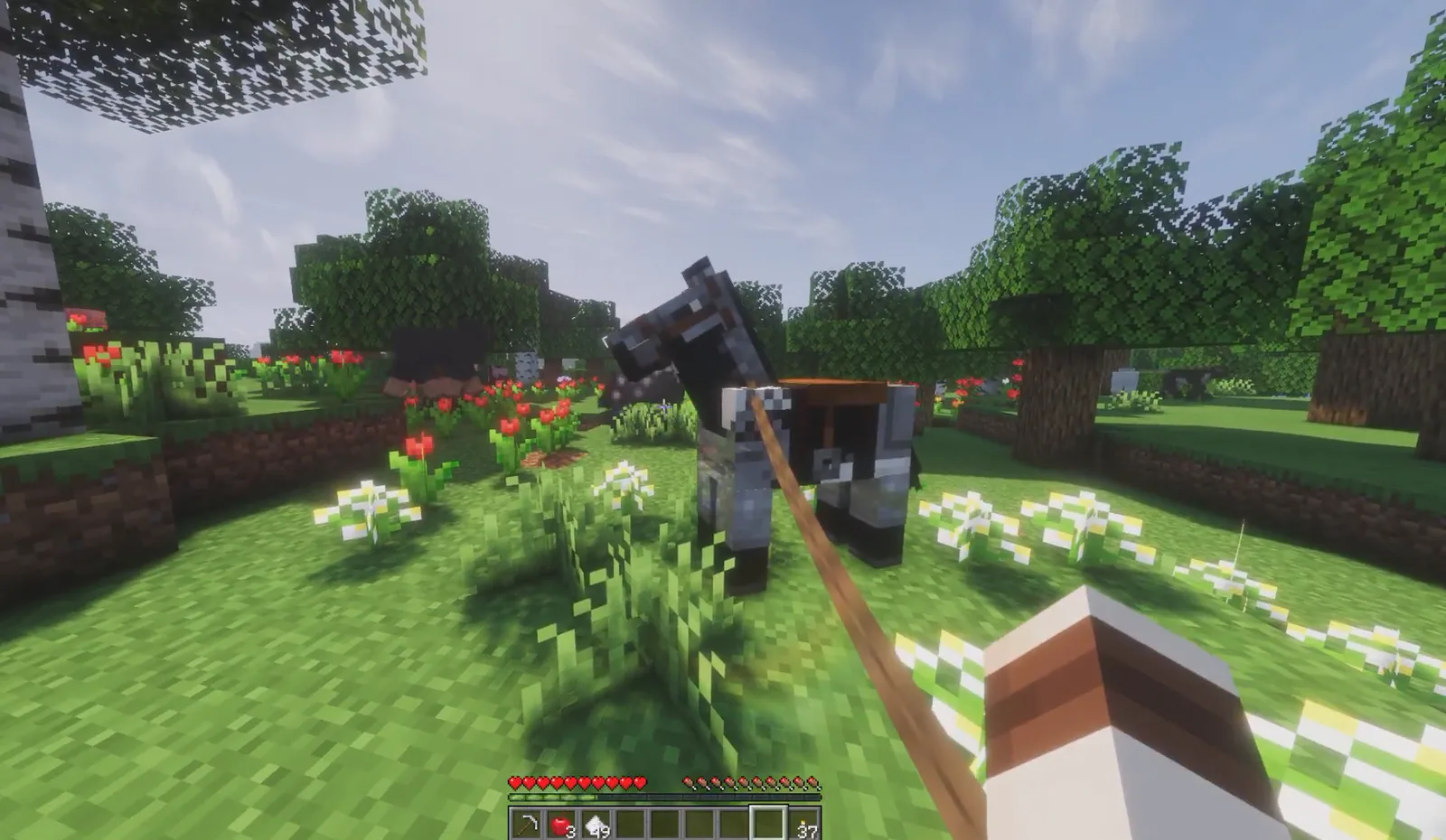
If you're struggling to tame a horse or you don't have a saddle yet, you can connect a Lead to any horse to guide it back somewhere safe.
Minecraft horses can spawn in the following biomes/area': Plains, Sunflower Plains, Savannas, Savanna Plateaus, Windswept Savannas, and Villages.
Horses have random stats generated when they spawn, which means the maximum health, movement speed, and jump height of each horse can actually vary in-game!