In this article

Easy Minecraft Server Hosting
While advanced options exist like self-hosting a Minecraft server on your own machine or on a VPS exist, the simplest way you can jump in and get starting hosting a Minecraft server is using a game hosting provider.
Hosting from home tends to include more technical requirements, including:
A powerful computer
A stable internet connection
Running your computer (or other machine/VPS) 24/7
Downloading Minecraft's server files yourself
Configure port forwarding for Minecraft on your router
Set up your own DDoS protection for your Minecraft server manually
Skip the Technical Setup
By using a Minecraft server host, you can skip of the complicated configuration and get your server online in just minutes! No technical knowledge needed; just choose a plan, use our setup tool, and your server will be up and running in only a few clicks.
Kinetic Hosting takes simplifying server hosting a step further with a completely custom server panel built specifically for Minecraft and similar games to make the experience even easier.
We're able to ensure better performance, lower latency, and tools built out especially for Minecraft so you can focus more on playing! See the chunks in your world directly from our server panel, see into other players' inventories to look into any mischief, and more.
If you're curious about our custom panel, take a look at our preview of it here!
Or, if you're ready to give things a shot, jump straight into one of our Minecraft Hosting services and get started today risk free thanks to our 7-day money back guarantee.
Key Takeaways
Regardless of how you host it, running your own Minecraft server puts you in control over the gameplay, mods, settings, worlds, and everything else!
Using a Minecraft server hosting provider like Kinetic Hosting can make managing your server even simpler thanks to custom tools and features built to simplify server management.
With Kinetic Hosting, you also have support to a 24/7, 100% human support team that can help you with any issues you encounter with your Minecraft server.
What You Need to Make and Host Your Minecraft Server
If you would still prefer to go the more technical route or host a server on your own computer, that's okay. To give things a shot, you'll first want to make sure your computer can handle what you'll be running, though!
Minecraft Server Requirements
To run a smooth Minecraft server, you need enough RAM, CPU power, and storage. While server providers provide RAM and storage from our own machines to you alongside a shared CPU, a server on your own machine will run off of the same hardware you play the game on yourself.
Here’s a rough guide:
4GB RAM – Small servers (2–5 players, basic survival)
6GB RAM – Medium servers (5–10 players, light mods)
10GB+ RAM – Large servers (10+ players, modded setups)
Kinetic Hosting’s game-specific VPS setup means you don’t have to worry about hardware management. More importantly, though, you won't lag when you play the game while hosting your server!
Since you need resources to play the game as well, that 4GB requirement to host a small Minecraft server can quickly become a minimum of ~16GB+ RAM on your computer accessible so you can play while you host.
How to Set up a Minecraft Server With Kinetic Hosting
Hosting a Minecraft server doesn't have to be complicated! If you're ready to give Kinetic Hosting a shot or even want to try out our custom server panel to see if it's right for you, here's how to make a server with us:
1. Choose a Hosting Plan
We offer flexible Minecraft hosting plans to choose from based on what you want out of your server! Just select the amount of RAM you'd like, or reach out to our 24/7 support if you're still not sure how much is right for your needs.
2. Access the Kinetic Panel
Once you've got your server, you'll be sent login information to access our custom Kinetic Panel! You're ready to log into your dashboard and explore all of the custom features available to you.
We have a great tour to walk you through your new server home and hosting dashboard to help you get to know how to install, configure, and manage your server.
3. Configure Your Server Settings
Now is the time to adjust any settings on your server and customize things to just the way you want (Gamemode, Difficulty, Mods or Plugins, Whitelist, etc.)! This way, you can customize your:
Gamemode: Choose between Survival, Creative, & Hardcore. Your server will be running survival automatically, so no need to change anything if this is what you're going for!
Difficulty: Run your server on Peaceful, Easy, Normal, or Hard difficulties. If you're looking for the default Minecraft experience, no need to go in and change anything!
Whitelist: If you'd like to protect your server so only people you know can join, now is your time to enable a whitelist! We have an awesome guide HERE on how you can set this up and add your friends.
Mods, Modpacks, & Plugins: If you're hoping to run any mods or plugins on your server, you can add them in just a few steps! For Plugins, you'll want to make sure your server is running a server type such as Paper or Spigot. For mods, you'll be looking for a modloader like NeoForge, Forge, or Fabric. Or, jump into a premade modpack altogether with our modpack installer which will handle the setup for you.
4. Start Your Minecraft Server
Once you're ready, you can hit the Start button on your server hosting panel, and your Minecraft server will start up right away. You can always come back to your Kinetic Hosting Panel to restart your server, update your Minecraft server, or tweak any settings anytime you want!
How long does it take to set up a Minecraft Server?
Compared to manual setups for Minecraft servers which may require command-line work, port forwarding, and hardware configuration, Kinetic Hosting completely automates that process for you.
You can be up and running with a Minecraft server in under 5 minutes, including the time it takes to pick your plan! We do everything we can to make the process as quick and beginner-friendly as possible, and have a support team on standby to help if you ever have any questions.
Best Modpacks & Plugins For Your Minecraft Server
If you're not quite sure yet what you want to run on your server, and haven't settled on the regular vanilla / default Minecraft experience, that's okay! There are some super popular options you can enable with just a couple of clicks.
Installing Popular Mods and Modpacks
Mods let you add all sorts of new content to the game like new weapons, game mechanics, biomes, and more! Some of the most popular premade modpacks (a bundle of these mods) you can choose from to jump straight into a modified version of the game include:
RLCraft: A hardcore survival experience with added realism.
Pixelmon: Combines Minecraft with Pokémon-style gameplay.
SkyFactory: A skyblock challenge with automation and tech mods.
Installing Plugins (a more vanilla alternative to mods)
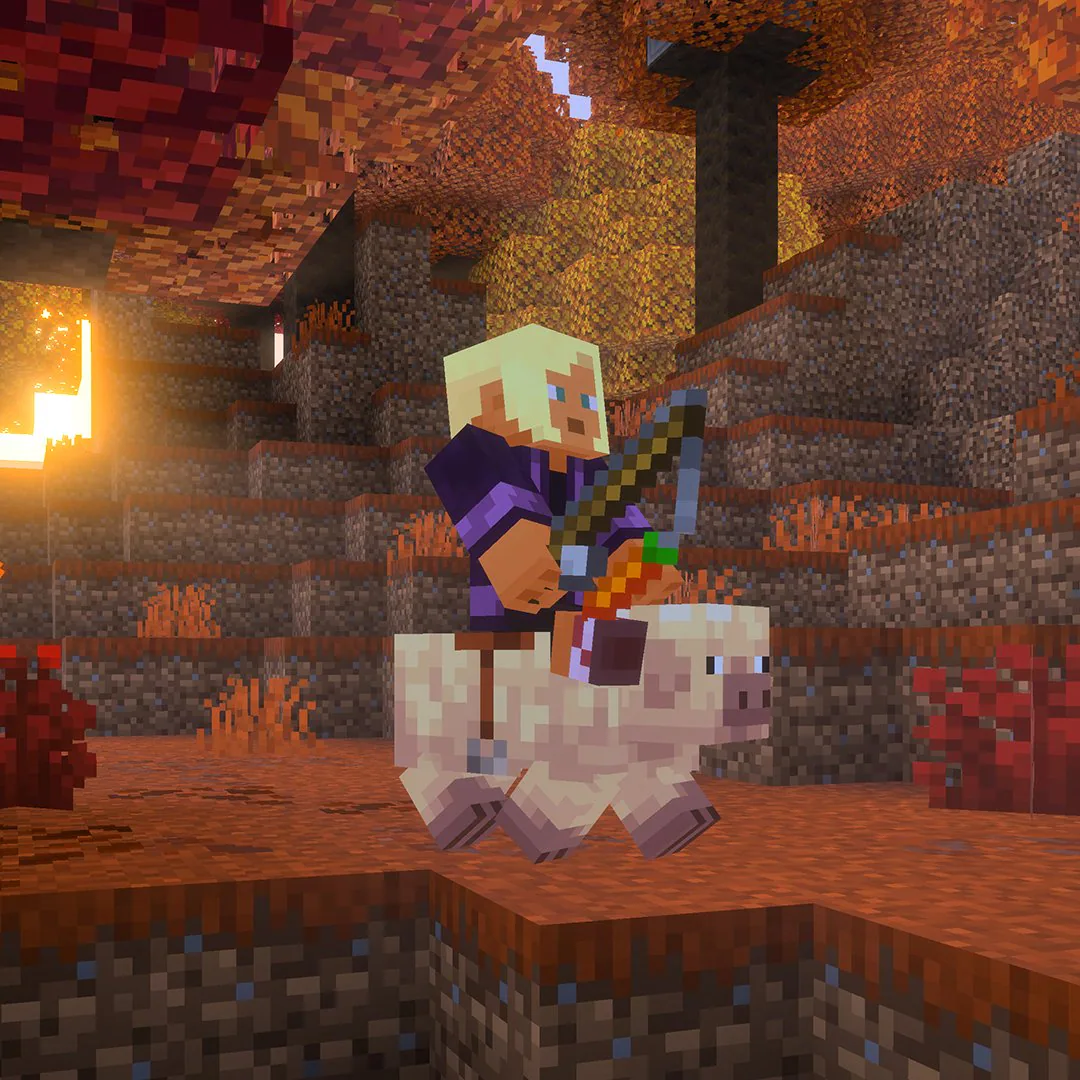
If you don't want the hassle of needing every player to install mods on their own computers in order to join your server and match your server's modlist/modpack, plugins are the next best thing!
These generally can't change the game as much as mods can, but allow anyone to play without needing to change anything on their site. Plugins run on server types like Bukkit, Spigot, or Paper, and include some especially popular options like:
EssentialsX – Adds commands for teleporting, economy, and more.
LuckPerms – Manage player permissions and ranks.
WorldEdit – Allows for large-scale building and editing.
You can use plugins to set up custom minigames on your server (including nostalgic games like Hunger Games and Spleef), improve its security, and more!
What If I Need Help With Minecraft Hosting?
Server hosting might not always seem straightforward! It's totally natural to have some questions as you get started, and everyone begins somewhere.
That's why we offer 24/7 support with a 100% human support team that's always around to help answer any questions you might have! We also have our very own knowledgebase full of Minecraft guides and information to help you along your journey.
Start Hosting Your Own Minecraft Server Today!
Now that you know more about the options for making a Minecraft server, consider checking out our own Minecraft hosting options to get your very own multiplayer world set up in just a matter of minutes.
Our servers have full support for all the mods, plugins, modpacks, and game versions you could ever want to run. With the custom Kinetic Panel, our dedicated support team, and constant updates to keep things running smoothly, you can't go wrong in making Kinetic Hosting the home to your Minecraft server.