In this article
There are 5 main colors of Axolotls in Minecraft, and you can collect all of them! We'll help cover the basics on how you can locate and catch Axolotls so you can create your own little aquarium of them, even including the super rare blue axolotl.
1: Prepare a Bucket
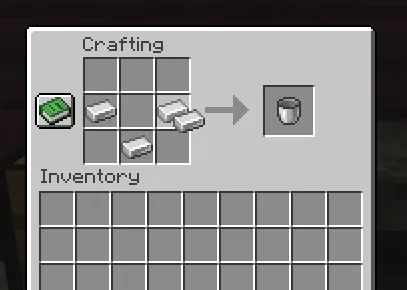
You can skip this step if you already have a bucket of water, or you already know how to create one.
To create a bucket, you'll need to place 3 iron ingots in your crafting grid as pictured.
Once you have the empty bucket, you'll need to first fill it with water by right-clicking any water source block (ie. from a river or ocean) before you can hold an axolotl in it.
2: Find a Lush Caves Biome
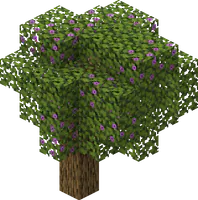
Axolotls will only spawn in the understand Lush Caves biomes in Minecraft. These are notoriously located underneath Azalea Trees around the world, which can help give you a hint at where they are (featured on the right).
This cave biome tends to generate most frequently in Jungle, Dark Forest, Taiga, and Wooded Badlands biomes thanks to the higher humidity values in those areas. Conversely, they can not generate in regular forests, savannas, or plains.
Alternatively, if you want a shortcut to finding a biome, you can also use Minecraft's /locate command to find the coordinates of one. In this case, you will want to use the "/locate biome minecraft:lush_caves" command, which will then print the coordinates of the nearest matching biome in the chat for you.
3: Find & Catch an Axolotl
Once you are in a Lush Caves biome, you'll want to look for a patch of water. They're guaranteed to spawn in these locations when they have a clay block within 5 blocks beneath the area where they would be spawning.
If you find a Lush Caves biome and are having trouble getting them to spawn, consider placing clay blocks beneath the natural water sources in the biome in order to fulfill that spawning requirement.
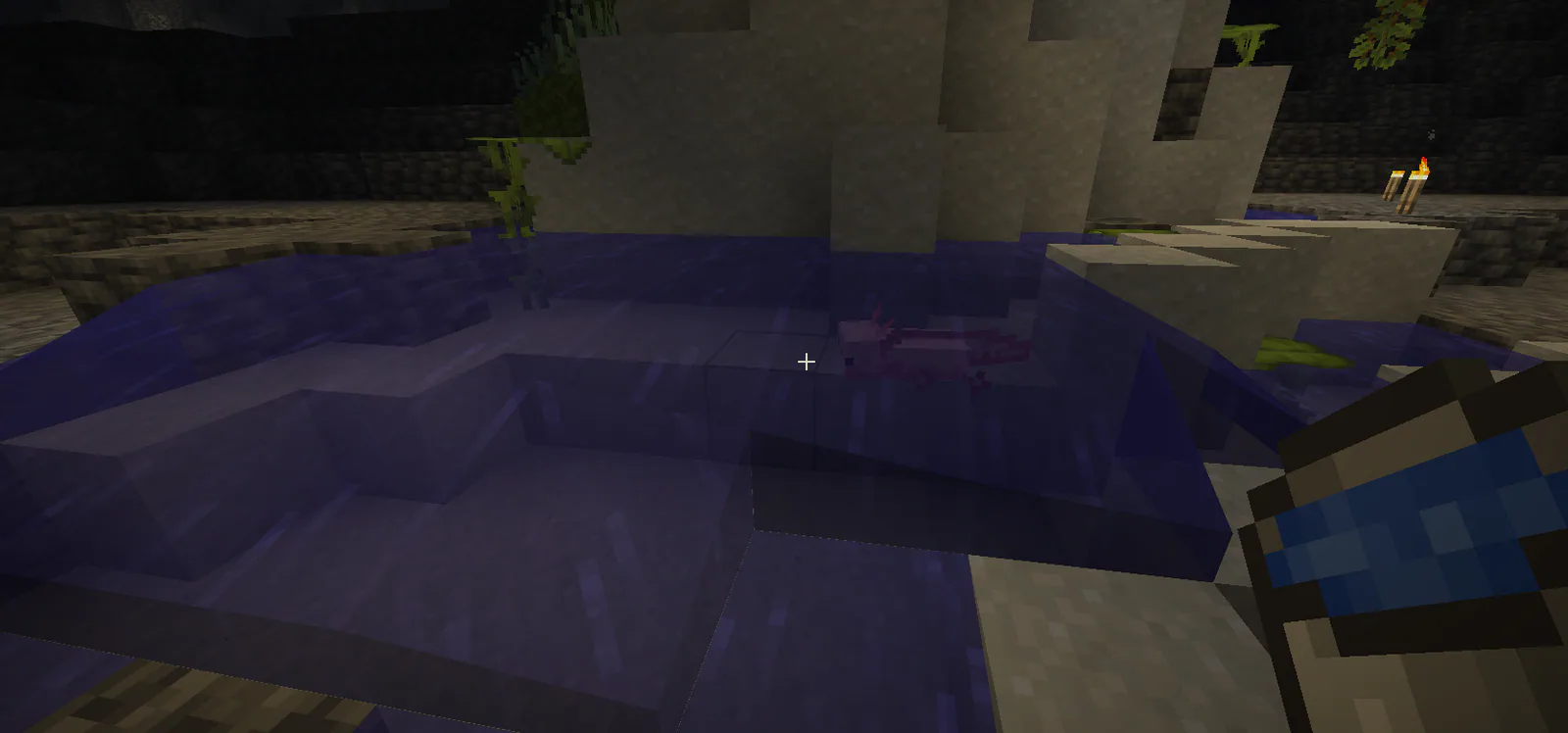
Once you've found an axolotl, though, you can right click it with your water bucket in-hand to pick it up! They will also follow you (similar to a pig when you hold a carrot) if you hold a bucket of tropical fish, though that shouldn't be necessary for catching them naturally like this.
4: Build your Aquarium!
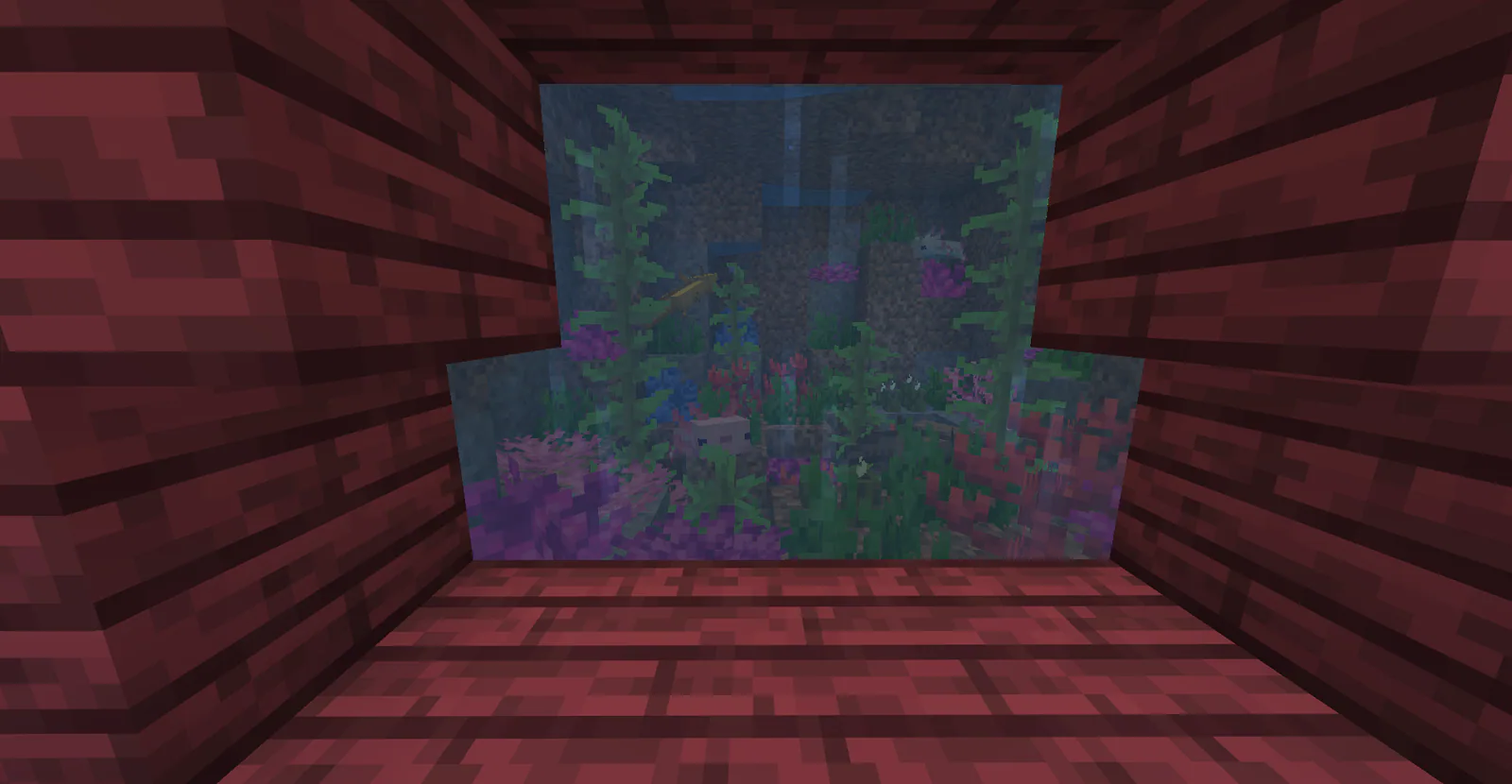
That's it! If you want to create a little aquarium for yourself to collect the different colors of axolotl, now you've got the resources to do so. Get creative with your design, and let them swim around on their own and explore the area you've made for them.
Axolotl Tips
Blue axolotls are extremely rare, and do not spawn naturally. They have a 1/1200 chance of spawning as a result of breeding two axolotls together using tropical fish.
If you kill a mob/creature that's attacking an Axolotl, any mining fatigue effect you have active will be removed, and you'll gain the regeneration effect for 5 seconds.
Axolotls will eat other (tropical) fish around them. Keep that in mind if you want to include other fish in your aquarium!
Axolotls will run out of air after 5 minutes outside of water, but are fine walking on land within that period.