In this article
We're coming up on Minecraft's Fall 2026 LIVE event, and we already have some teasers as to what's being announced! We'll be covering all of the news from the show on our blog here, but for now will break down some of the things we can expect and where you can watch it!
Minecraft LIVE Fall 2026
The coming live show will take place on September 26, 2026, at 1:00 PM EDT (6:00 PM BST).
Following past trends in how live events have been handled, you'll be able to tune in from the following places primarily:
These streams usually aren't long, so tuning in should be kept pretty easy! Streams typically last about 30 minutes, though they also often have another 20-30 minutes afterwards with some extra developer insights known as, "The Deep Dig."
What to Expect
We currently have some early teasers and information about the coming live that we know Mojang will be announcing!
First of all, Minecraft: Dungeon 2 will be formally showcased and announced in the live! Tuning in to the stream will also be able to reward you a blue creeper styled Minecraft cape to celebrate the coming release of the game.
They also plan on covering the 26.3 update officially, which we also covered the complete patch notes of on our blog previously!
Now although it's unofficial news, there's a lot of ongoing community speculation that an update to the end may be announced, teased, or otherwise revealed in Fall 2026's Minecraft LIVE. Players have noticed the increased presence of certain end-related hints in recent update posts, including the trailer for the live, such as recurring endermen or eyes of ender.
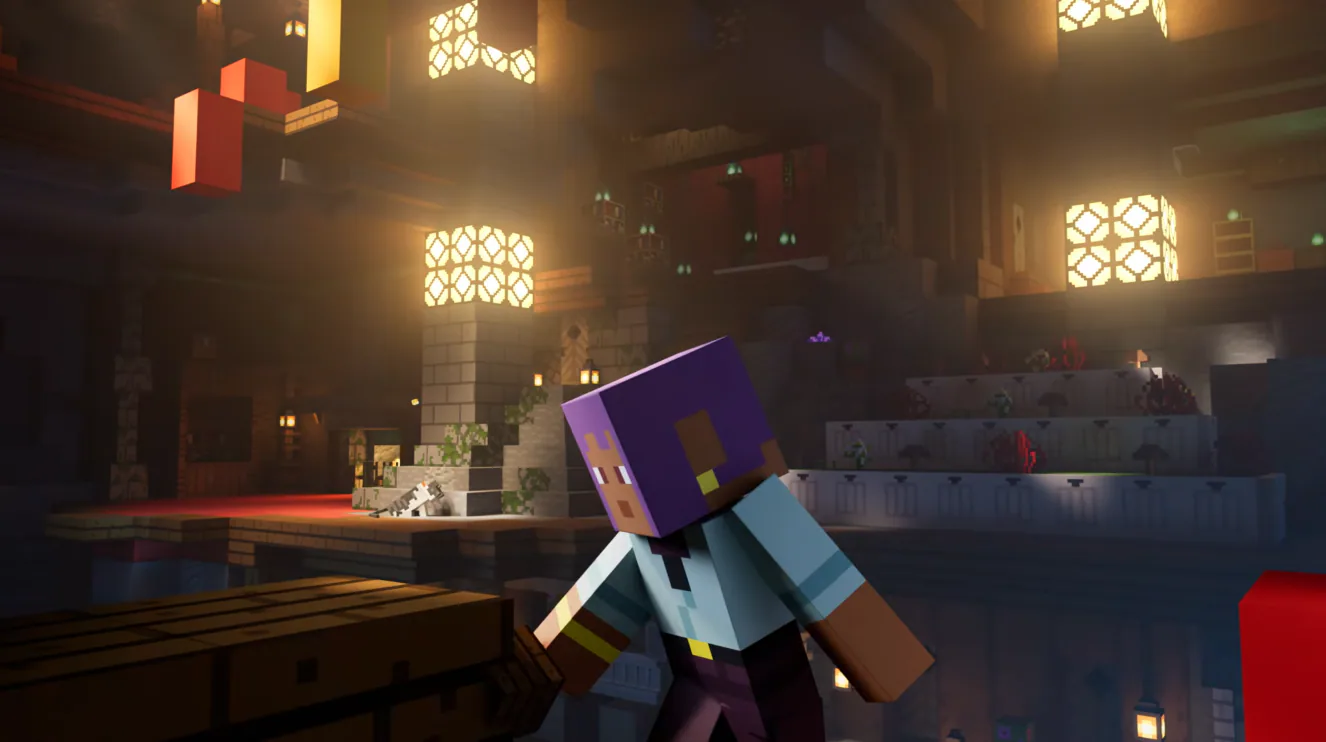
Whether or not there's any substance to the rumors remains to be seen, and makes tuning into the live event even more exciting! There's no official news on what to expect beyond the reveal of Minecraft Dungeons 2 and a recap of the latest update, so be sure to tune in live or follow our blog to stay up to date on everything we know!