In this article
Valheim 1.0's big 1.0 release is almost here, which means it's time to get your worlds and servers ready for all of the new content coming! For those that missed it, we recently published a blog post on some of the core changes you can expect in the latest update here:
Valheim 1.0 Release Date & What to Expect
To help get you ready to hop into the Deep North or exploring the other new content to the game, we'll break down some common concerns and what you need to do to be prepared.
What happens to my current world/save?
You can choose to use your existing save if you want! There's no need to reset things in order to play the new update.
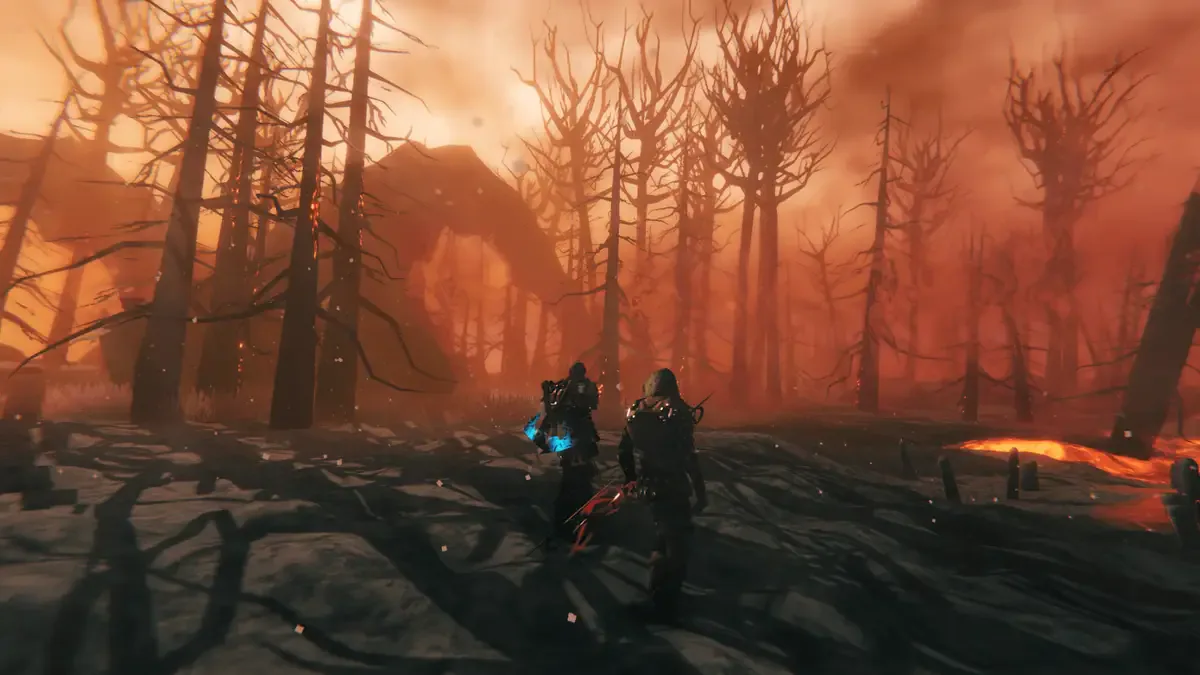
With that said, you may encounter issues with content generating in your world within areas you've already explored. The general rule of thumb for updates to the game are that the areas that you're been to/visited already will not generate new content like structures, but anything you haven't yet explored will see the new content loaded when you get there.
Should I make a new world?
The developers recommend that you make a new world if you're comfortable with doing so!
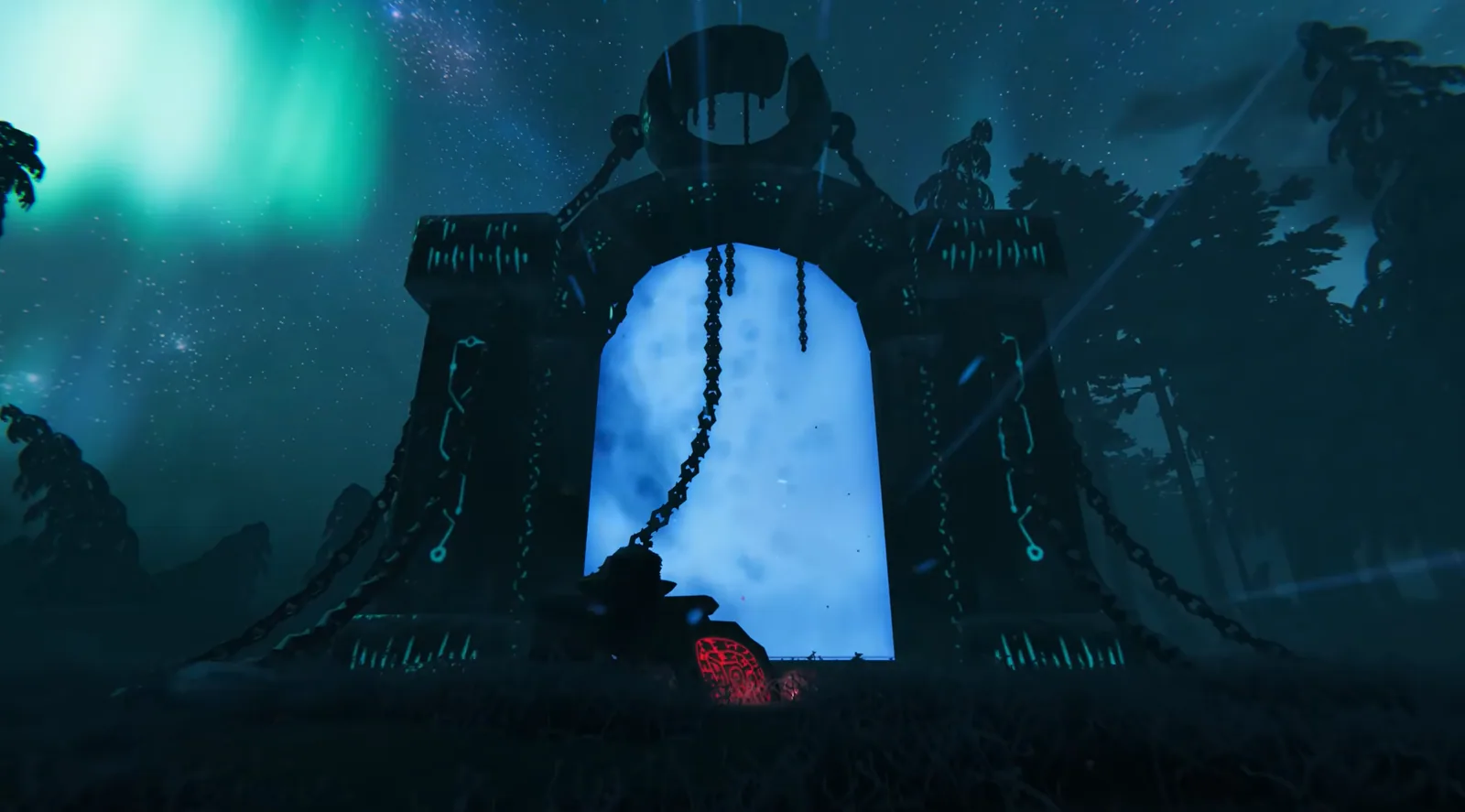
Valheim 1.0 comes with a massive new biome/region, lots of new enemies and achievements, new equipment, new dungeons, and so much more content that would be a shame to miss out on. While a lot of this content will generate in newer areas like the Deep North, restarting your save will help give you the most pure experience possible with the game in its most complete form ever.
We have a great guide on how you can reset the world/save on your server here for those looking for that complete experience that the developers recommend:
How To Reset Your Valheim Server World
What happens to my mods?
The developers haven't made any changes to block mods, so while there still isn't any official mod support for Valheim 1.0, they still invite players to mod the game unofficially and play their own way.
Since these mods are unofficial, Iron Gate Studios isn't able to guarantee mod functionality at all. Your best bet is to start off Valheim 1.0 without any mods enabled, though, as most will likely need to be updated to support the new update and be compatible.
Hosting a Valheim 1.0 Server
If you don't have one already, it's a great time to get a server ready for Valheim so you can play with your friends and others once the update drops! There are lots of new dungeons, enemies, and new boss content to explore, all of which you can tackle with a group of players instead of just on your own.
You can get started today with our Valheim server hosting options, all of which will receive the new update content the second it drops on Steam! If you have a server ready in advance, it's as simple as pressing a restart button on our custom server panel to immediately load up the new update and get started playing.
If you have any other questions about how to get started, please feel free to reach out to our 100% human support team anytime through our help portal or our Discord server here! We are always around and are more than happy to help.