In this article
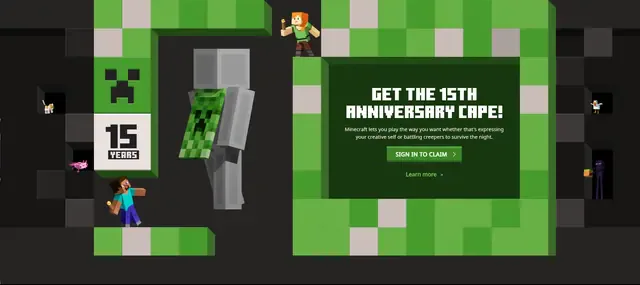
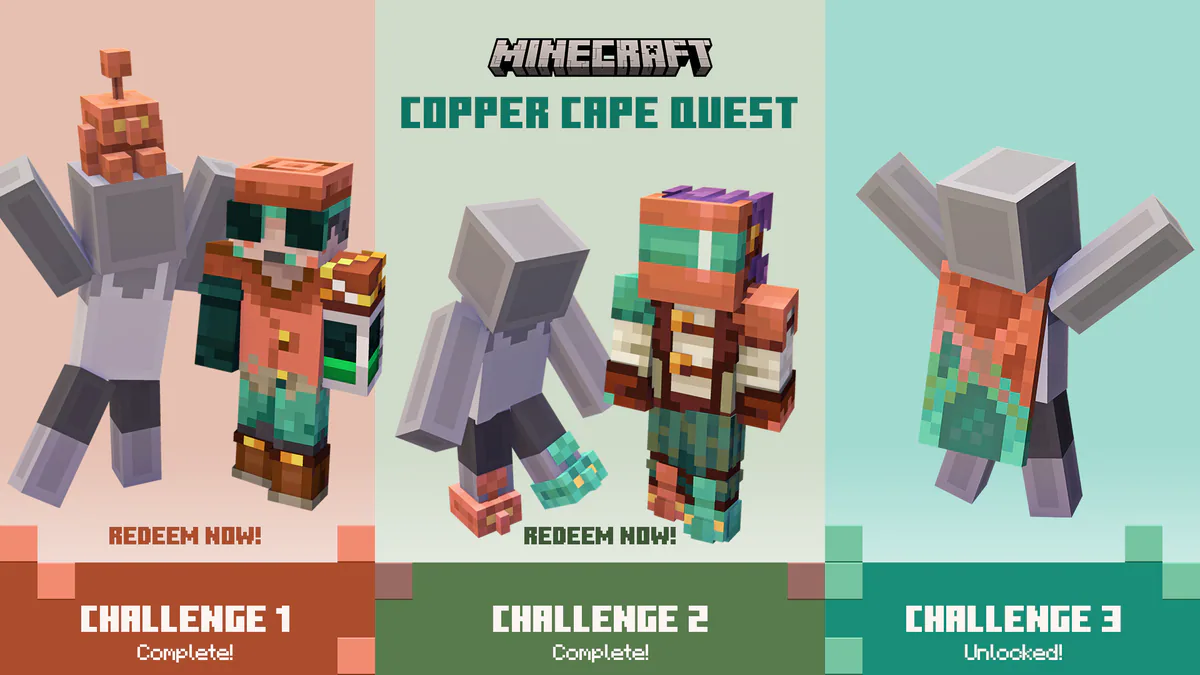
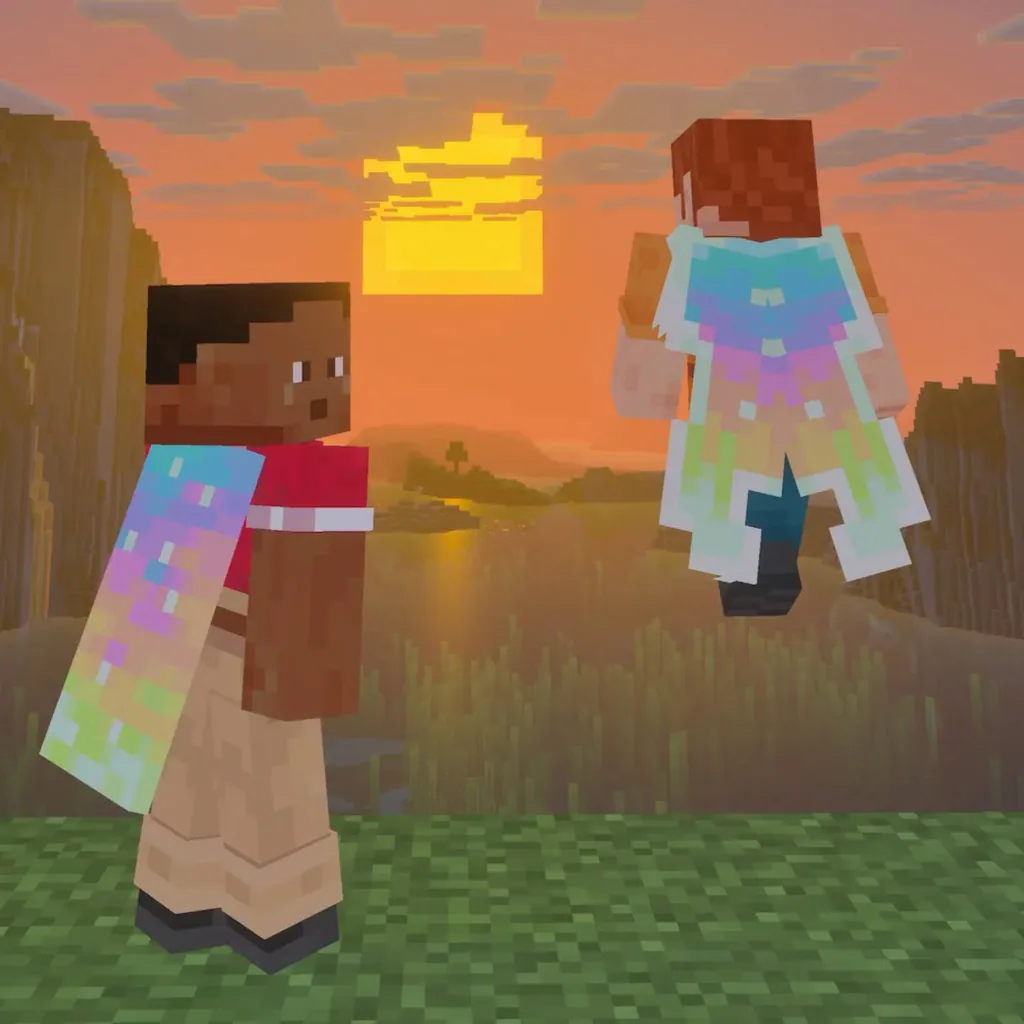
As part of the celebrations for the release of Minecraft Dungeons II, Mojang has launched a special campaign which lets you get an exclusive cape for the base Minecraft game for free! Here's how to get and redeem your cape so you can spruce up your look in Minecraft.
How to Get the Aurora Cape
In order to receive the cape, you'll need to watch a few minutes of any affiliated livestream of Minecraft Dungeons II on either Twitch or Tiktok. The steps and length you need to watch vary by platform, so we've broken it down below!
Watching on Twitch:
Watch any livestream that has drops enabled for 15 minutes in the Minecraft Dungeons II category.
You can click here to immediately view the category on Twitch.
NOTE: Twitch is currently delayed in the campaign launching on their platform. In the meantime, you may want to focus on getting the Aurora Cape through TikTok!
Watching on TikTok:
Watch any Minecraft Dungeons II livestream for 3 minutes on TikTok to earn the cape, then tap the notification on-screen when available.
NOTE: You must be logged into a valid TikTok account in order to earn this reward.
How to Redeem a Minecraft Cape Code
You can redeem any codes you get for the game on Mojang's Redemption site.
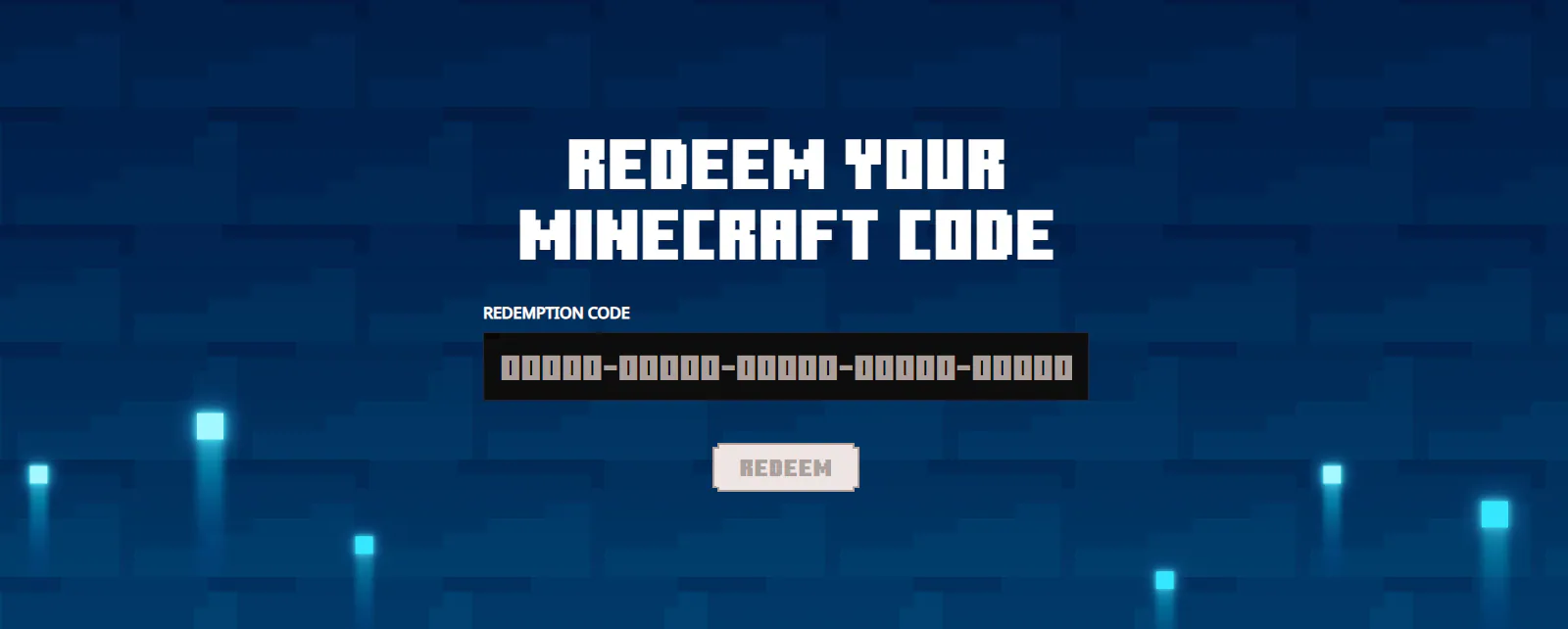
Once you input the code for your cape, you'll be prompted to log into your Microsoft account (if you aren't already signed in), and will then register the cape for your player!
How Long Do I Have to Claim My Code?
Earning your cape can be done any time from September 29th (07:00 UTC) to October 15th (06:59 UTC) in 2026. Any codes you earn during this time will remain available a bit longer, though!
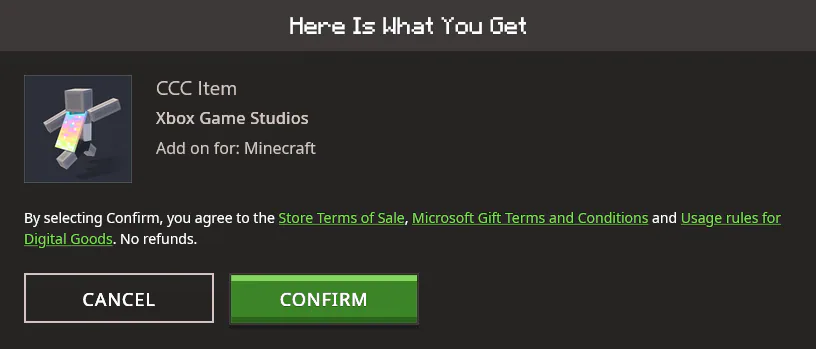
Codes you already earned during the campaign period will remain available to redeem up until their expiry date, set for October 31st, 2026.
What if I didn't receive my Minecrat cape?
Some players have reported that the cape isn't available to wear right away. You're not alone!
It can sometimes take up to a few days for the new cape to show in your account. If it hasn't appeared by that time, consider reaching out to Minecraft's team directly to let them know! You can do that from their help page here.