In this article
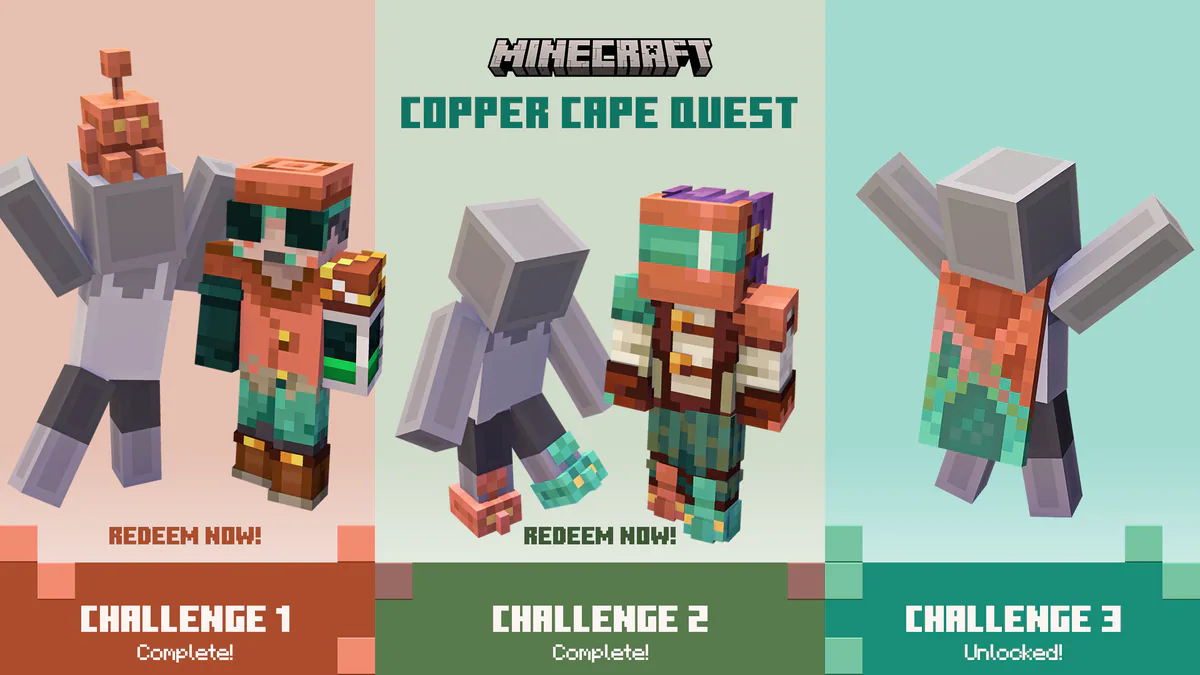
Minecraft has released a 15 Year Anniversary Cape to celebrate 15 years of the game and its wonderful community. This means, if you own a Minecraft Java or Bedrock account, you can claim this cape for FREE. This cape is similar to the Minecon 2011 cape with a bit more of an updated look and a hidden "15" number behind the cape.
To claim the cape you will need to go to the Official Minecraft Website.
Make sure you are signed into your Microsoft account and click on the green "Claim Cape" Button.

How to equip the cape on Java Edition.
1 When you have the launcher open, make sure you have Minecraft: Java Edition selected.

2 Now, select on the "Skins" button on the top of the menu

3 Select on your skin & click on Edit, from there you will see the Capes you own.
4 You can click on the cape you want to equip.

How to equip the cape on Minecraft Bedrock
1 Launch Minecraft Bedrock.
2 Head to the Dressing Room
3 On the left side, you'll see a cape icon, click on that.

4 From there, you will see your Owned capes. You can select the 15th Anniversary Cape from this screen.

5 Once you click on the cape, click on the Equip button under your skin.

That is how you Reedem and equip the 15th Anniversary Minecraft Cape for Java Edition and the Bedrock Edition.