How to Disable Fire Spread in Minecraft
Posted by Dals | 14 August 2026
Apart from creepers, fire spread can be one of the most destructive forces in Minecraft. A single fire can quickly grow to be a force that wipes out an entire village or area of a forest.
Its dangers aside, spreading fires can also be the cause of a lot of lag on servers and for game clients! As a result, a lot of players opt to disable this altogether. We've covered the easiest method to do this across different versions of the game below!
Permissions Required
As is the case for any other gamerule changes, disabling fire spreading on your server or world will require that you have cheats enabled (if in singleplayer), or to be 'op' on your Minecraft server.
On the singleplayer side, this is something that you would select during the world creation step before you start playing. For servers, however, you can grant permissions anytime as long as you have access to the server's console!
In those cases, you will be able to enter the op USERNAME command into your server console to grant yourself permissions, such as:
op Sherman
-1767798752175-optimized.webp)
We also have an awesome visual guide on the full steps necessary to op yourself on your server here for those having any trouble.
Minecraft 1.4.2 - 1.21.10
Mojang changed the formatting and functionality of many gamerules with the 1.21.11 update to the game. For those playing on earlier releases, you will want to use their traditional "camelCase" formatting.
The full command to use on these version is:
/gamerule doFireTick false

Minecraft 1.21.11 & Beyond
Following the changes made in the 1.21.11 update to the game, the fire spread gamerule was reworked both in formatting and functionality.
For our purposes (disabling fire spreading altogether), the command to achieve this in these versions is:
/gamerule fire_spread_radius_around_player 0

Bedrock Edition
For Bedrock Edition players, your gamerule formatting hasn't changed! You will be able to disable fire spread using the traditional /gamerule dofiretick false command.
Note that this will still require cheats permissions to be enabled through your server settings, or in your world settings menu for singleplayer.
Start Your Own Server
Looking for a game server? Get set up in a few moments. With our one-click installers and simple packages.
Related Posts

RAM, Minecraft, and Game Servers
One of the most common misconceptions we see with game servers, especially Minecraft, is that RAM is something you should try to save. In reality, servers will use RAM if it’s available, and that’s usually a good thing.
Chris4 January 2026
How to Get Mob Spawners in Minecraft
Being unable to mine mob spawners around your world can be frustrating. But there are a few ways you can still make this possible in your server or world!
Dals25 August 2026
How to Enable Keep Inventory in Minecraft
A quick guide on how to avoid losing items when you die in Minecraft in multiplayer & singleplayer, no matter what version of the game you're playing on.
Dals10 August 2026
How to Install a Minecraft Snapshot Release
Looking to try out the new features coming to Minecraft, or play on a specific snapshot? We'll help walk you through the easiest method of installing them!
Dals3 August 2026
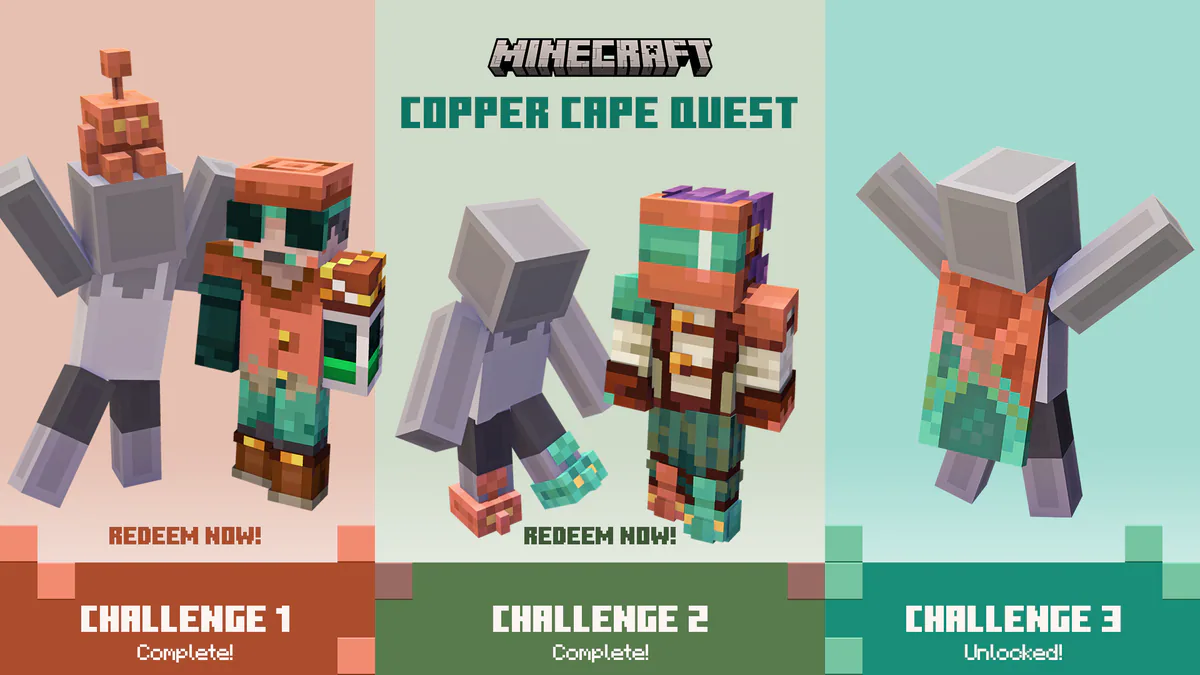
How To Get The New Copper Cape In Minecraft!
Mojang have released a new Copper Cape which has 3 ways to obtain, read to find out how to get it! Available in both Java and Bedrock editions of Minecraft
Cole16 October 2025
The Best Cobblemon Modpacks in 2026 Based on Playstyle
There are so many modpacks built around Cobblemon out there, and that list just continues to grow. Find out which is right for you based on your playstyle!
Dals15 July 2026