Hytale's Second Update
Posted by Cole | 27 January 2026
The Hypixel Studios team has released the second update for Hytale, just 1 week after the last update, it seems they’re continuing to steadily release more content.
This week’s patch notes have new Cosmetics, Gameplay & Balance changes, World Generation information and much more!
If you want to play this update or future updates of Hytale with your friends, check us out at Kinetic Hosting, we offer the cheapest, most-performant and feature-rich Hytale Server Hosting. You can see our Hytale plans here.
Update Changes
Cosmetics & Customisation
New Avatar customisation options have been added for everyone.
Bandit Mask + Side Knot (Variant)
Blindfold + Thick (Variant)
Bandage Blindfold + Thick, Left Eye, Right Eye (Variants)
Vampire Mouth
Cute Mouth
Orc Mouth
Added white colour to fantasy cotton cosmetic colours
Updated visuals for the following haircuts:
Single Side Pigtail
Hair Stick Bun
Simple Bobcut
Fighter Buns
Smart Elven
Windswept
Added new armour slot visibility toggles next to equipped armour, accessible directly in the character panel.
Server hosts can disable/enable this feature to enforce rules for PvP/Immersion Purposes.
Improved animations for capes when the player is running.
Gameplay & Balance
A new item was added that allows the user to raise skeletal minions from nearby bone piles.
Has a chance to drop from the large Praetorian Skeleton.
Adamantite now requires a Thorium or Cobalt pickaxe to be mined.
Mining and pickaxe progression has been adjusted.
Lower tier pickaxes now deal much less damage to higher tier ore blocks.
Upgrading to a higher quality pickaxe significantly reduces the amount of hits required.
Buffed Polar Bears.
More decorative light recipes have been added to the furniture bench.
The following NPCs will now drop Medium Hide instead of Light Hide:
Bison
Boar
Cow
Horse
Warthog
The Magma Toad has been adjusted.
Tongue damage has been significantly reduced.
It now alternates between it’s Tongue attack and a new ability: Headbutt
Petals are now craftable in the furniture workbench under the Textiles category
This makes them renewable as Yellow Petals can be farmed from growing Sunflower Seeds.
All crafting requirements used to make different coloured Petals are renewable resources.
Lighter variants for each Cloth Block can now be crafted using a combination of Petals.
World Generation
WorldGen V2 has now been prepared for public documentation to help modders.
New Default_Flat & Default_Void templates have been added using World Gen V2.
The Creative Hub Portal now spawns with World Gen V2 flat worldgen.
Results in clear weather and limited fog, but only works in new creative worlds.
Major refactor of ore placements in all zones. You will need to explore new chunks for old worlds to see this change.
Results in more ores, especially in Devastated Lands undergrounds.
Farming
Eternal crops no longer break from accidental weapon damage.
Increased tilled soil lifetime.
Now it lasts longer between 1.2 to 1.5 days.
Fixed soil decay under fully grown crops.
You can now hold torches in your offhand whilst using the Hoe and Seeds.
Breaking fully grown Eternal crops will drop their seeds back.
Harvested crops can now be placed on the ground when crouching.
Recipe requirement costs have been adjusted for Hoes.
Hoes now unlock at different farming bench tiers.
Copper is now Tier 2 instead of Tier 4.
Iron is now Tier 4 instead of Tier 8.
Thorium has been added at Tier 6.
UI / UX
Improved the editor block tooltip descriptions.
Tooltips will now display the name of colours when hovering over colour options in the Avatar Customisation menu.
Made improvements to the visibility of the hot bar active-slot by increasing contrast and adding a diamond indicator.
This makes it easier to see the hot bar active-slot, when in brighter environments like the Howling Sands.
The categories of Memories are now sorted alphabetically when being viewed via “The Heart of Orbis”.
Scripted Brush QoL improvements.
Added missing entries to filters, and removed invalid blocks from filters.
Fixed various bugs in existing scripted brushes.
Added decoration and cave brushes.
Removed redundant scripted brushes.
Updated the JumpIfBlockType note to use a single offset instead of a list of offsets.
Inventory interaction updates
Better double click handling, you can now click faster.
Shift + Clicking on armour will now directly equip it if no armour is currently equipped in the respective slot.
QERT shortcut keybinds have been added for the inventory “quick actions” (Put all, Pull all, Quickstack and Sort).
Shortcuts now display in the tooltip when hovering over “quick action” buttons such as “Sort Items By Type (T)”.
An “FPS Counter overlay” option has been added to the settings menu.
This can be found under General > User Interface.
The current FPS will be displayed in the top right corner of the game when this is enabled.
Made various improvements to player markers.
Player markers now display on the compass.
Removed “Player: “ prefix from the player markers on the map.
Player names will always render on the map.
Added toggle buttons for map/compass visibility in the maps player list.
Players at different heights will have a different icon (up/down indicators) in the compass.
Added Ophidiophobia accessibility mode.
This can be found under Gameplay > Accessibility.
Turns Snake models into Hatworms.
Audio & Visual Effects
Added all missing basic Rex sounds.
Updated the bones item drag/drop inventory sound.
Fixed a bug in a Howling Sands cave track.
Updated all food particle tints.
Bug Fixes, Tech & Stability
Introduced a server auto-update system, including configuration options and new commands for update management.
Added a new UpdateModule core plugin and integrated it into the server boot process, allowing the server to check for and apply updates, notify players, and handle staged updates.
Introduced UpdateConfig in HytaleServerConfig with fields for enabling updates, check intervals, notification preferences, patchline selection, backup options and auto-apply modes. Includes serialisation support and getter/setter methods.
Added a new shutdown reason ShutdownReason.UPDATE to indicate when the server should restart to apply a staged update.
Added new /update commands and detailed server messages for checking, downloading, applying and managing updates, including player notifications and auto-apply warnings.
Updated the release workflow to include launcher scripts (start.sh, start.bat)
Made improvements to rendering shadows to fix various issues.
Fixed middle click “Pick Block” when the hot bar is full in creative mode.
Now when middle clicking a block in creative mode when the inventory is full, it will replace the current slot with the newly picked item.
The Asset Editor will now display documentation in tooltips.
Fixed issues with Mantling detection which results in many unintended behaviours.
Implemented a fix to persist cleared keybinds across sessions.
Made some adjustments to improve weather transitions to reduce jarring visuals.
More improvements will be made in future updates.
Fixed an issue when using teleports to avoid accidental collisions by applying an offset.
Rail carts now consume correctly and place properly.
Bed respawning in unloaded chunks has been fixed.
Fixes an issue where the collision checks always failed if there were no loaded chunks.
Major server stability, validation, ECS, localisation and timeout improvements.
Refilling containers now targets the closest block of water rather than requiring you to aim at a block behind/ under water.
Fixed some types of items displaying oversized placement previews.
Fixed an issue with the Berserker haircut texture tiling.
Fixed glasses textures from inheriting the cosmetic colour on the lens highlights.
Added permissions for world map teleporting.
Prevents players from sending packets to the server and teleporting anywhere they want without Op.
Emerald Wilds dungeon and other environments have been fixed.
Fixed sending player marker updates whilst the map isn’t open.
Fixed player markers flickering when hovered on the map.
Other player names are more readable when zoomed in on the map.
What’s Next?
The next steps are to enjoy the new update! I’m sure there are many more changes coming soon! If you want to play this update with your friends, check out Kinetic Hosting’s Hytale Plans here.
Start Your Own Server
Looking for a game server? Get set up in a few moments. With our one-click installers and simple packages.
Related Posts
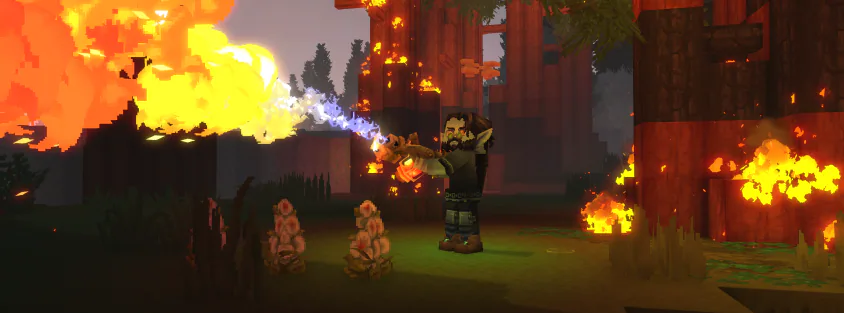
Hytale's Third Update
Hytale just released their third content update, they shared that updates will come out every 2 - 6 weeks so these are likely to slow down a decent amount!
Cole20 February 2026
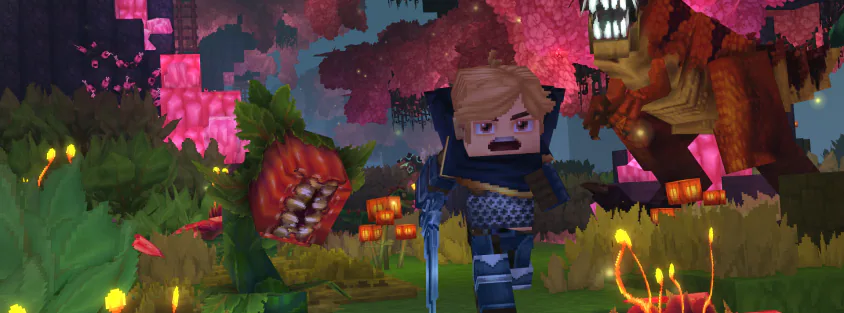
Hytale's First Update
Hypixel Studios just released the first update for Hytale, if they continue like this then the game could be huge! Read on to find out everything they have added and changed.
Cole20 January 2026
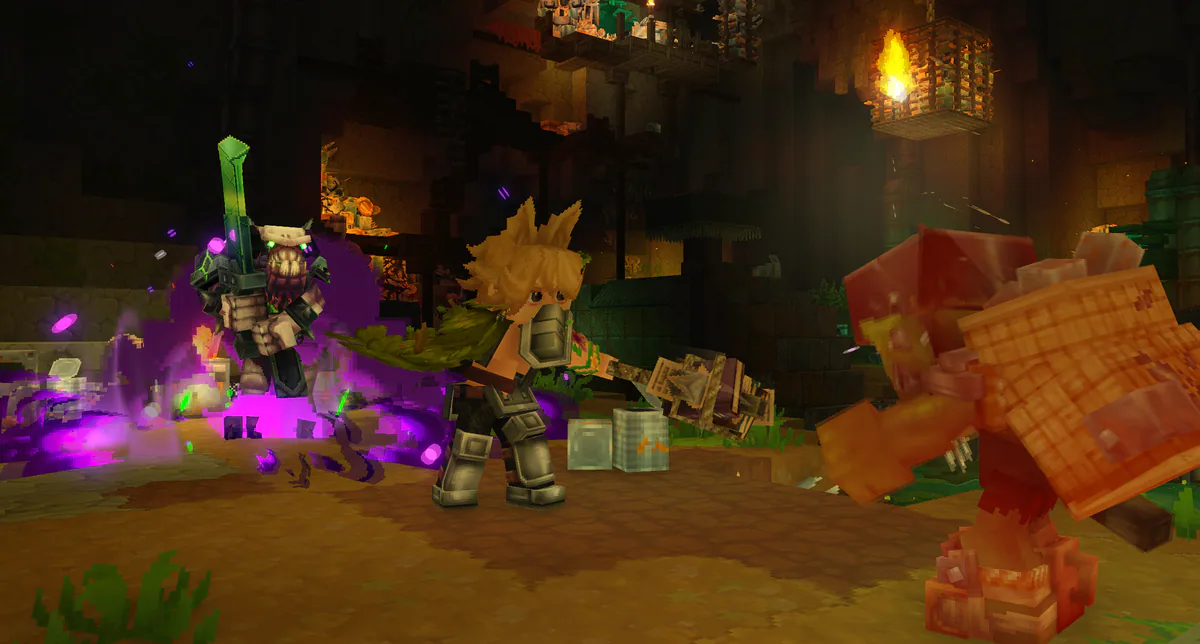
Hytale: New Changes Coming in Chapter 1 & Beyond
Hytale's developers have shared a glimpse into all of the things they're working on. We'll help cover all of the changes you can expect in future updates!
Dals17 July 2026
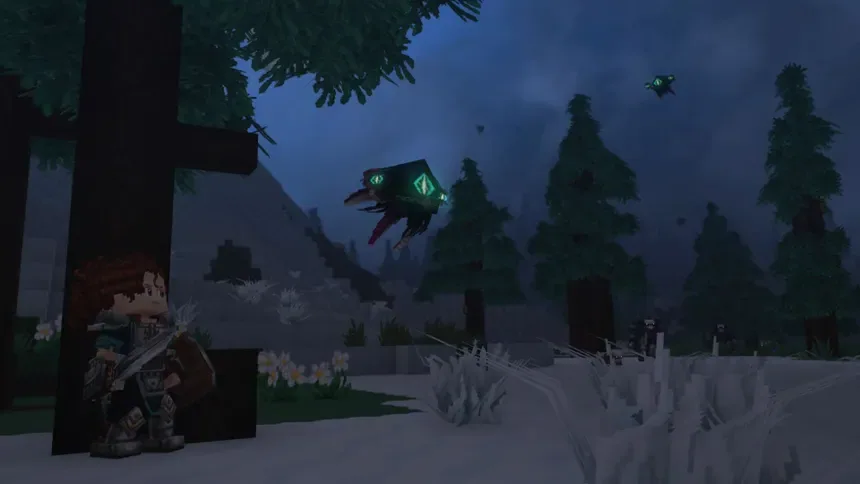
The Best Mods for Hytale
At Kinetic we have been partnering with some amazing mod creators and we wanted to showcase them here! Hytale content is very interesting and we look forward to more!
Cole27 January 2026
What's going on with Hytale?
We all thought Hytale was gone but we woke up the other day with a huge surprise! Simon and Phillipe (The Co-Founders of Hypixel) have bought Hytale back from Riot!
Cole2 December 2025
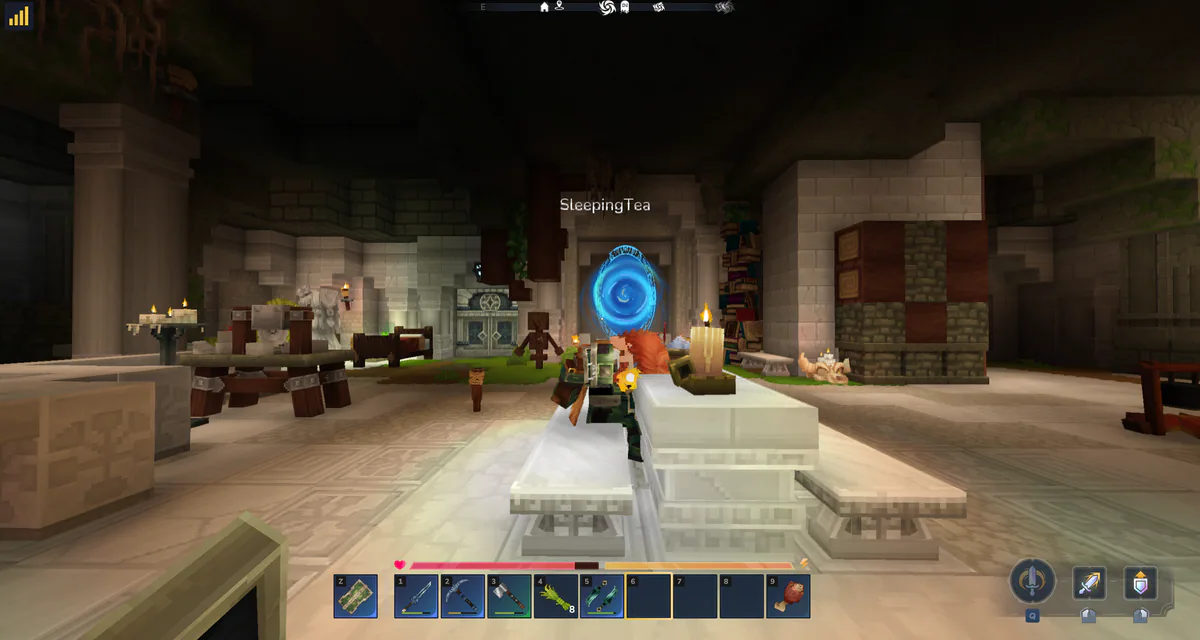
Thank you to the 1000s of Hytale players who choose Kinetic Hosting
Thank you to the 1000s of Hytale players who choose Kinetic Hosting for their server. Now that the Hytale launch is out of the way, I wanted to sit down and write a proper post about it, and how the launch went for us.
Chris19 January 2026