Recommended
12 GB RAM
$12.99/month
For bigger servers or lots of mods
- NVME SSD
- Up to Ryzen 9 9950X – 5.7 GHz
- 8 CPU Threads
- All the storage you need
- 24/7 human support
- No player caps
- 5 backup slots
- 4 splits
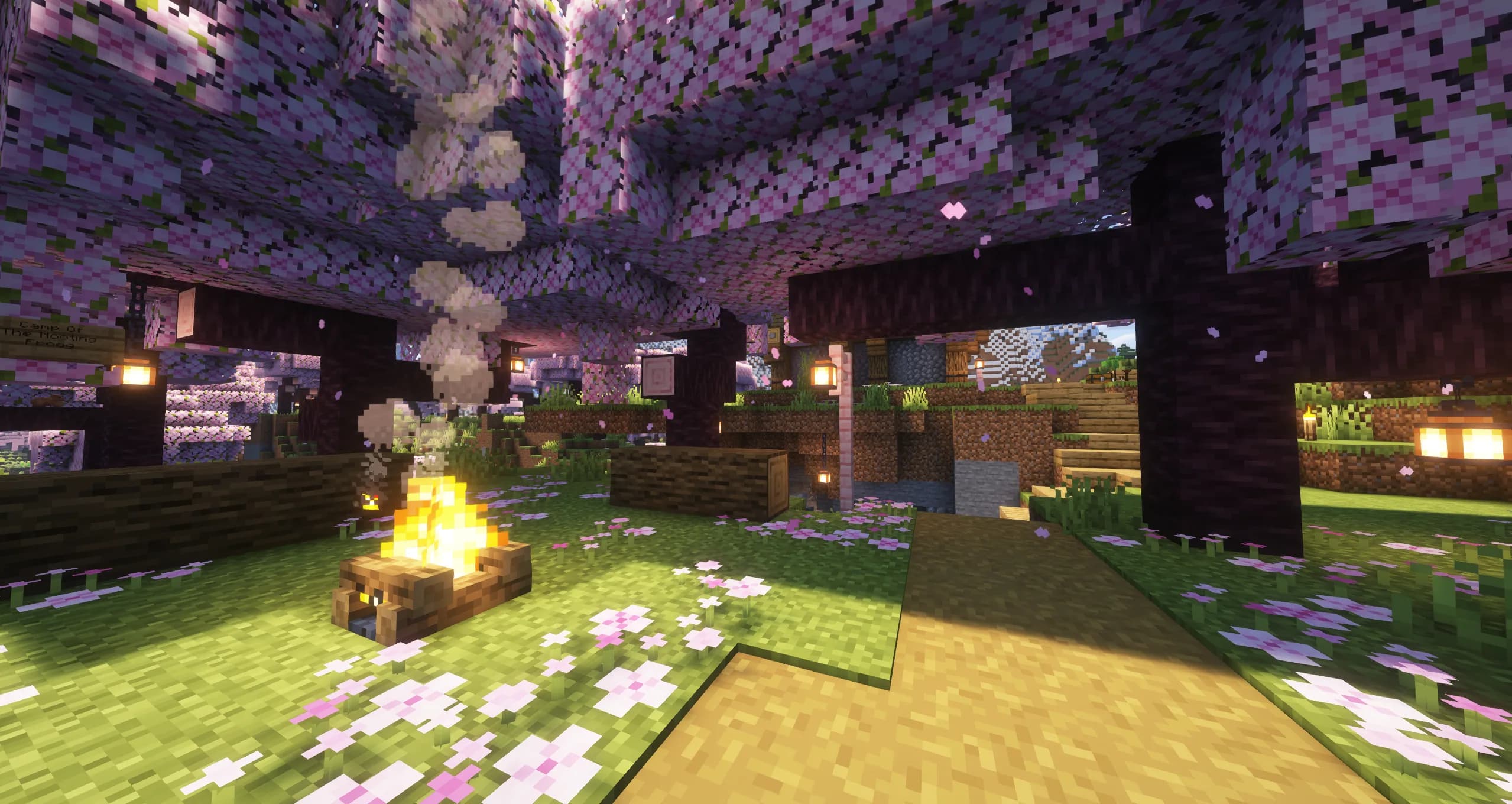
Your next Minecraft adventure
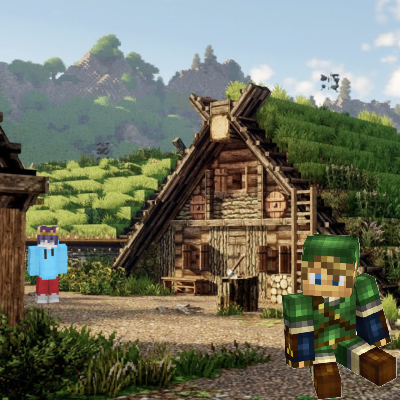
Official PartnerCottage Craft is a cozy Minecraft modpack that adds rustic building, peaceful farming, and decorative touches to create a charming, whimsical world. Perfect for players seeking a relaxing and immersive Cottagecore-inspired experience.
Install your pack from Kinetic Panel after ordering.
Make it yours
Pick your package and start playing. You can upgrade whenever you need more room.
$12.99/month
For bigger servers or lots of mods
$7.99/month
For small servers with a few mates
Swap game anytime
Swap to any of our supported games, at any time.
One Click Install
Install modpacks, worlds, mods, and plugins with a click.
Crash detection
We'll let you know when your server crashes and why.
All Minecraft Versions
We support every version, mod, and modpack.
Human Support
No AI or bots here. Only humans.
60 GB to start. Free storage upgrades, subject to fair use and available drive capacity.
All servers are deployed with 60 GB by default.
If you hit this limit, you can upgrade your storage for free.
Fair use: Server drives don't have unlimited capacity. While we will try to accommodate your storage needs, there is a physical limit. Still, servers on Kinetic have hundreds of GB of storage space at no extra charge.
Storage limits do not include backups, databases, or instances.
Your next adventure
Learn more about the CottageCraft modpack and its features.
Cottage Craft is a cozy Minecraft modpack that brings the charm of the Cottagecore lifestyle into the game. Packed with mods for rustic building, peaceful farming, and harmonious living with nature, it enhances exploration and creativity while adding decorative and aesthetic touches for a whimsical, picturesque world. Perfect for players seeking a relaxing and immersive experience, this modpack transforms Minecraft into a serene, pastoral adventure full of charm, fantasy, and endless creative possibilities.
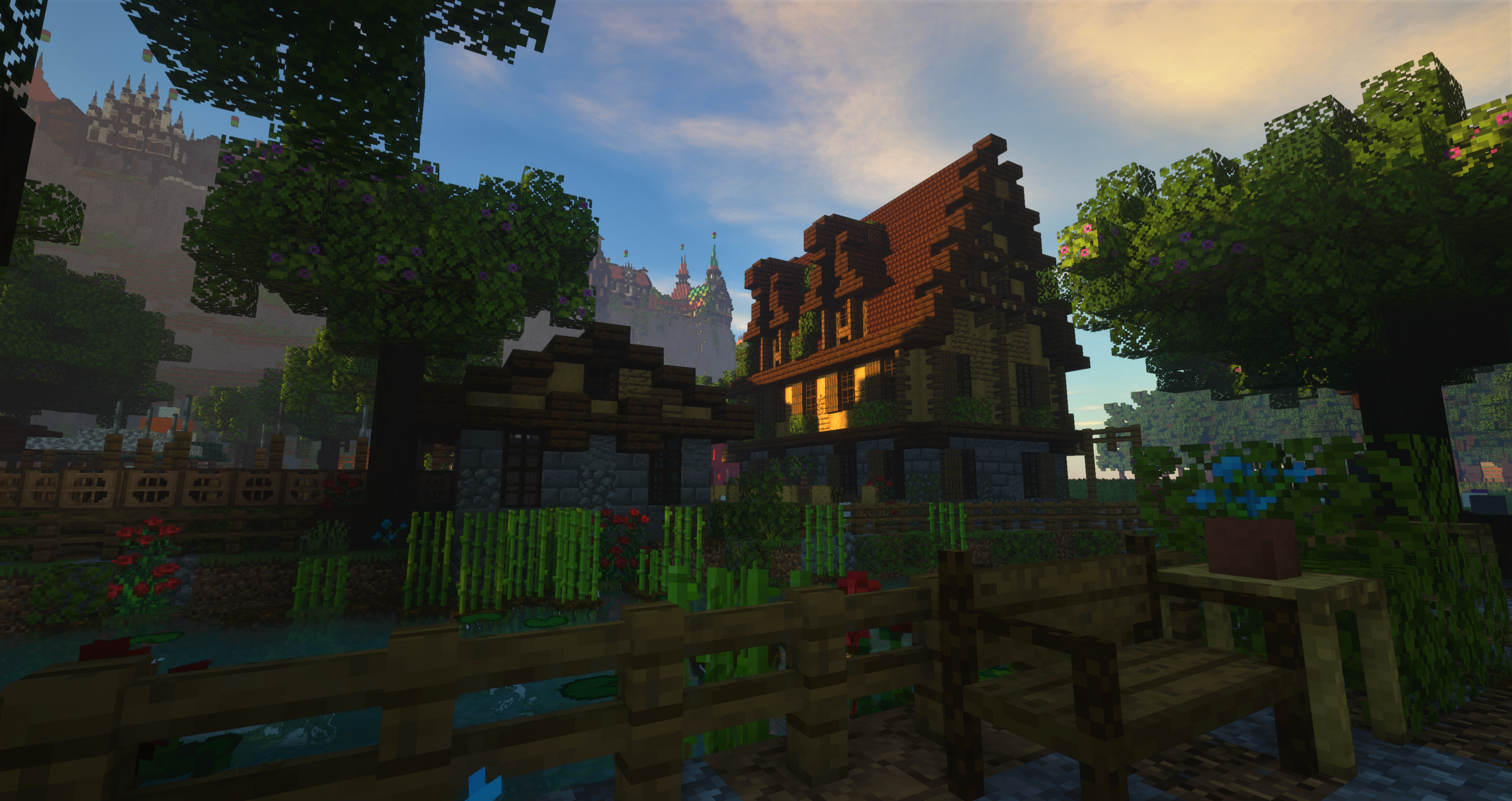
From setup to your first adventure
We test all modpacks in our installer to make sure they work correctly.
We've made it quick and easy to install modpacks on your server. Simply search the modpack name, and press install. Then you're all set. Our panel will install the files, check your server boots correctly, and set everything ready for you to hop on and play.
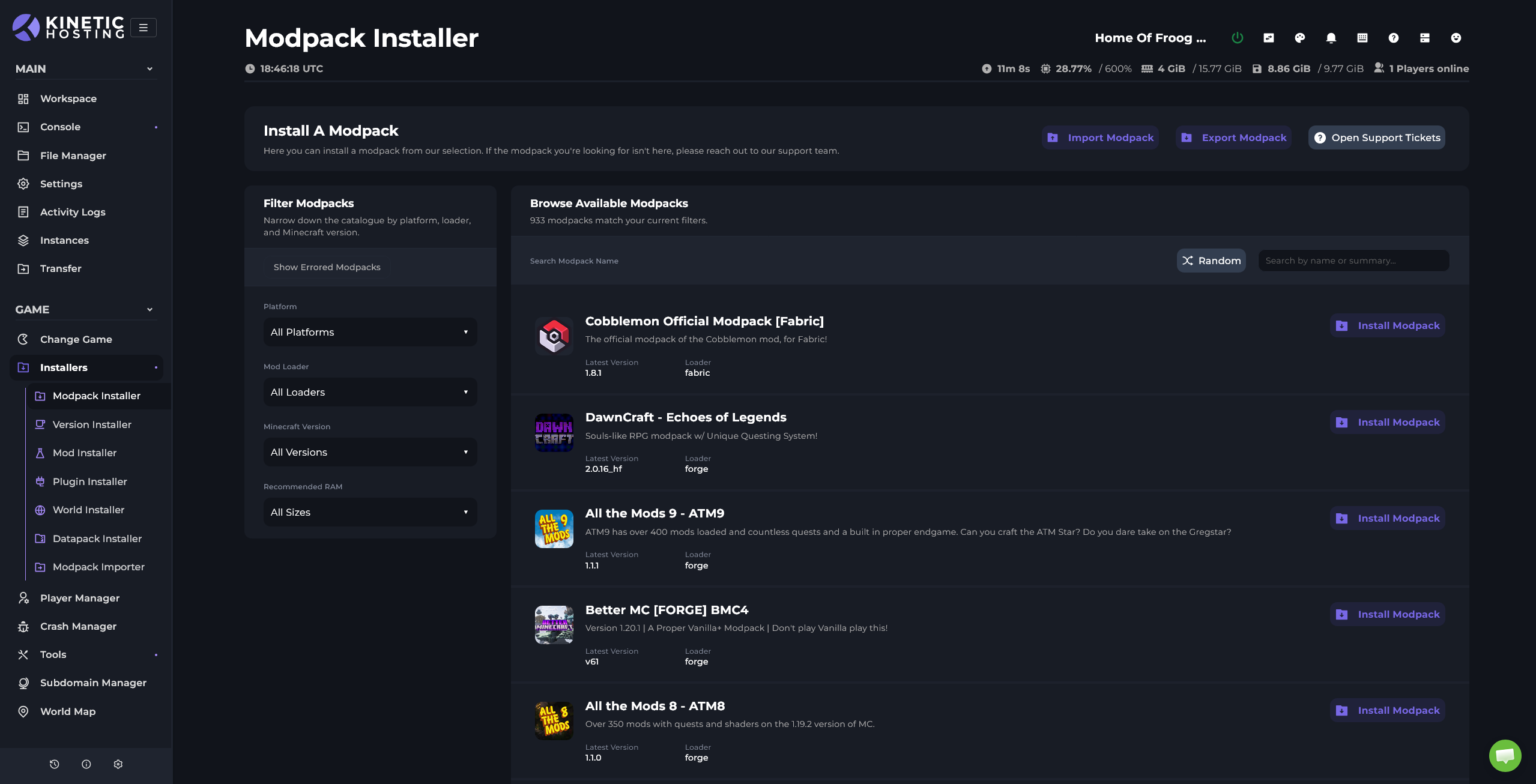
Over 700 modpacks available to install with just a button press
All modpacks on our installer are tested to ensure they work correctly
Update modpacks with a simple button press, the panel will even notify you when updates are available
Full file access and a mod installer let you add extra mods or tweak configs to your liking
Missing a modpack? Tell us and we’ll add it for you
For heavier packs, we auto-tune server flags to get the best performance possible
Swap modpack or even game type anytime using our software swap tool
Made for the way you play
Effortlessly switch between supported game titles in just a few clicks.
No player limits. Your server can handle as many players as its resources allow.
See what your server is using in real time. Helping you better understand any server lag.
Restore your backups instantly with one click.
Toggle Nether, set world name, commands & Java version.
Split user resources across multiple servers on the fly.
We support all modpacks, plugins, mods, and datapacks.
Included with your server
All this and more comes standard with your server.
Quickly install plugins from within the panel using our one-click Plugin Installer.
Search your favorite modding platform and download mods in a single click.
View online players, manage operators, whitelist, and banned players with ease.
Automatically detect server crashes and retrieve the latest log file for easy troubleshooting.
Schedule advanced tasks like restarts, backups, or custom server commands automatically.
Add additional users and assign granular permissions to control access.
Drag-and-drop folders, edit files, and upload assets directly from the panel.
Every modpack, version, plugin, JAR, and custom mod, even custom setups.
Seamlessly switch between Bedrock and Java editions at any time.
Install any modpack instantly with our one-click Modpack Installer.
Install any Minecraft version with a single click.
Get 24/7 live chat assistance directly within the panel.
Allocate unused resources to additional servers at no extra cost.
Keep your world safe with scheduled, automated backups.
Provision a free MySQL database for plugins and custom apps.
Control incoming traffic by blocking or allowing specific IPs.
Set up reverse proxies and custom subdomains for map plugins like Dynmap.
Toggle game rules like keepInventory through an intuitive UI.
Choose predefined flags or write custom JVM startup flags.
Host as many players as your hardware supports without artificial caps.
One host. Endless adventures.
Take a look at our other selection of game servers. You can swap games at any time.
Support for all modpacks, plugins, versions and mods.

Bedrock edition support across devices.
Hytale server hosting
Vintage Story server hosting.
Includes support for Pak mods.

All mods and add-ons supported.
All branches, auto-wipe, uMod/Oxide support.
All versions + tModLoader supported.
All beta versions + Valheim Plus supported.

7DTD server hosting.
Abiotic Factor server hosting

ATS convoys with NVMe storage, backups, and mod support.

Arma 3 hosting for Zeus and milsim communities.
Arma Reforger server hosting.
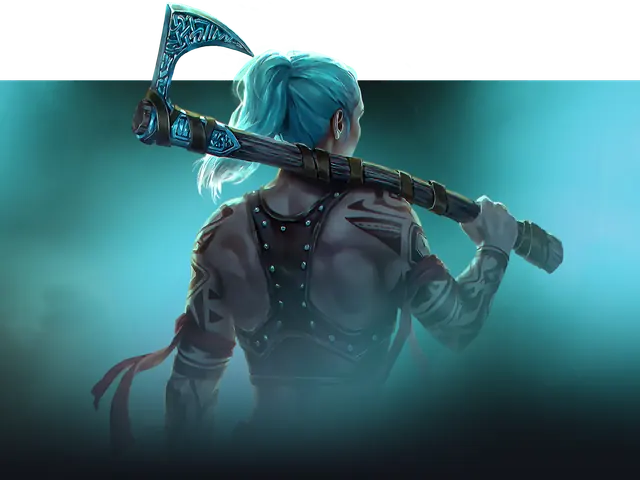
Aska co-op hosting with NVMe storage, backups, and quick setup.
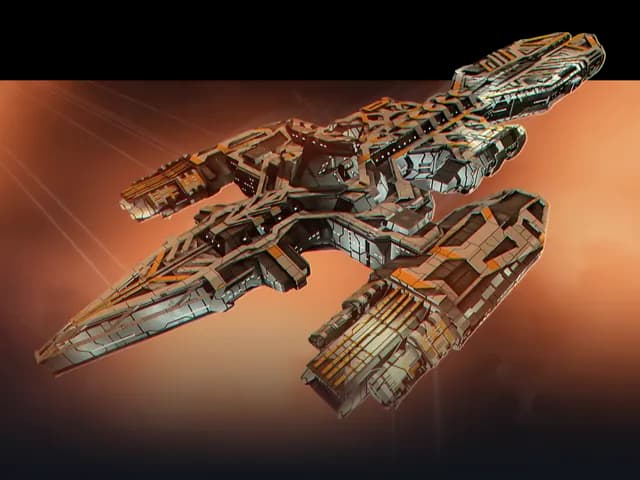
Avorion hosting with mod support, NVMe storage, and backups.

BeamMP hosting with mod support, NVMe storage, and backups.
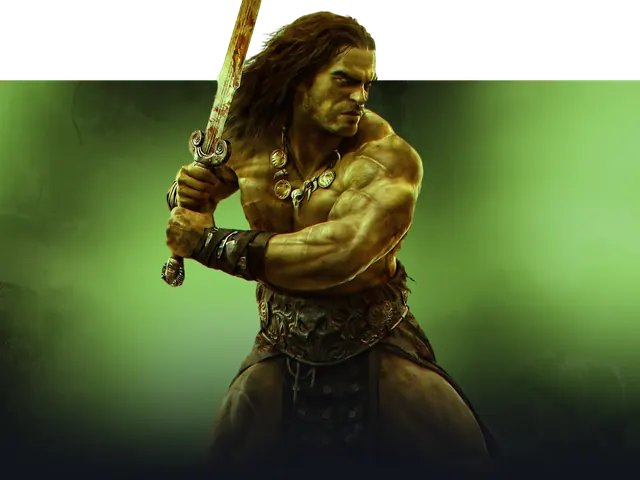
Conan Exiles server hosting.
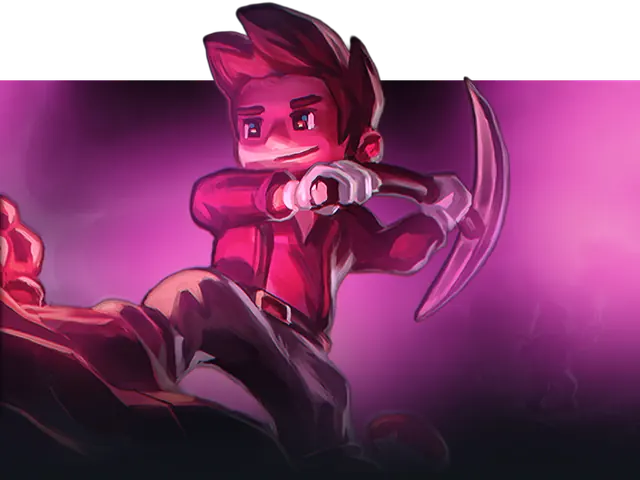
Core Keeper server hosting.

With support for both the experimental and stable branches.
Node.js, Java, and Python runtimes supported.

Don't Starve Together server hosting.
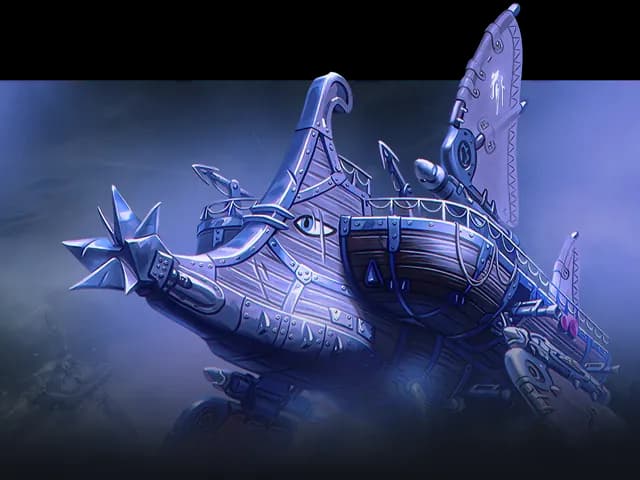
Echoes of Elysium server hosting.

All beta builds supported.
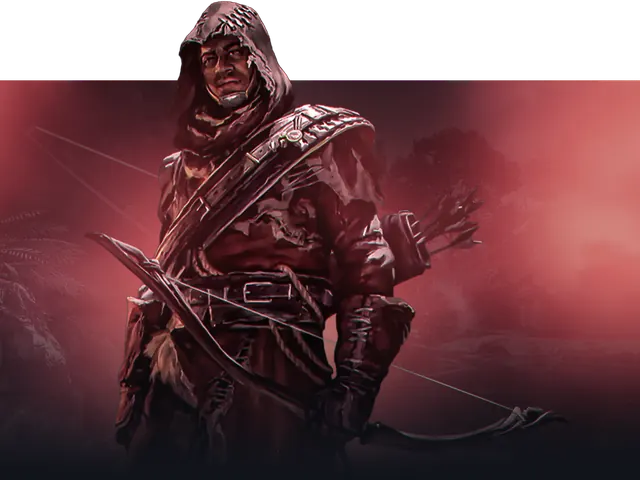
Enshrouded server hosting.
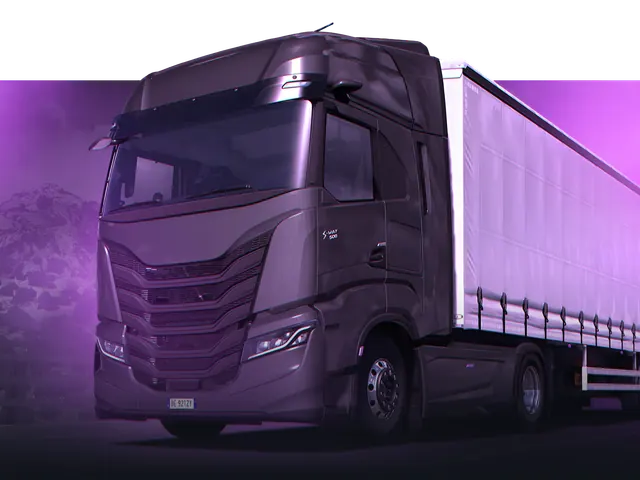
ETS2 convoys with NVMe, backups, and mod support.

Factorio server hosting.

All workshop content & maps supported.

Holdfast hosting with mod support, NVMe storage, and fast deployment.
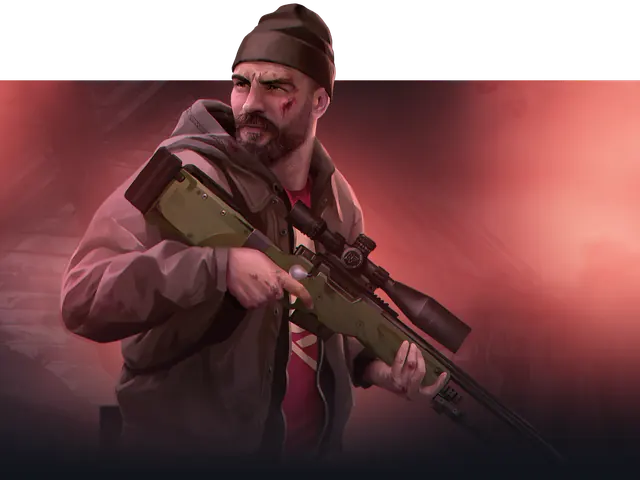
HumanitZ hosting with admin controls, backups, and full file access.
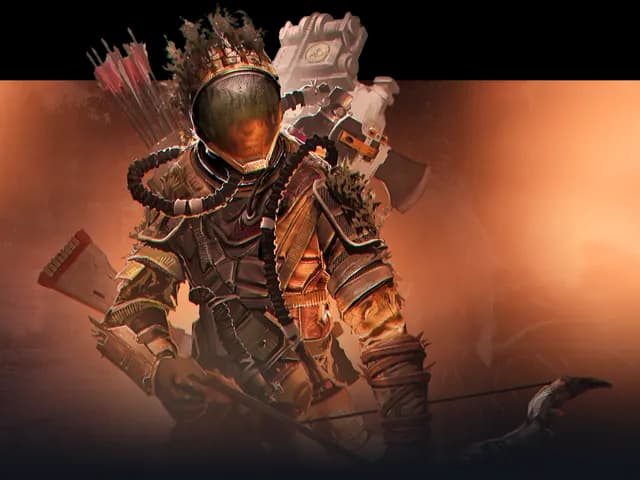
Icarus hosting with NVMe storage, backups, and full access.

Motor Town hosting with session settings, backups, and full file access.
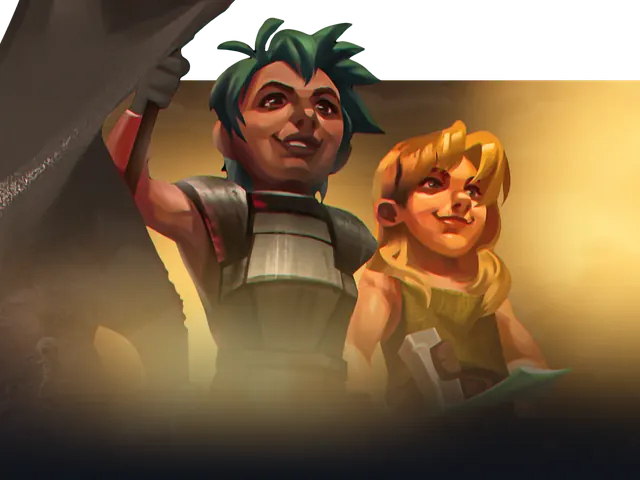
Co-op Necesse hosting with NVMe storage, backups, and support.
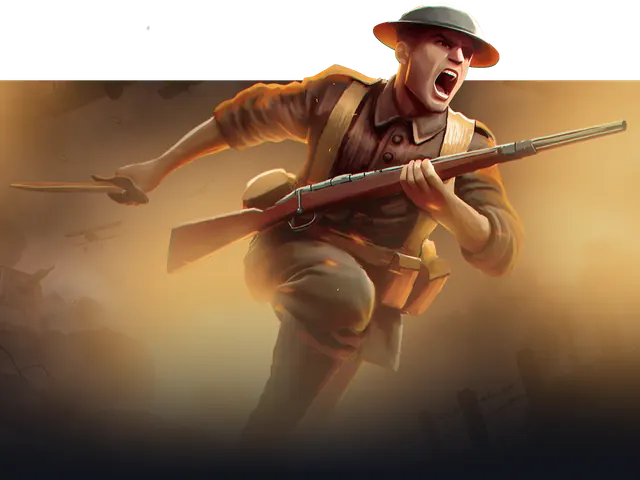
Over the Top: WW1 hosting with custom maps, map rotation, and backups.
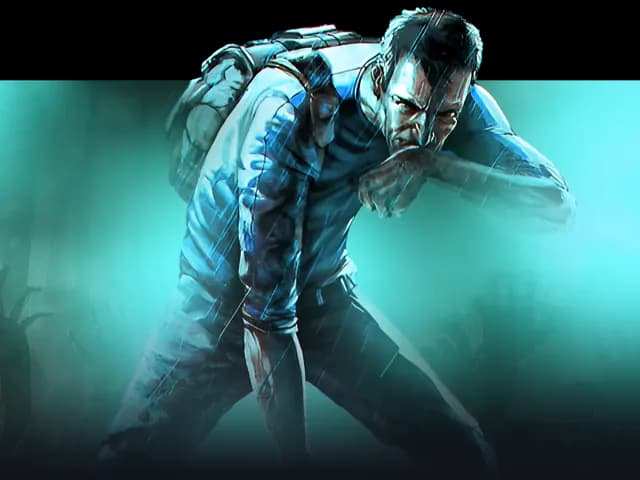
Project Zomboid server hosting.
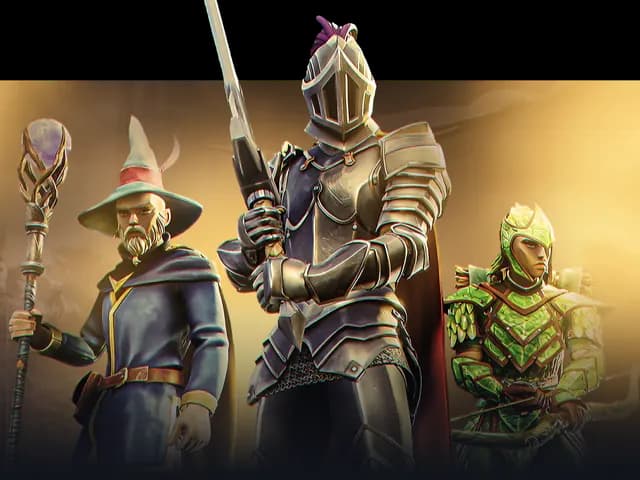
RuneScape: Dragonwilds hosting with world settings, backups, and full file access.
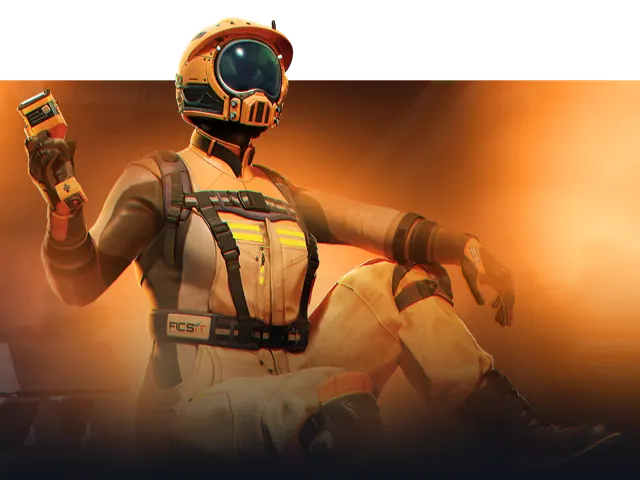
Experimental & main updates supported.
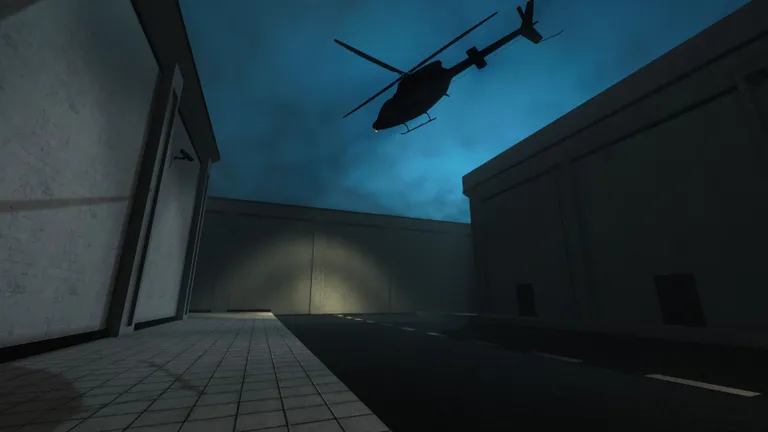
SCP: Secret Laboratory server hosting.
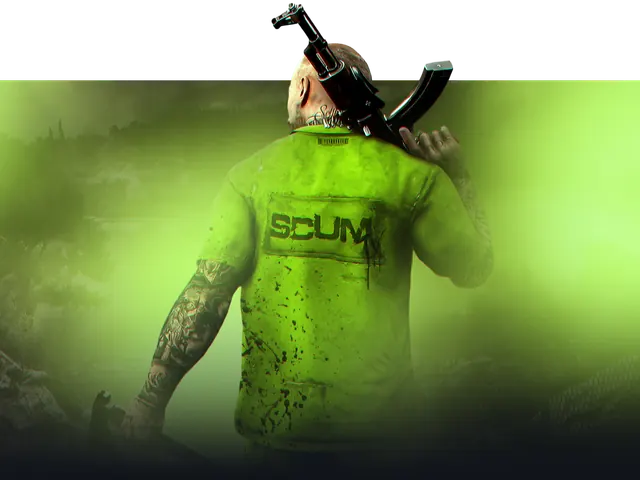
Scum server hosting.

Survive and build with low-latency servers.

Soulmask server hosting.

Space Engineers server hosting.

Starbound server hosting.
Stardew Valley server hosting. With full SMAPI support
StarRupture server hosting.
Stationeers hosting with mod support, config control, and backups.
Subnautica hosting on small packages with settings access, backups, and fast setup.
Team Fortress 2 hosting with workshop support, low-latency hardware, and fast setup.

The Forest co-op hosting with fast setup and backups.
Return to Moria hosting with backups, save access, and settings control.
All mods incl. RocketMod supported.
Vein server hosting.
Voyagers of Nera hosting on low-latency hardware with backups.

VRising server hosting.

Windrose hosting with RS UE4SS mod support, world settings, backups, and full file access.
Find your next world
We support the big Minecraft modpacks across CurseForge and Modrinth. Search the catalogue, pick a server package, then install in a few clicks from Kinetic Panel.
Browse all modpacksFor custom packs, import them with our import tool. We'll set the right version and remove client-only mods for you.
Updates made simple with a button press. When updating a pack, we'll keep any additional mods or configs in place.
Download any popular modpack with a simple press of a button.
Made changes to a pack? Export it and send it to your mates.
Update and check mod dependencies with ease using our mod manager.