
From the Kinetic blog
Kinetic News
News, updates, and guides for the Kinetic community. Find your next read below.
Latest in Kinetic News
91 posts

Feedback Form Response
In today’s post, I wanted to take the time to cover some of the common feedback we've been getting and to address how we'll be acting on it.
Impact Packages Are Getting An Upgrade
Our Impact line of servers has gotten a huge upgrade. Now offering now offering AMD Ryzen 9 7950X CPUs, DDR5 Memory, and super-fast NVMe SSDs. All that extra power, with no price increase. This brings true top of the line hardware to our game servers. We've been blown away by their power and speed, and we think you will be too.
New Locations Added to Our Lineup
We've been busy over the past two months adding new locations and improving our existing ones. We know that ping matters when it comes to gaming, so we've been working to grow our coverage.
Enjoying Kinetic?
We’re super thankful for everyone who uses our services and chats with our 24/7/365 support team. Your reviews really help us understand what we’re doing right and what we can make better. If you’ve got a minute, we’d love it if you could leave a review on our Trustpilot, Every review makes a big difference! Thanks!
Upgrades To Budget Servers
Starting today we'll be moving servers on the following nodes to upgrade their hardware:
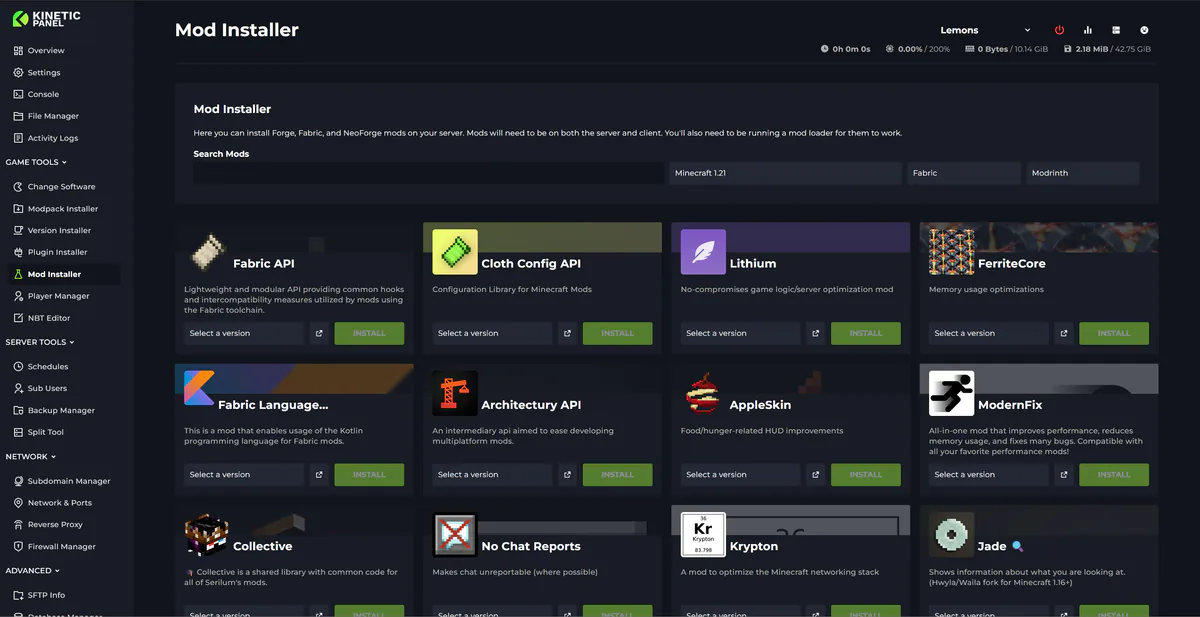
Changes To Panel Updates
We launched the Kinetic Panel back in 2022, and up until now, most features have been added through major updates. This approach sometimes meant that features were completed but had to wait for other features to be finalized before release. While this was unavoidable in some cases, such as with the significant UI reworks in Panel 3 and Panel 4, it has occasionally left features you could have been using just sitting there.

Welcome
A welcome to the new Kinetic Hosting news page