Minecraft Bundle Recipe, Dye and Use

Posted by Cody | 19 August 2025

The new Minecraft Bundles of Bravery update is almost here! this post we will focusing on How to Craft, Dye & Use the new Minecraft Bundle item!

Crafting

Crafting the bundle is straight forward, you will need the following items.

1 Leather

1 String

Once you have the items, you will place the Leather at the bottom of the crafting grid with the String above the leather. You should now be able to craft the bundle.

Minecraft Bundle Recipe

Dyeing the bundle

Minecraft has a variety of Dyes or colors you can choose from to color your Bundles. To dye a bundle it is quite simple, you will need the following items.

1 Dye of your choice

1 Bundle

You should now put the Dye in the crafting grid, from there you can now place the Bundle within the crafting grid, which will dye the bundle.

Minecraft Bundle Dye

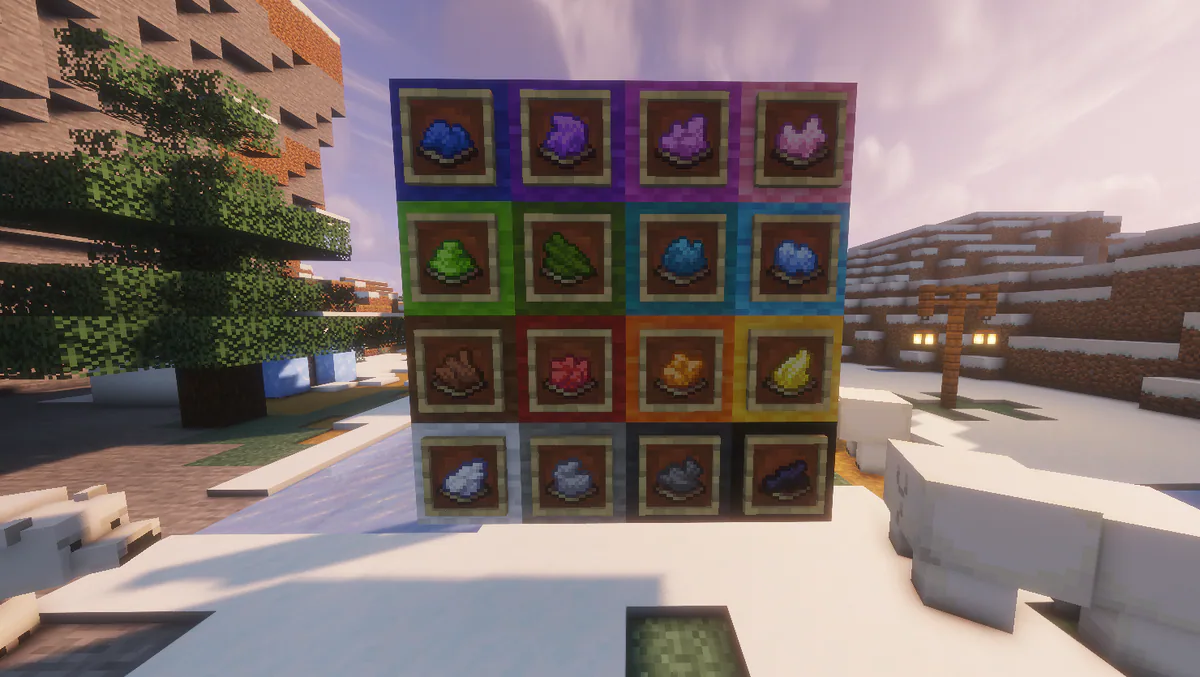
Any Dye

You can select any Dye that is within Minecraft to color your bundle.

Minecraft Bundle Dye

Using the Bundle

The use case of the bundle is straight forward, you can put up to a Stack of items within a bundle at any given time. However, tools like Pickaxes, Swords, etc will fill up the bundle completey, not allowing you to place more items inside. You can see the short video below of the bundle being used.

Minecraft Bundle Use

You will pick up the bundle and Left Click items of your choice inside of it. To take items out of the Bundle, you will Right Click an empty inventory slot to take items out.

That's it!

That is everything you need to know about the new Minecraft Bundle coming inside of the Bundles of Bravery update!
Start Your Own Server

Looking for a game server? Get set up in a few moments. With our one-click installers and simple packages.

Order Now
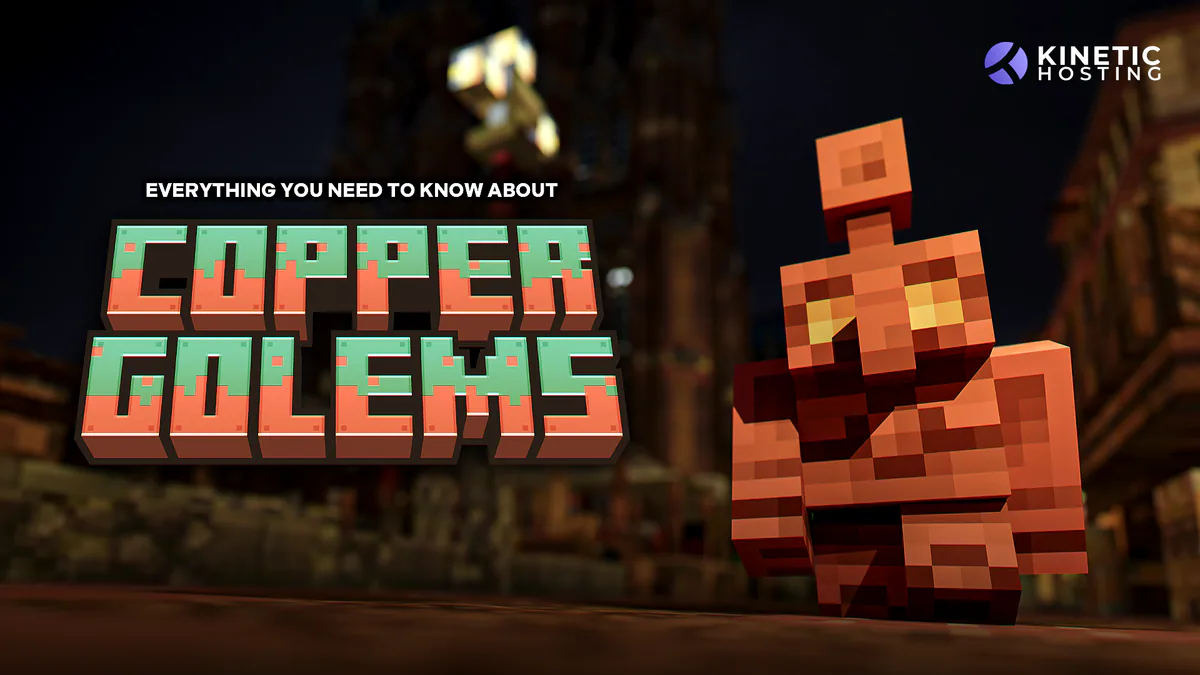
Copper Golems - Everything You Need To Know
Minecraft

Copper Golems - Everything You Need To Know

Find out what the Copper Golems in the new Copper Age Minecraft Update do, how to craft them and what kind of Redstone machines you can make! It’s live now

Cole7 October 2025

RAM, Minecraft, and Game Servers
Minecraft

RAM, Minecraft, and Game Servers

One of the most common misconceptions we see with game servers, especially Minecraft, is that RAM is something you should try to save. In reality, servers will use RAM if it’s available, and that’s usually a good thing.

Chris4 January 2026

The Garden Awakens Drop
Minecraft

The Garden Awakens Drop

The Garden Awakens update for Minecraft 1.21.4 is now here! Featuring the Pale Garden with it's new Wood Types, Creaking mob, Resin block family and the Eyeblossoms! We will be covering everything within this Minecraft update so you can have the full scoop!

Cody1 December 2024

The Best Cobblemon Modpacks in 2026 Based on Playstyle
Minecraft

The Best Cobblemon Modpacks in 2026 Based on Playstyle

There are so many modpacks built around Cobblemon out there, and that list just continues to grow. Find out which is right for you based on your playstyle!

Dals15 July 2026

How to Add Modpacks to Minecraft Easily (and Pick the Right Launcher)
Minecraft

How to Add Modpacks to Minecraft Easily (and Pick the Right Launcher)

Learn how to add modpacks to Minecraft easily using CurseForge, Modrinth, FTB, or MultiMC - and start playing your favourite packs fast.

Fen22 October 2025

How To Craft In Minecraft: Essential Recipes for Beginners
Minecraft

How To Craft In Minecraft: Essential Recipes for Beginners

Essential Minecraft crafting recipes for beginners. Learn how to make tools, weapons, and more to kickstart your Minecraft adventure with Kinetic Hosting.

Fen21 October 2025

Display and navigation

Accessibility options

Personalise how Kinetic Hosting looks and how you move around it. Your choices are saved on this device.

Press Ctrl+K to search. When link hints are enabled, hold Shift to label every visible link and control.

High-contrast dark theme

Use black and dark backgrounds with white text and stronger borders throughout the site.

Keyboard link hints

Hold Shift to show a temporary key on every visible link and control. Keep holding Shift and type a label to activate it.

Keyboard navigation

Ctrl+K opens site search. When link hints are enabled, hold Shift to label every visible page link, menu item, order control and location. Keep Shift held while typing the displayed label, or release Shift to close the labels.

Search Kinetic Hosting

Search site pages, game servers, knowledgebase articles, blog posts, FAQs and modpacks.

Enter at least two characters to search the site.

↑↓ Select · Enter Open · Esc CloseCtrl+K