In this article
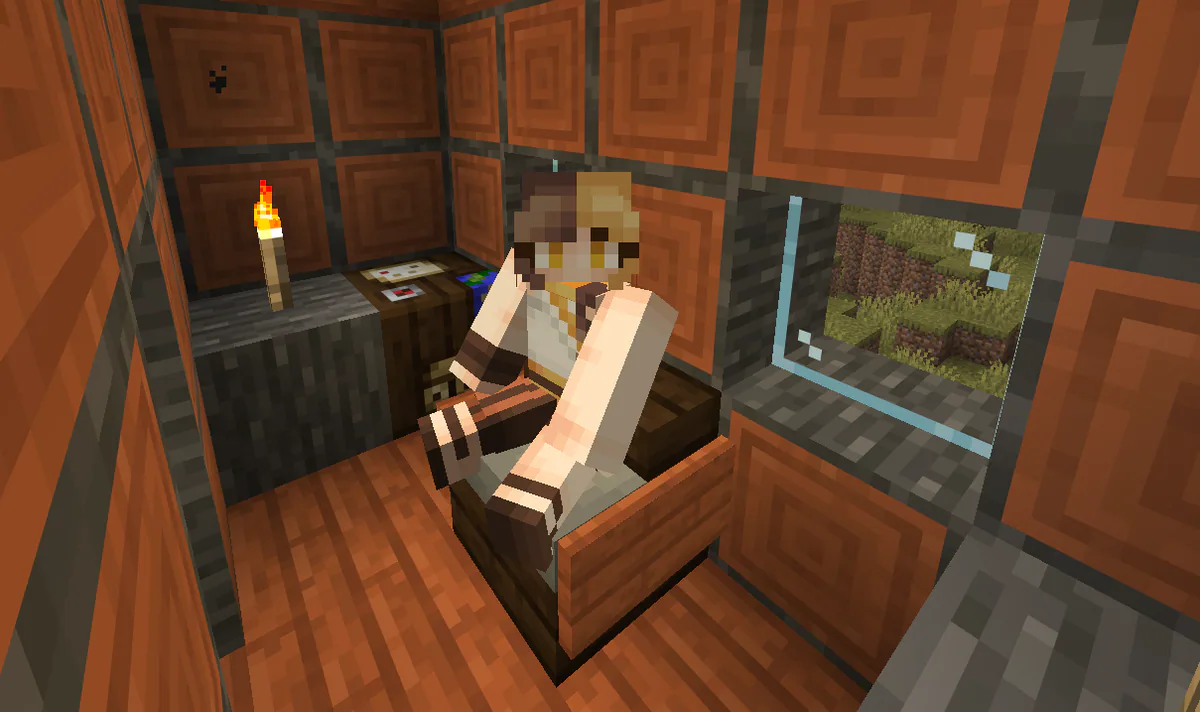
Minecraft's 26.3 update introduced a new biome, concrete slabs, abandoned camps, and cushions you can sit on. Learn how to craft cushions, including the wool slab recipe for Minecraft!
1: Crafting Wool Slabs
The crafting recipe for cushions in Minecraft requires that you have 3 wool slabs. In order to make these, you'll just need to line up 3 of any same-colored wool in a line in a crafting table as seen below:
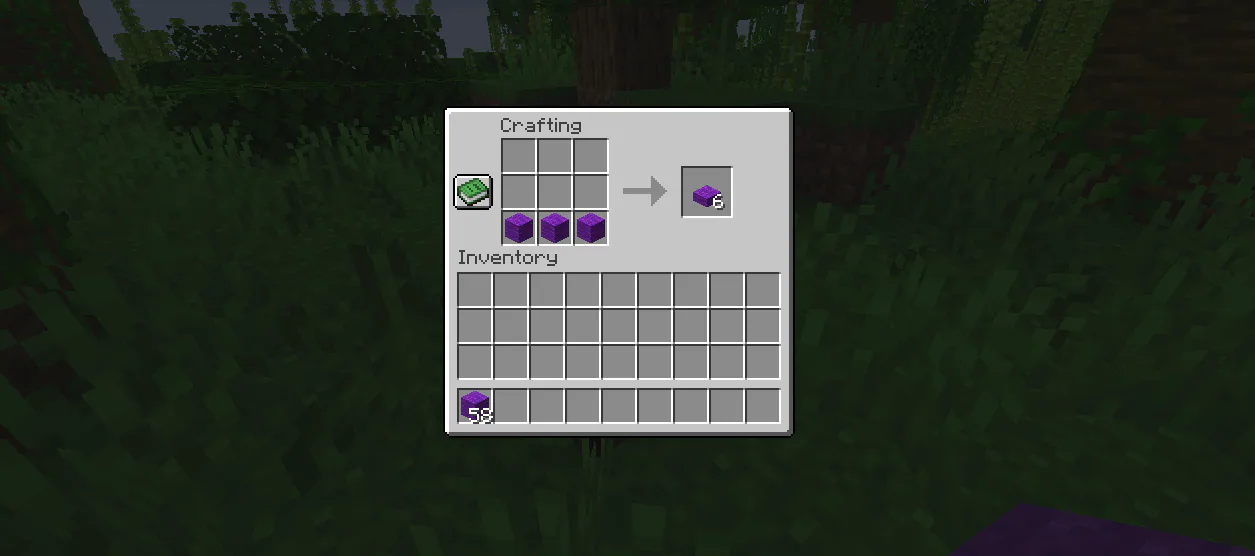
This will yield 6 wool slabs matching the color of wool you used to craft then, which is enough for 2 cushions!
2: Crafting Cushions
Now that you have wool slabs ready, you can use them to craft cushions matching the color of slabs you used!
The crafting recipe for cushions is the same as the slab recipe you just used. Instead of wool blocks, though, you'd line up 3 of the wool slabs you just created.
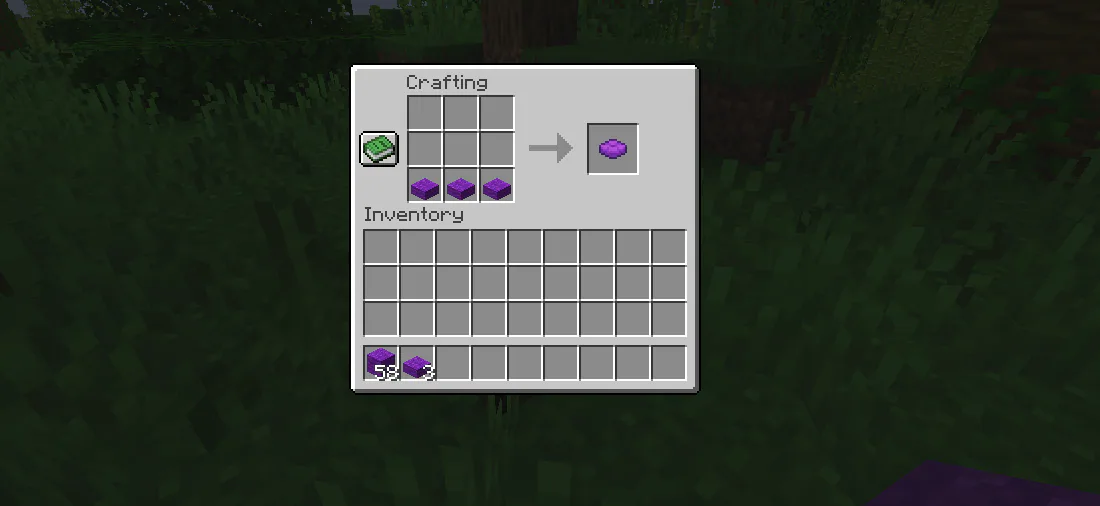
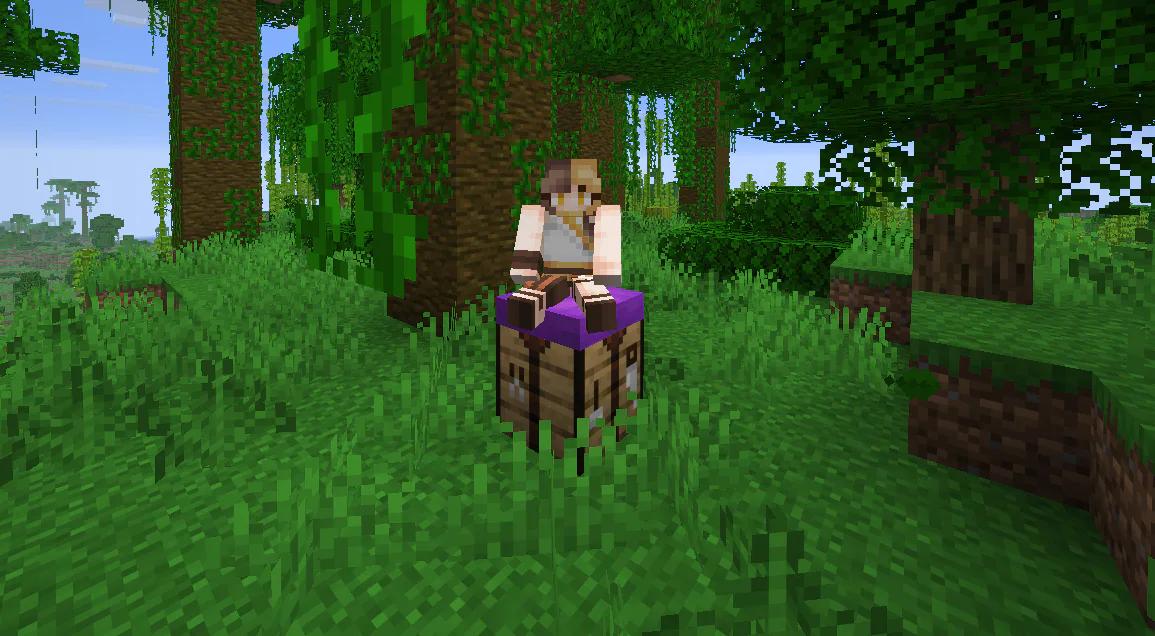
3 wool slabs only yield one cushion, which makes them a little expensive, but it's worth it to be able to finally sit down in Minecraft. There are also tons of cool building tricks that you can do with cushions, some of which we outlined in our past blog post when they were added to the game too!
That's It!
You're all set. Cushions aren't very hard to craft at all once you know what to do. Now you're ready to take a seat in-game or get creative using cushions in your builds!
What do you think?
Loading reactions…