The Blue Becomes Purple

Posted by Chris | 18 May 2025

Step aside blue, there's a new colour in town.

2025 Branding Update

For the first time since we introduced our current logo in 2021, we've rolled out a refresh. We've kept the shape of our logo, but we're now sporting a fancy new purple colour and new font style.

2025 Branding

Why The Change

In our late 2024 feedback form we asked questions about our branding. Overall feedback was that while our branding was good, we didn't really stand out from other hosts, too much blue. When we took a step back and looked at other host branding, we did spot the trend. It’s true, while there are some yellows, greens, and even pinks out there, most hosts do use the same blue branding colours.

So we took some time playing around with colours, and even full logo redesigns. In the end we tried 5 full logo reworks, and over 20 colours, working with our feedback team on the best option. At the end of all that, the standout was the purples we have now. They fit well with our current branding artwork and stand out more from other hosts.

Our new branding colours, deep indigo, muted purple, soft lavender, cool grey, and slate grey, are now live on most of our sites. We've updated our branding page with new info:

Branding Page

Kinetic Panel

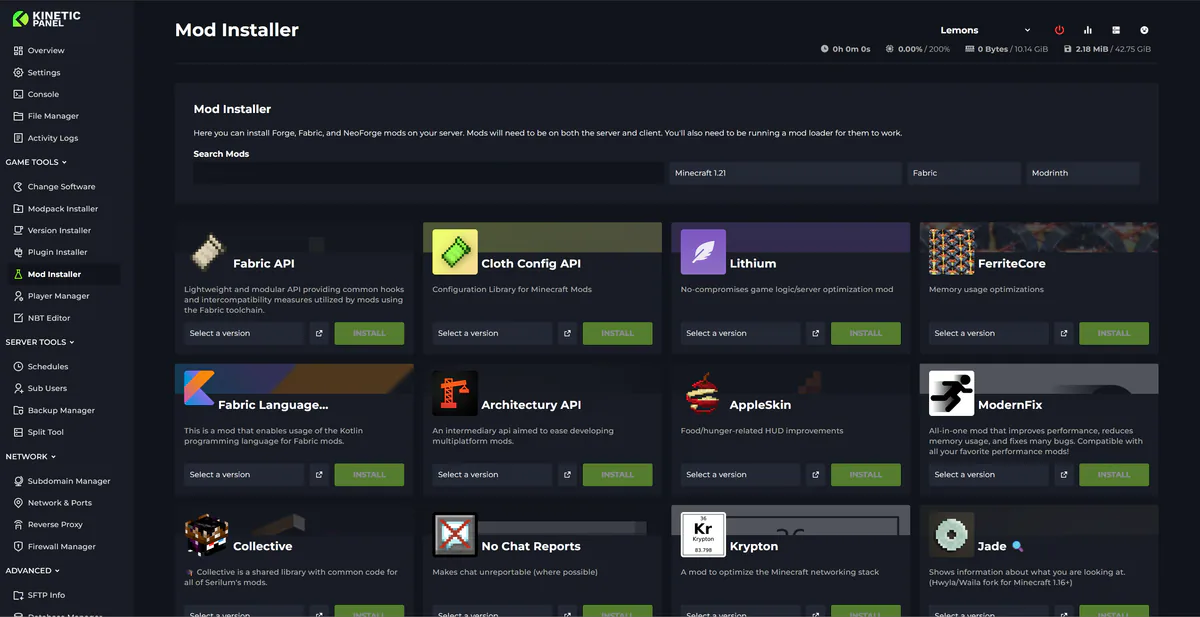
We've also dropped the Kinetic Panel branding logo and green theme, opting instead to just use Kinetic Hosting. This is due to upcoming changes that should merge our billing and game panels into one. That, and the Kinetic Panel branding was odd and left people confused.

Final Note

Thank you to everyone who gave us feedback on both the new branding colours and the old. While this isn't a massive branding rework, we hope the new colours help us stand out.

On another note, a full new website, knowledgebase, and blog should go live later this month. Keep an eye out for that.
Start Your Own Server

Looking for a game server? Get set up in a few moments. With our one-click installers and simple packages.

Order Now
Changes To Panel Updates
Kinetic News

Changes To Panel Updates

We launched the Kinetic Panel back in 2022, and up until now, most features have been added through major updates. This approach sometimes meant that features were completed but had to wait for other features to be finalized before release. While this was unavoidable in some cases, such as with the significant UI reworks in Panel 3 and Panel 4, it has occasionally left features you could have been using just sitting there.

Chris19 August 2024

2026 Feedback Form Reply
Kinetic News

2026 Feedback Form Reply

Thank you so, so much to everyone who filled out the feedback form. This is the most replies we’ve ever had on one of our forms, so it’s taken us a bit of time to properly dig in and read everything. Now that the form is closed, I can say that I’ve personally read every single response.

Chris29 January 2026

Panel 6.20 Update Change Log
Kinetic News

Panel 6.20 Update Change Log

Due to working on Panel 7 we nearly went all May without a panel and update, we can't have that. So 6.20 is now live on all nodes, with a full rework to the schedules and upgrades to our Rust Auto Wipe feature. They're now more reliable, easy to setup, show in your timezone, and have a lot more options.

Chris30 May 2026

Panel 26.24.0 Update Change Log
Kinetic News

Panel 26.24.0 Update Change Log

Now update now live on all nodes. Its mostly around fixes and tweaks, but there is one cool feature in there, Modpack exports

Chris4 July 2026

Upcoming Location Upgrades and Changes
Kinetic News

Upcoming Location Upgrades and Changes

Hello everyone, we’ve got some changes incoming to our locations, so I just wanted to sit down with you guys and cover why these changes have taken place and what they fully are.

Chris14 October 2025

2025 Feedback Form - Win A Free Server
Kinetic News

2025 Feedback Form - Win A Free Server

f you've been around for a while, you'll know we release feedback forms every 6–8 months. We use your responses to help improve our service and ensure we're on the right track.

Chris14 May 2025

Display and navigation

Accessibility options

Personalise how Kinetic Hosting looks and how you move around it. Your choices are saved on this device.

Press Ctrl+K to search. When link hints are enabled, hold Shift to label every visible link and control.

High-contrast dark theme

Use black and dark backgrounds with white text and stronger borders throughout the site.

Keyboard link hints

Hold Shift to show a temporary key on every visible link and control. Keep holding Shift and type a label to activate it.

Keyboard navigation

Ctrl+K opens site search. When link hints are enabled, hold Shift to label every visible page link, menu item, order control and location. Keep Shift held while typing the displayed label, or release Shift to close the labels.

Search Kinetic Hosting

Search site pages, game servers, knowledgebase articles, blog posts, FAQs and modpacks.

Enter at least two characters to search the site.

↑↓ Select · Enter Open · Esc CloseCtrl+K