In this guide
What is a Profile Analyzer?
A profile analyzer is a tool on our services which enables you to view your spark reports in a simple form. If you're unfamiliar with spark and how to use it's website, this feature would be perfect for you.
What is spark?
Spark is a minecraft mod/plugin that allows you to view your servers performance statistics, such as TPS, entity count, and so on. However, sometimes using their website may seem confusing. So the Profile Analyzer will make this easier.
How to use the Profile Analyzer
Please follow this guide on how to install and run a spark profiler.
Login to your Kinetic Panel
On the left side of your panel, click the "tools" drop-down, then click "Profile Analyzer"
-1771536605917.png)
Once you're in the menu, you'll need to paste your spark profiler link into the box, and then click the "Analyze Profile" button.
-1771536744048.png)
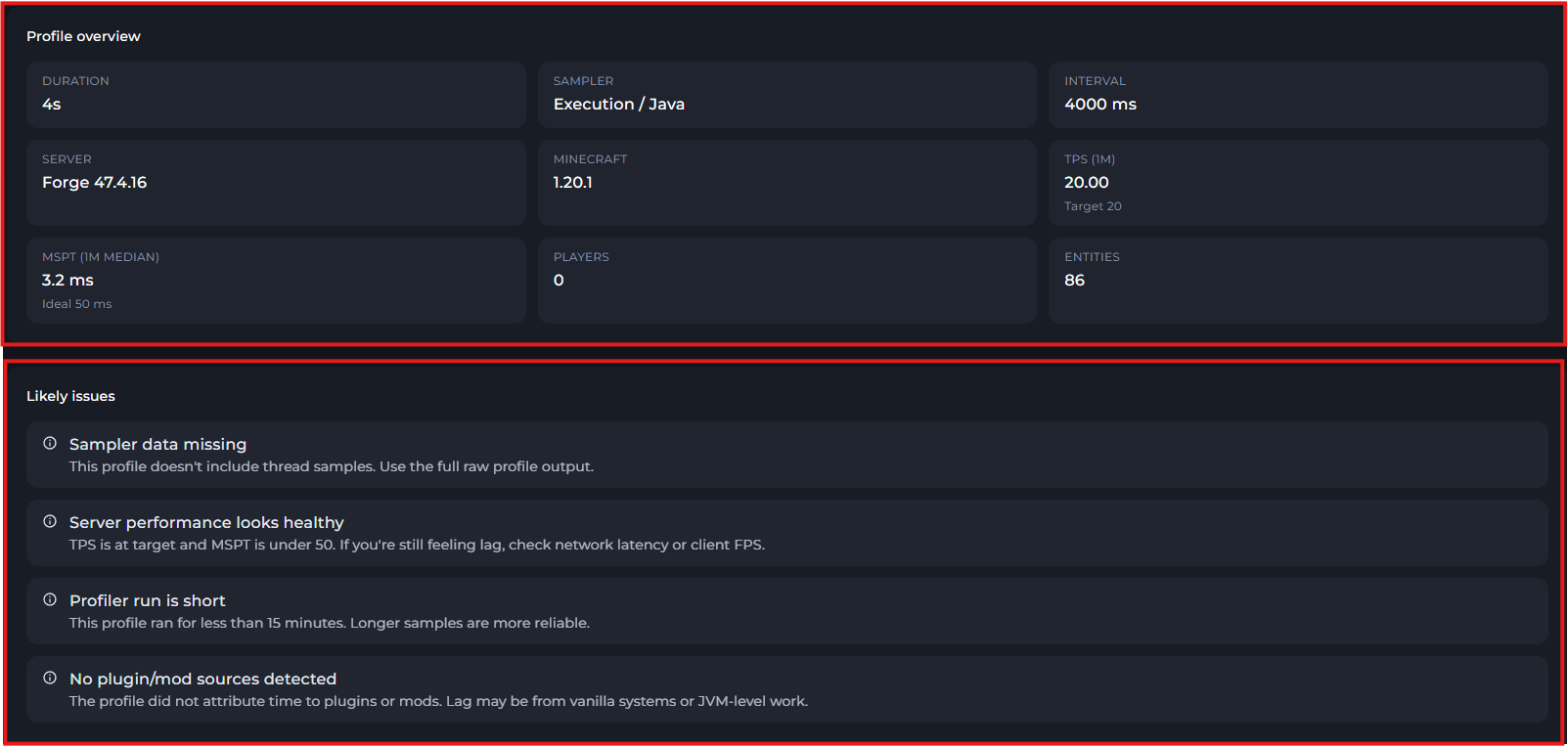
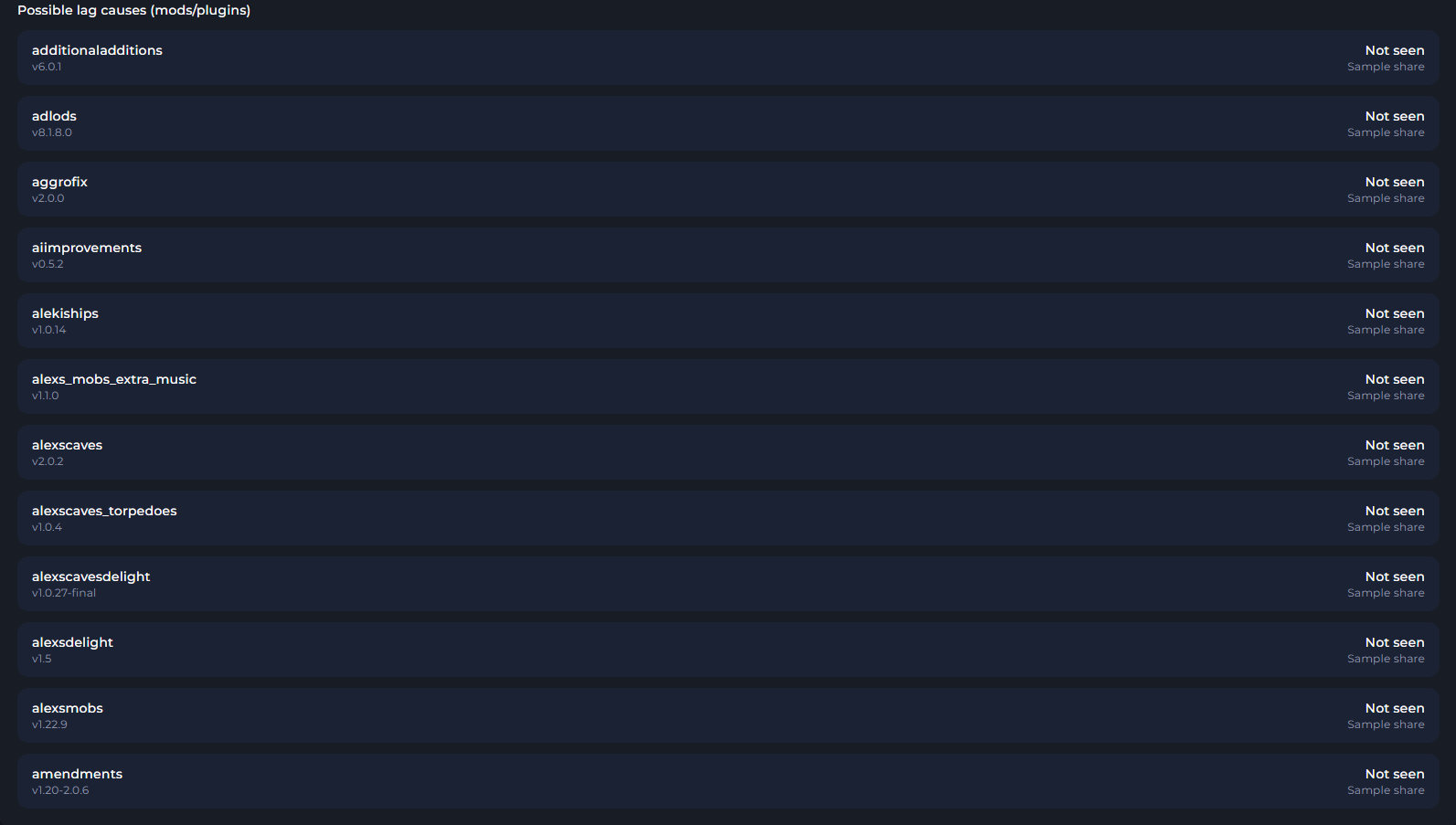
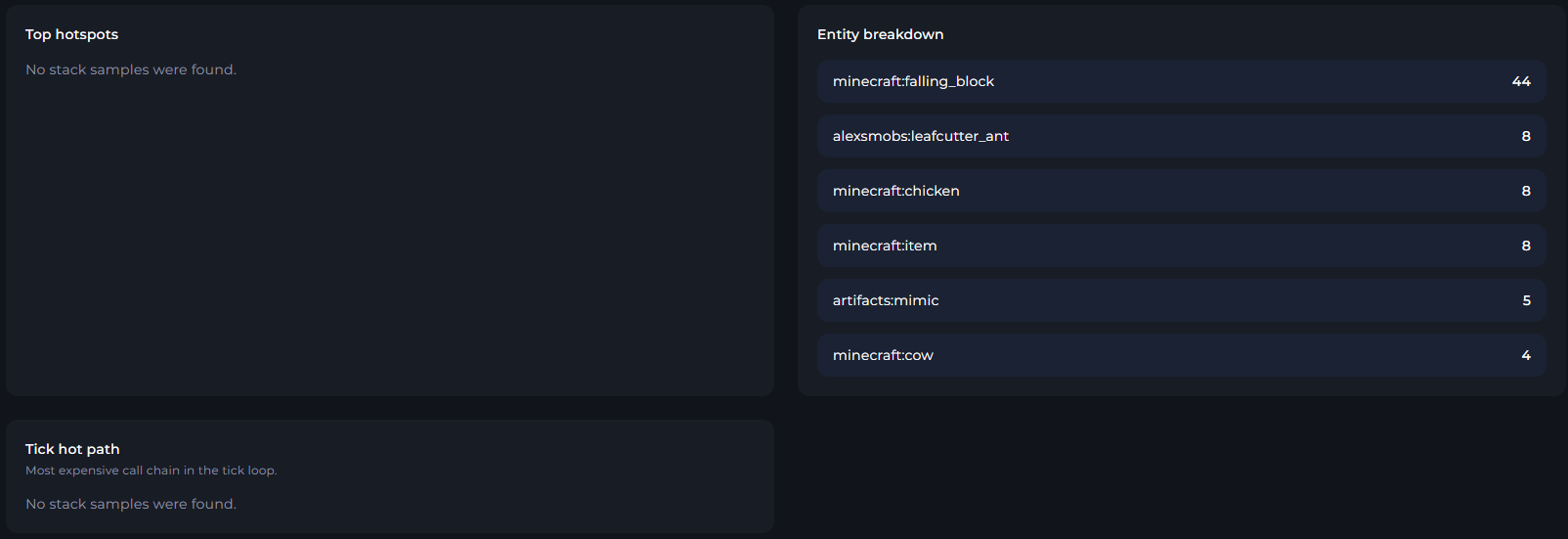
Now you'll see all the information from the spark profile. This'll include information such as your TPS and MSPT status, and there will also be a list below of the suspected mods that could be causing lag.