
In this guide
Installing Spark via File Manager
You can go to sparks downloads page to get the latest version of the tool. However, if you need an Older Version checkout their Curseforge Downloads page.
We also have a guide on how to use our profile analyzer tool, which will give you a simplified view of your spark report! You can find it Here.
Login to the Kinetic Panel
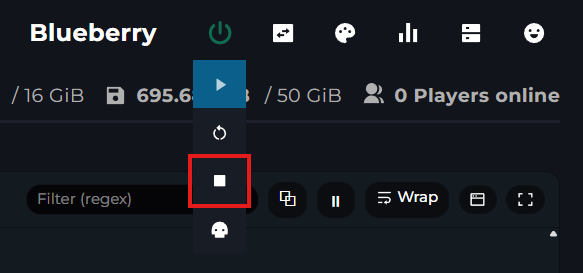
Stop your server.
Access your servers File Manager.
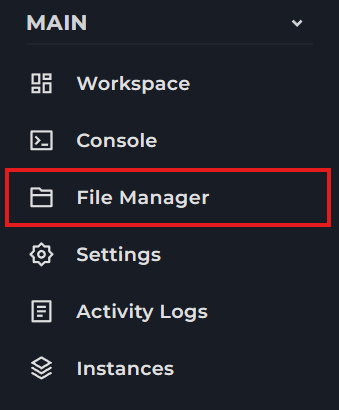
From there, install spark either inside of the Mods folder or the Plugins folder.


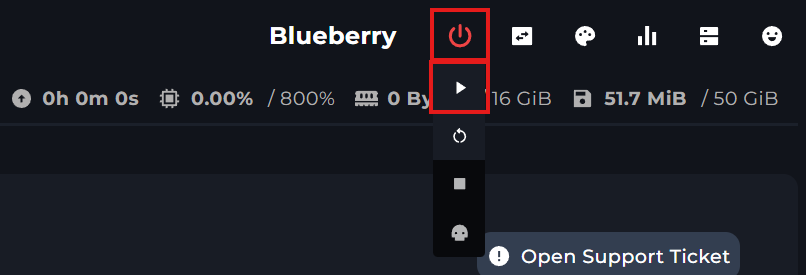
That's all there is to it! You can now start your server!
Using Spark
Only run a profiler when the server is running into performance issues or lagging.
1 To run the profiler, run the following command /spark profiler start
If you want to use the command in your Kinetic Panel console though, you'd input the same command but without the /
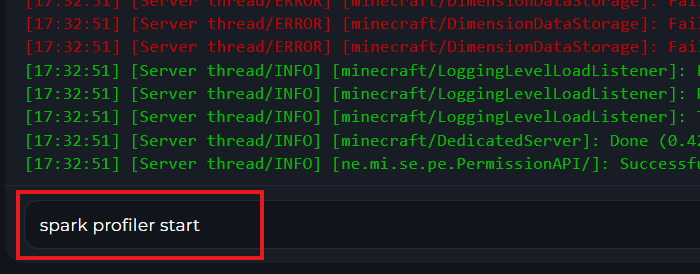
2 After you run this command, you can then run this command:
spark profiler open
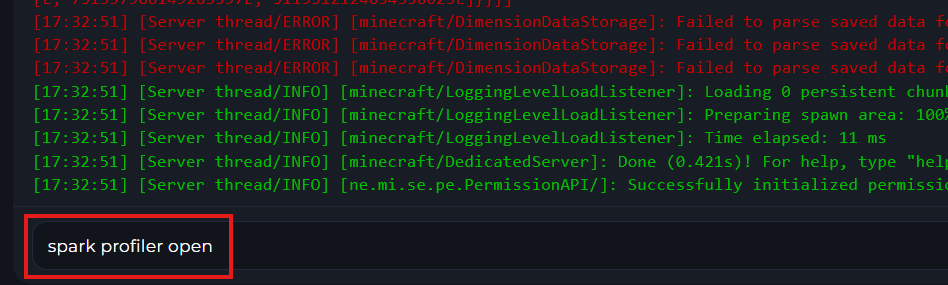
3 After you input this command, spark will show you a link that you can put on a new webpage, which will allow you to view the spark report.
