
CurseForge
ZS Pack (Tensura)
Experience the world of Slime and try to become as strong as Rimuru! (Modpack based on That Time I Got Reincarnated as a Slime | TTIGRAAS )
Choose your server
A new way to play
Deploy popular Minecraft modpacks with one-click installs, fast hardware, and easy server management.
Find your next adventure
Search modpacks by name, filter by platform, and launch your Minecraft modpack server in a few clicks.
Showing 1 of 937 modpacks.
Experience the world of Slime and try to become as strong as Rimuru! (Modpack based on That Time I Got Reincarnated as a Slime | TTIGRAAS )
Choose your serverYou’re all caught up. Find a favourite and make it yours.
From your first install to your next adventure
Kinetic Hosting helps you launch Minecraft modded servers quickly with support for popular CurseForge and Modrinth packs. Install your pack, invite players, and manage updates from one control panel.
Browse preconfigured modpacks and deploy in minutes without manual file uploads or complex setup.
Run large packs with reliable uptime, low-latency locations, and tools for worlds, backups, and restarts.
Use Kinetic Panel to manage files, mods, and startup settings from any browser with no technical setup.
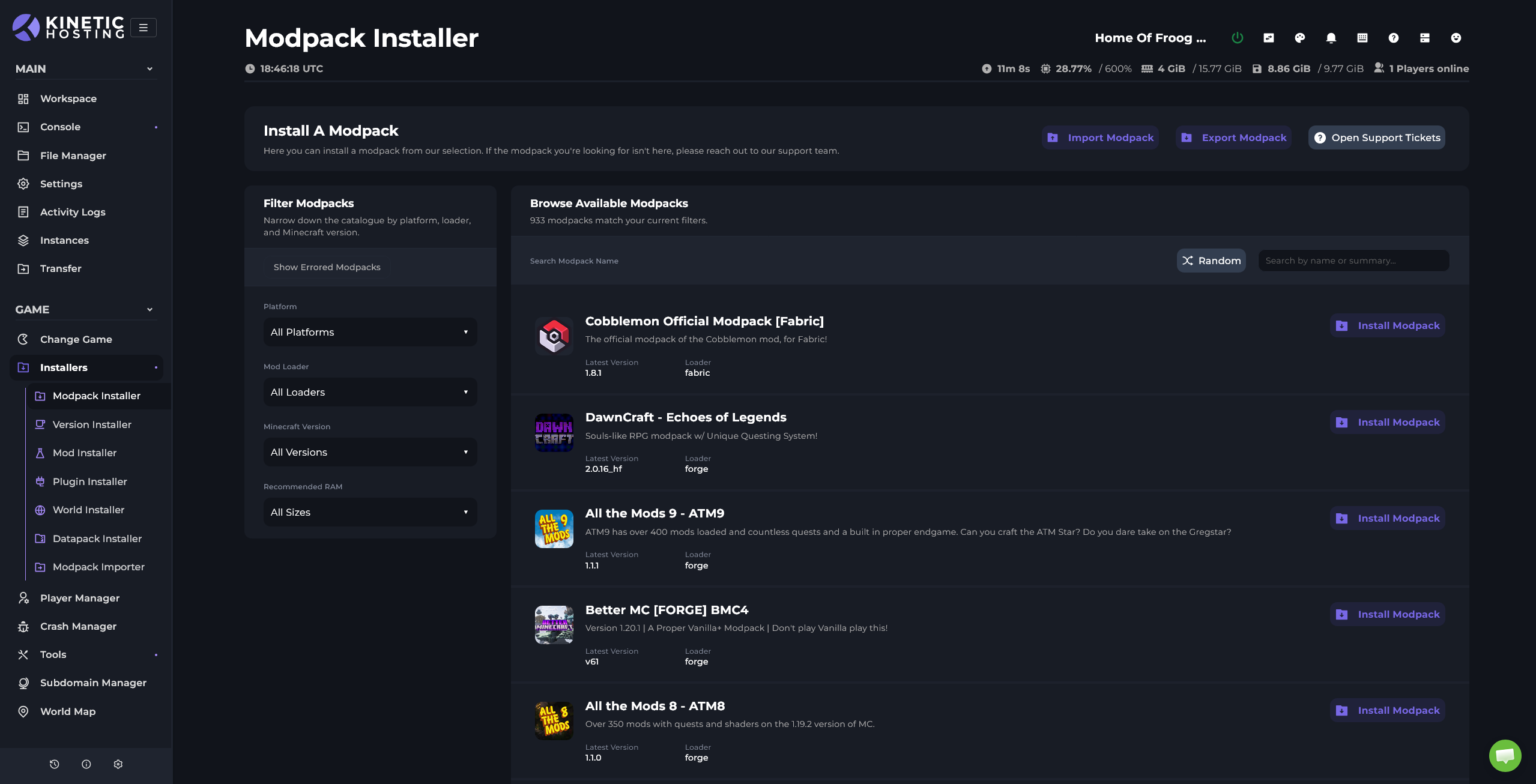
For custom packs, import them with our import tool. We'll set the right version and remove client-only mods for you.
Updates made simple with a button press. When updating a pack, we'll keep any additional mods or configs in place.
A little help getting started
Choose your modpack above, or talk to our team if you need a hand choosing a server for it.