In this article
As featured in our latest post covering an quick overview of everything changing in the Harmony Update, our new and improved server management ecosystem is the new space where you'll control and manage your server! This new unified panel is based on feedback from everyone in our community other the past months of suggestions and comments given through our feedback surveys.
Although we have a complete patch notes post available, we'll cover some highlights for the new server hosting experience in more depth here!
Server Area Refresh
First and foremost, we have one of the most sweeping changes: a general overhaul of the actual control panel design and interface.
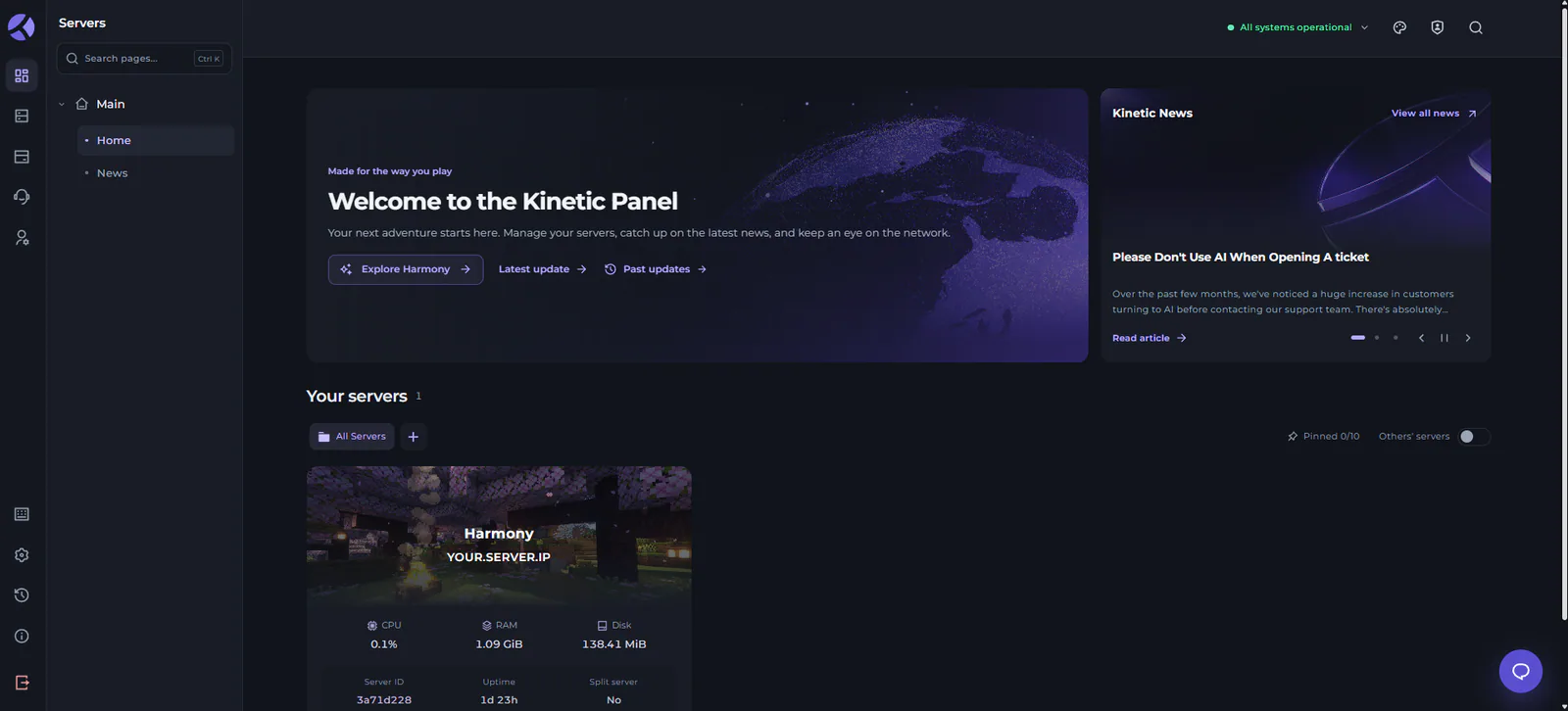
We have some larger changes as part of this process, such as a refresh to how navigation around your panel is handled, as well. But the goal of this update is to bring the control panel up to par with our main website updates that have rolled out over the past month.
Based on feedback from the community, although we've got a ton of quality of life features and tools specific to some of the games we host, that could also make the server hosting interface feel a bit cluttered sometimes.
One of the main goals of this update has been to make everything feel less noisy or overwhelming to navigate around, which leads directly into the next main component of the panel update!
Navigation Overhaul
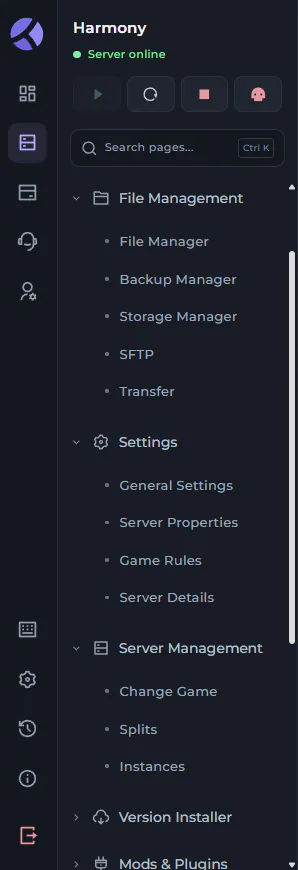
The first thing you might notice when you load up your server area again is the updated sidebar for navigation! This is the main way you interact with your server to find your way around and access all of our game-specific features.
In general, the focus here has been on making the sidebar feel less overwhelming when you first get started. You'll find the classic tabs all nested into categories by default to help organize things a bit better, but you can also still edit and customize your sidebar layout as much as you want!
This means that if you aren't a fan of the order of tabs, how they're grouped, or even the grouping names, you can customize everything from the layout editor and create a new layout that's right for you and your workflow.
You'll also now be able to easily handle basic server power actions like starting/stopping/restarting your server using quick buttons at the top of the sidebar!
Panel Customization & Themes
As one of the most highly requested features for the Kinetic Panel based on all of your responses to our feedback forms, themes are finally here! You'll now be able to set a global theme for your server workspace as a whole, or choose specific ones for each of your servers.
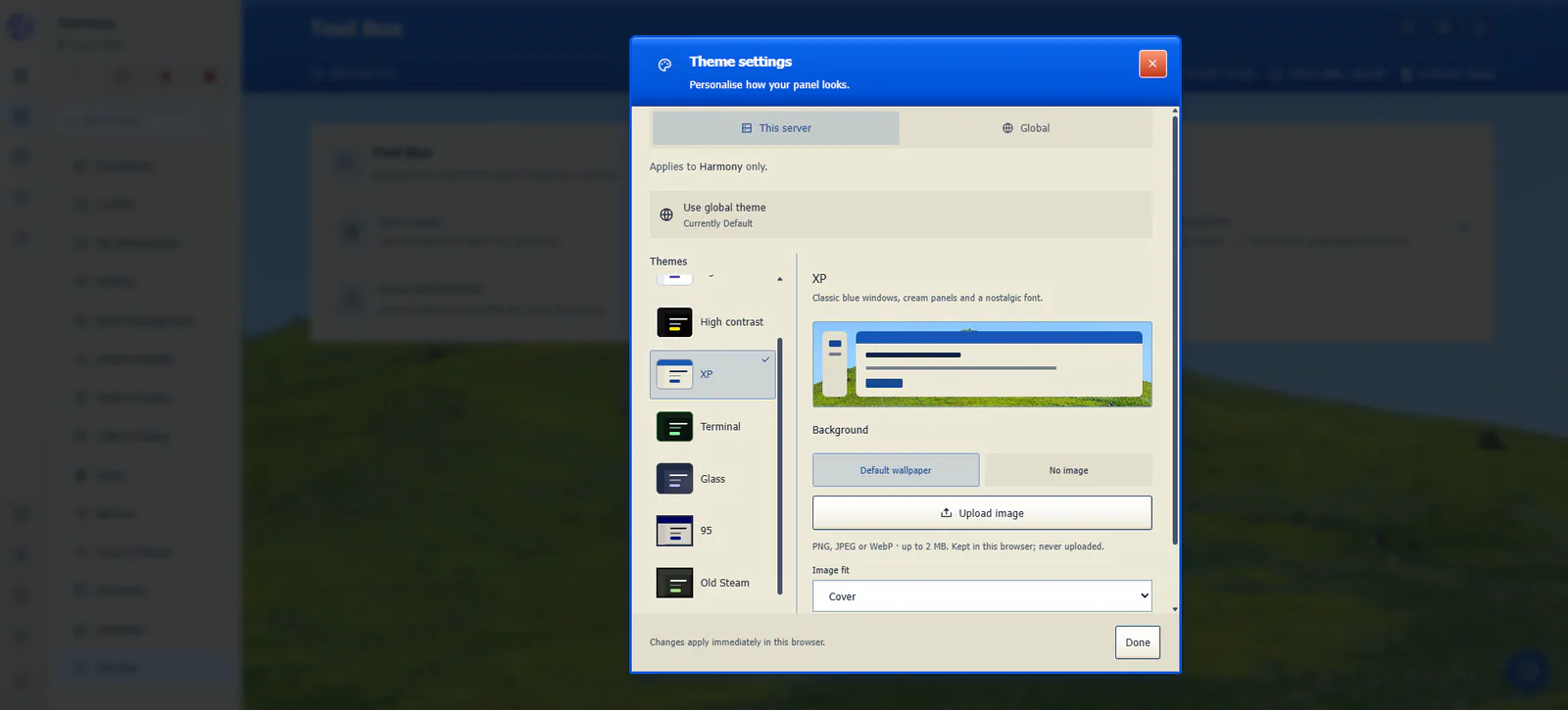
This isn't just limited to our own stock themes, either. You can customize the themes options available through theme-specific settings, such as a custom background image, accent, and more.
Game-Specific Enhancements
You'll also find a wealth of improvements made to some of the more generalized pages specific to certain games, such as Minecraft! Here, we have a look at the visually updated Game Rules page for the game, refreshed not just to look calmer, but also be a bit more intuitive to navigate and browse.
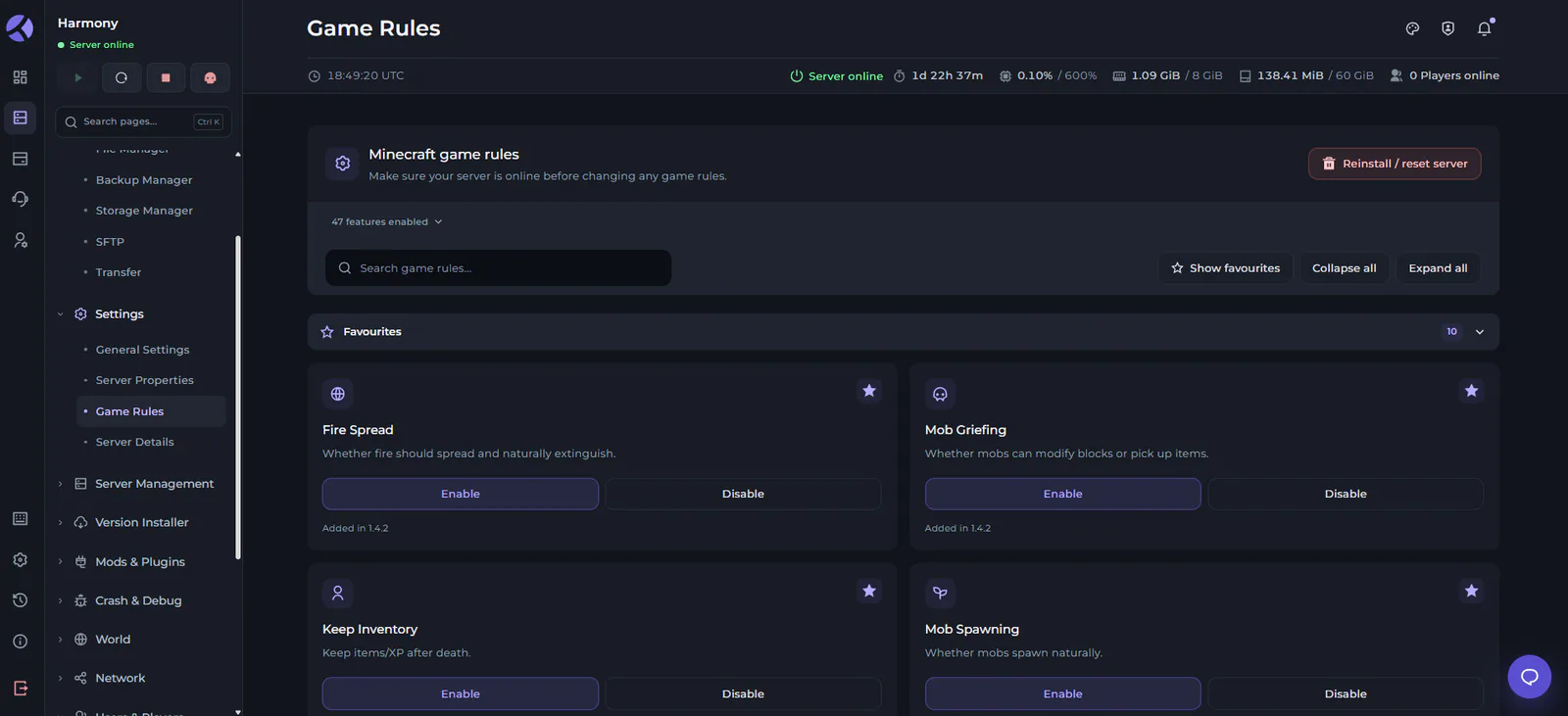
This step forward for the Kinetic panel, titled the Harmony Update, is named not only for having brought our platform all under one unified design philosophy, but also for the calmer experience when managing any of your servers and settings associated with them.
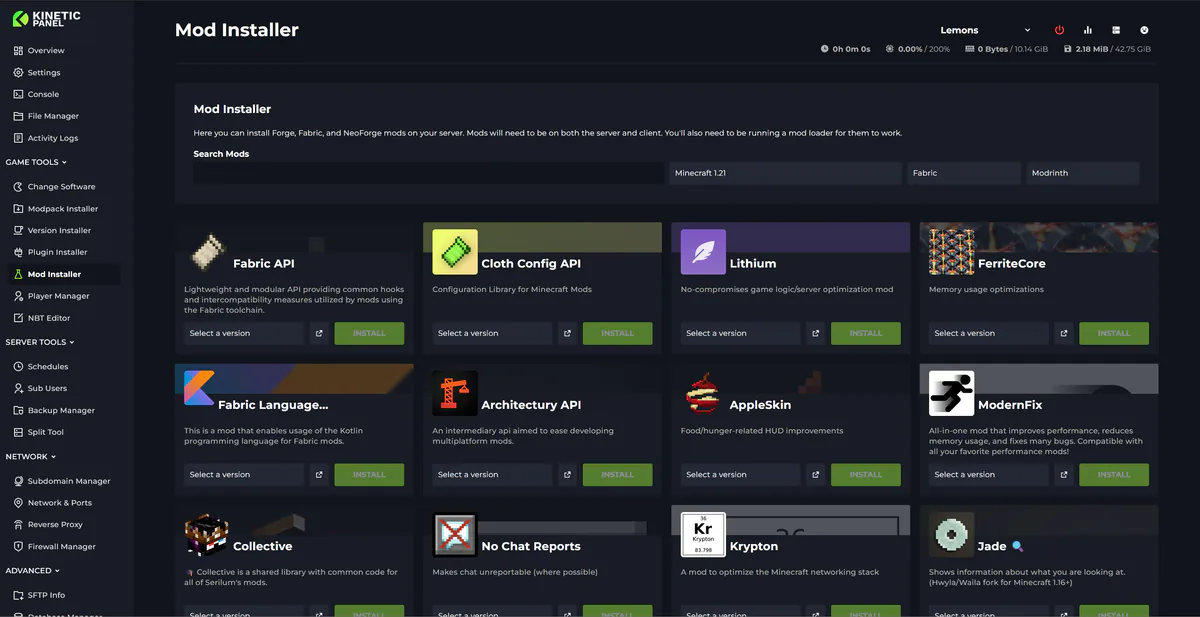
That philosophy has driven the changes to these game-specific pages as we went into redesigning them, including others such as the mod installers for Minecraft:
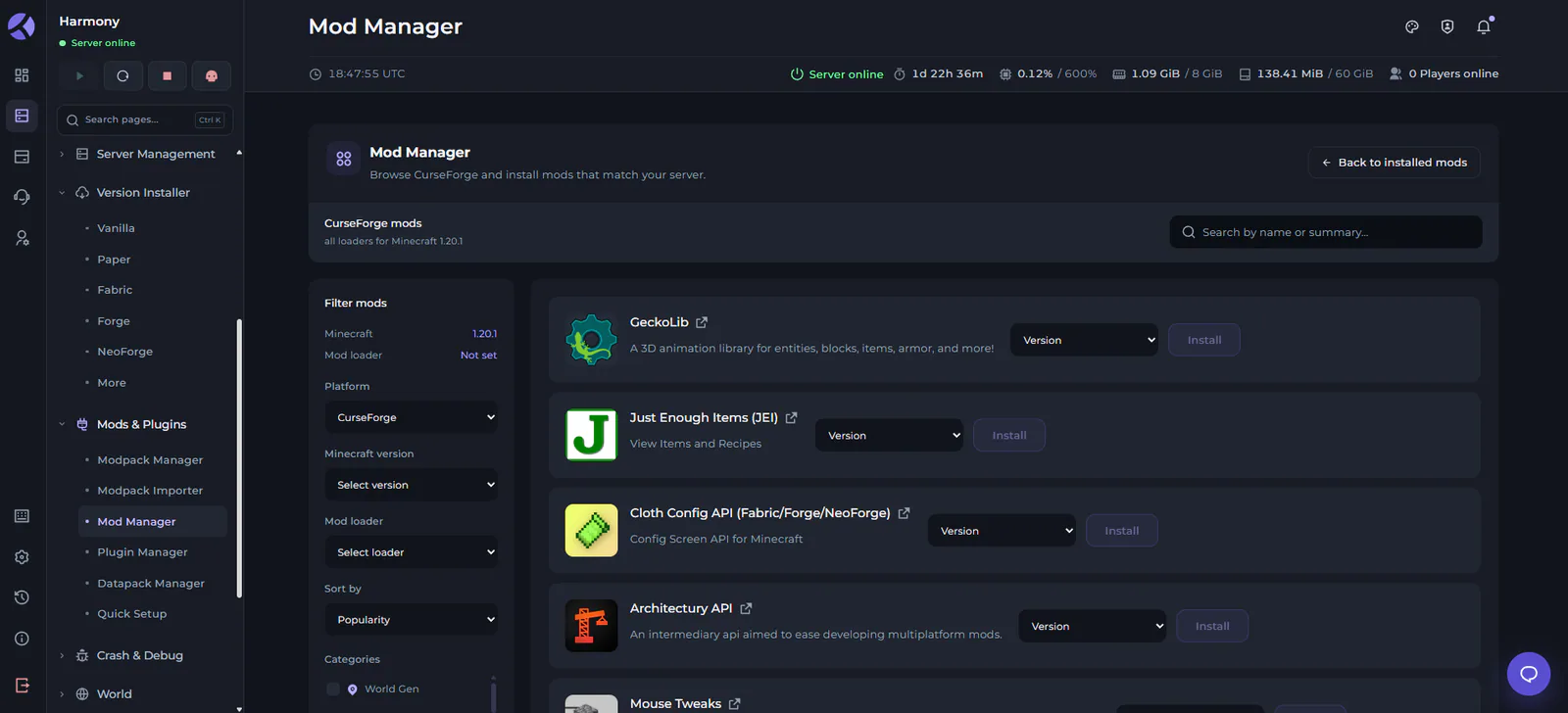
The objective here, as well, was to make things feel a bit less cluttered and easier on the eyes. We'll continue to keep an eye on suggestions and feedback for future surveys as well to know where to go from here, but this has been a huge success in our internal testing!
Minecraft 3D World Map
Although this is also a game-specific feature, it's cool enough that it deserves a spotlight of its own!
Under the World category (by default) in your server's sidebar, you'll find a new World Map tab in the panel as well. This will now have an accessible 3D world map, allowing you to fly around your world! Your player builds, terrain, biomes, and more will all be visible as you fly or look around the world from your browser.
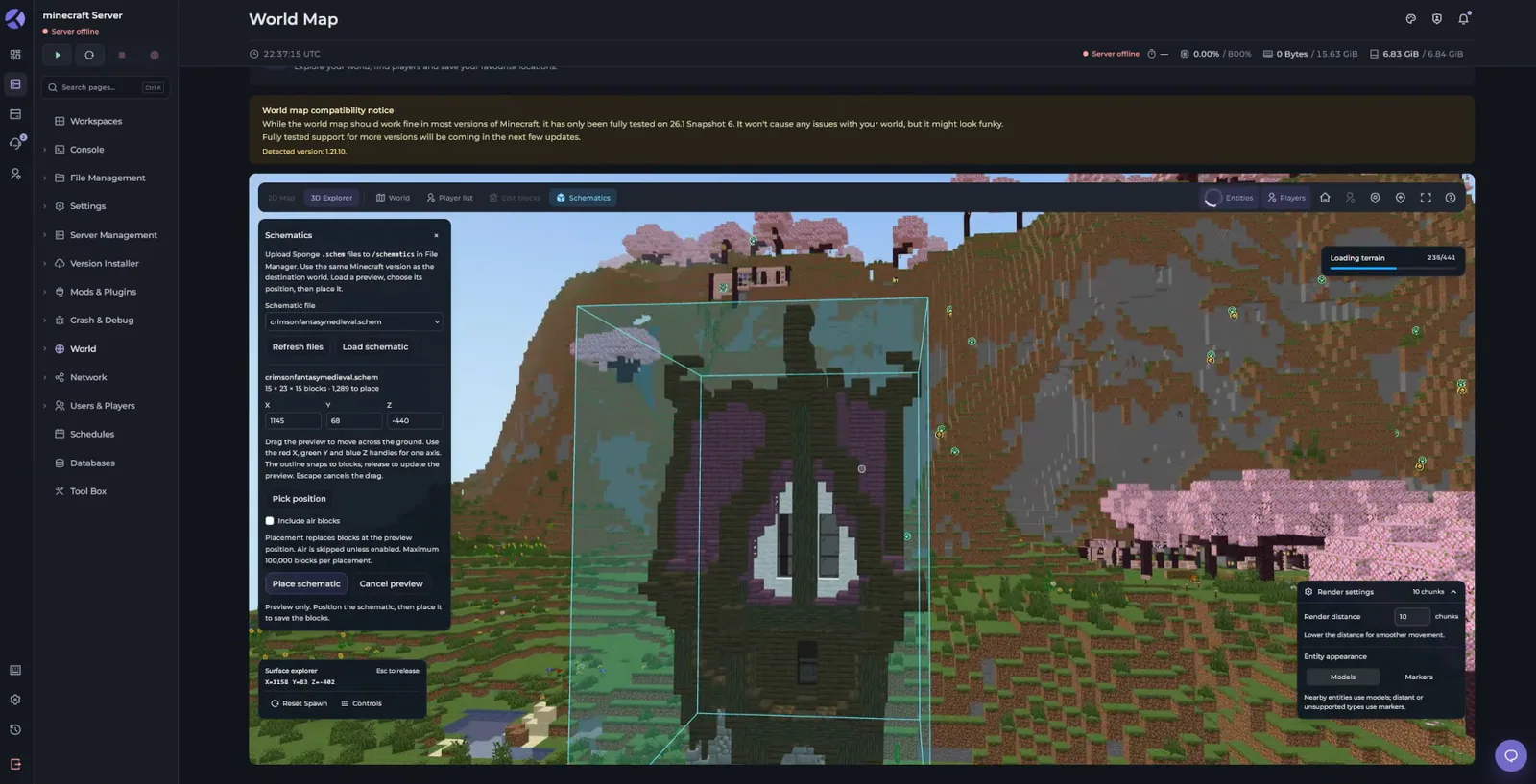
This includes the ability to jump directly to players in the world, making it a fully interactive way to actually peek into your server's world without needing to launch the game at all!
Improved Workspaces & Games
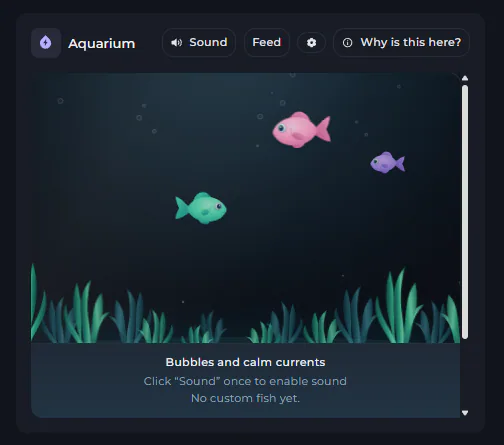
We've also made some huge improvements to the ability to manage and customize your server workspaces and layouts!
This means you'll be able to more flexibly arrange and personalize what features appear in your workspace, including some changes made to the improve functionality of those existing features/widgets.
These improvements also extend to some of the more fun workspace components, like the aquarium to help keep things calm and harmonious.
What do you think?
Loading reactions…