
Login to the Kinetic Panel.
Start the server.
-1767461999149.png)
Open Settings.
-1770486781191.png)
Click Server Settings.

Copy the Invite Code.

Open the game.
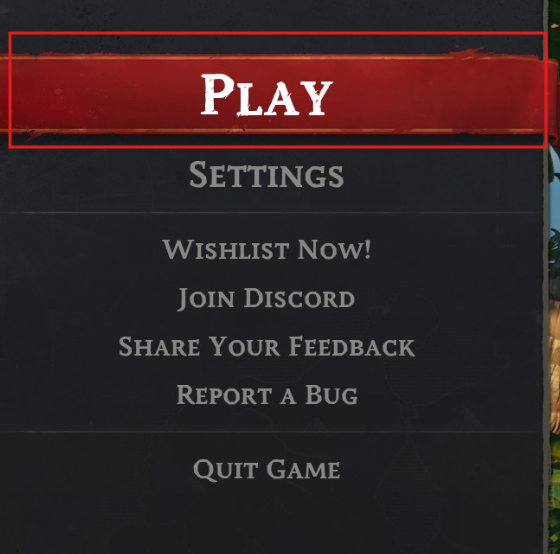
Click Play.
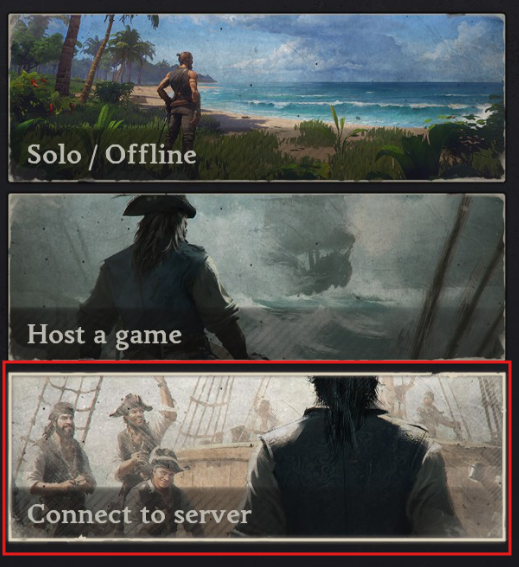
Click Connect to server.
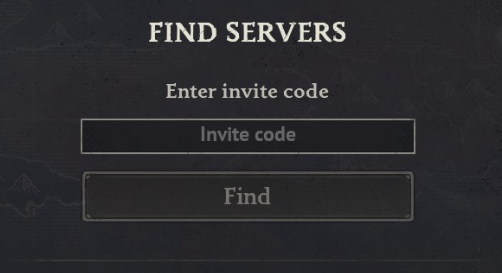
Enter an invite code.
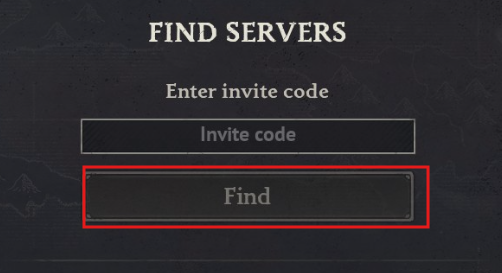
Click Find.
Click the server that appears.
Enter a password if one is set.
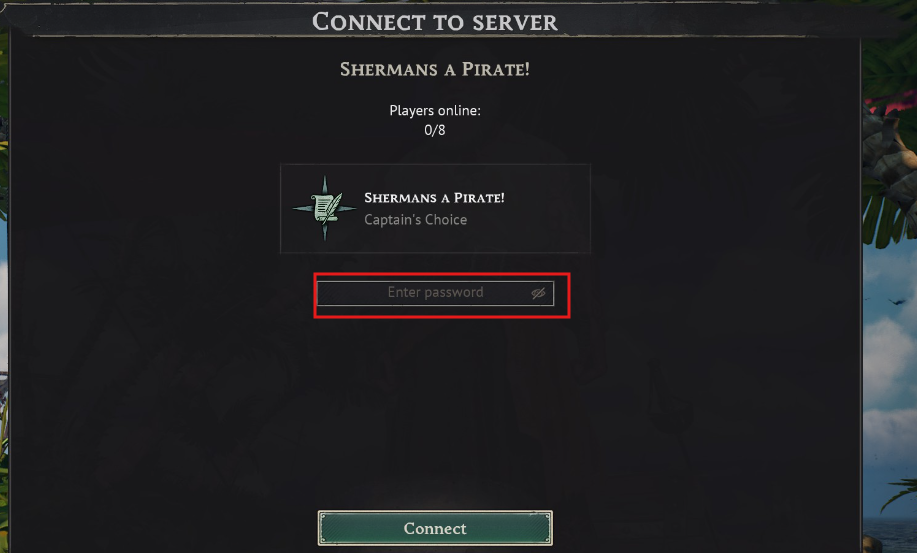
Click Connect
WindRose guide
How to join your Windrose Server
This guide will show you how to join your Windrose Server