
Login to the Kinetic Panel.
Stop the server.
-1767383729764.png)
Open the Settings page
-1770486781191.png)
Toggle Enable Direct Connect.

Start the server.
-1767462125511.png)
Open workspace.
-1770488313241.png)
Copy the IP & note the port
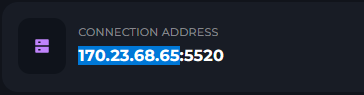
Open Windrose.
Click Play
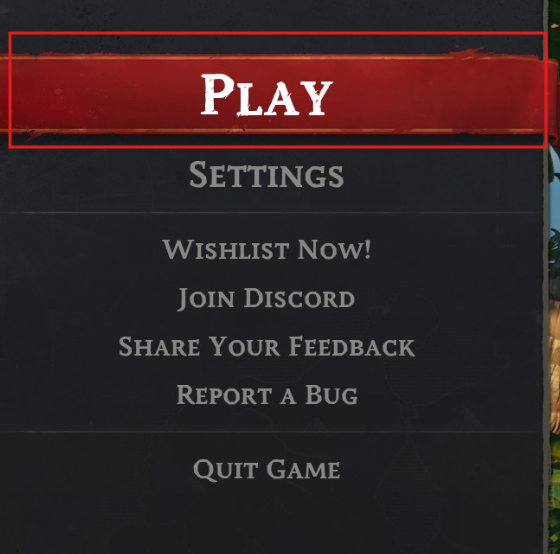
Click Connect to server.
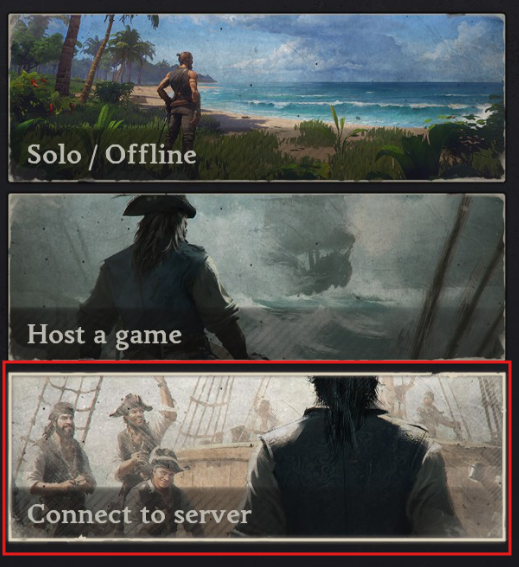
Click Direct Connect.
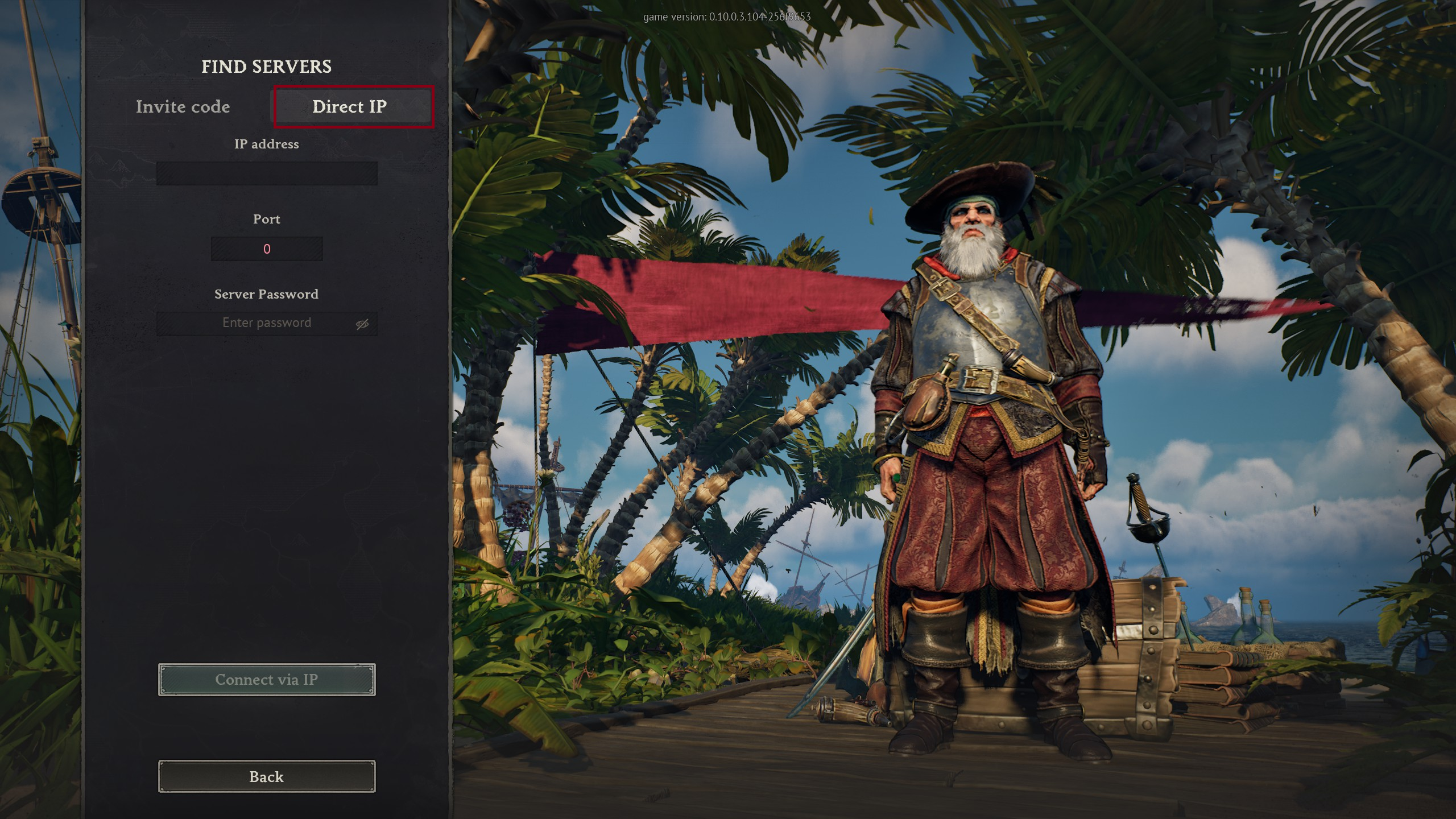
Paste in the ip.
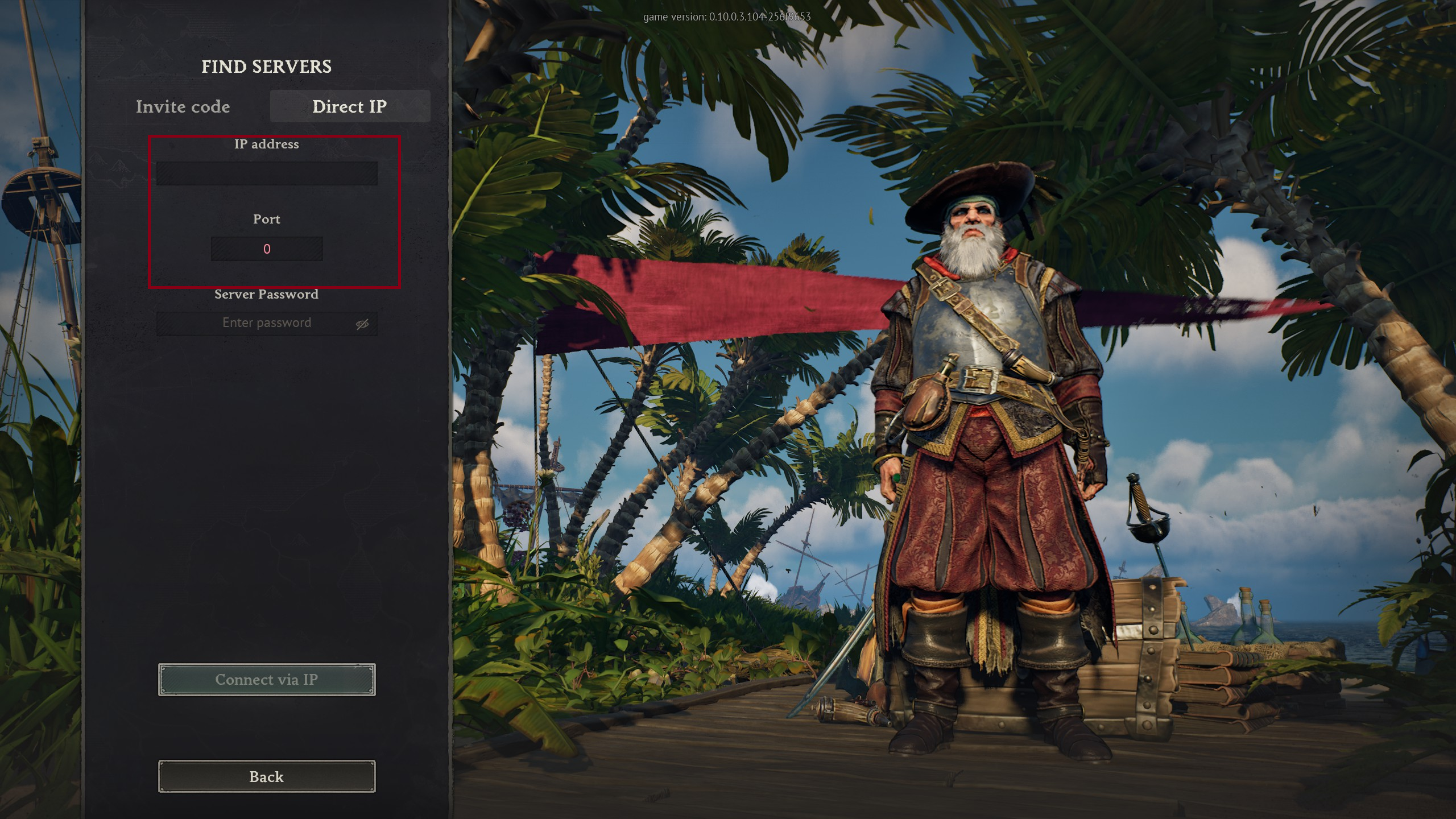
Enter the port
Add a password if its needed.
Click Connect.
WindRose guide
How to Direct connect your Windrose Server
This guide will cover how to directly connect to your Windrose server on a Kinetic Hosting Server. It's as simple as toggling a switch & entering the IP