In this guide
How to become Admin on your Soulmask server
Login to your Kinetic Panel
Go to settings.
-1770311132720.png)
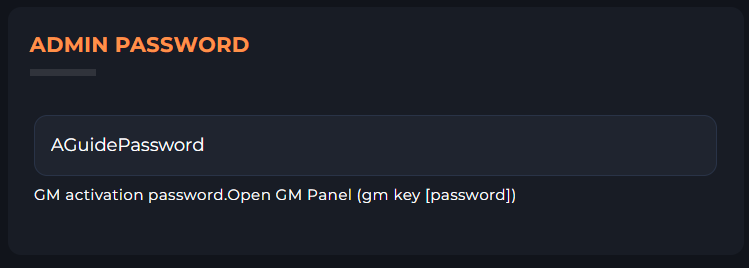
In your settings menu, you'll find a box called "Admin Password". Create a password, and make note of it, or copy it.
Open Soulmask, and join your server. If you'd like to know how to join your server, click here to open the guide.
While in game, press the tilde key "~" to open your console. If that doesn't work, please check your key-binds in your games settings.
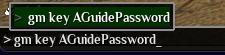
Once the console is open, type "gm key [Admin Password]"