In this guide
How to join your Soulmask server
Login to your Kinetic Panel
Open your workspace menu.
-1774289374899.png)
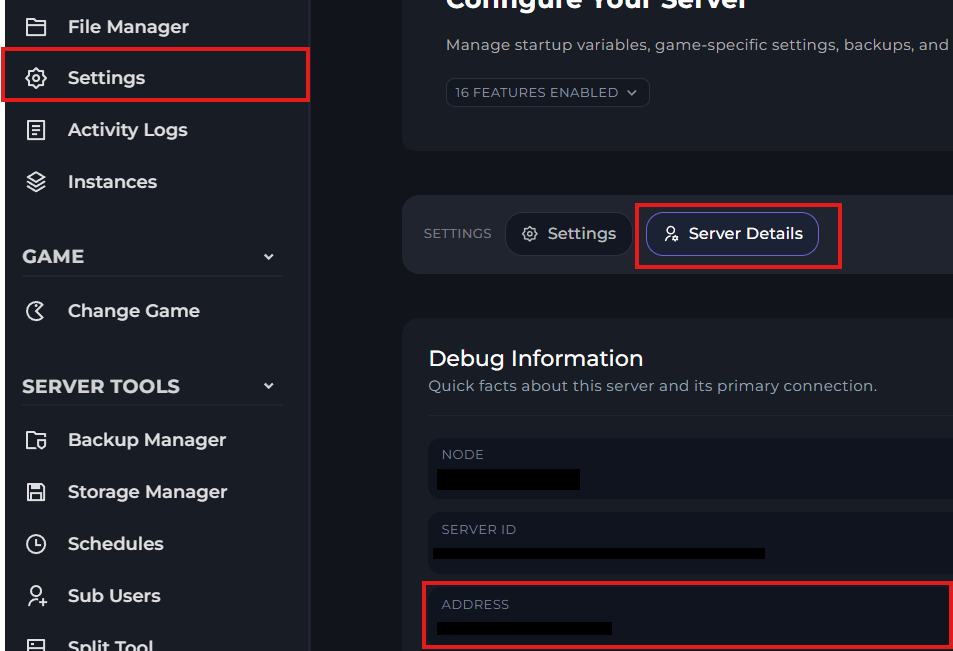
On the right side of your workspace menu, you'll find your connection address. If you don't see it here, you can also find your connection address by going to settings, then server details.
-1775318291259.png)
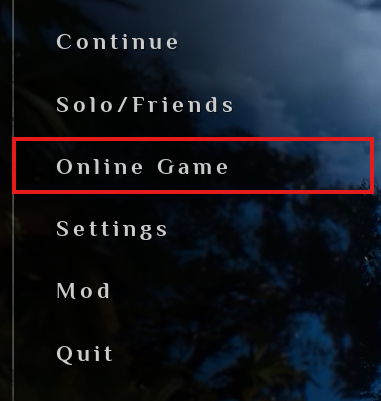
Open Soulmask, and click "Online Game"
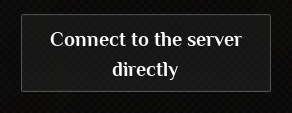
Then, at the bottom of your screen, click "Connect To The Server Directly"
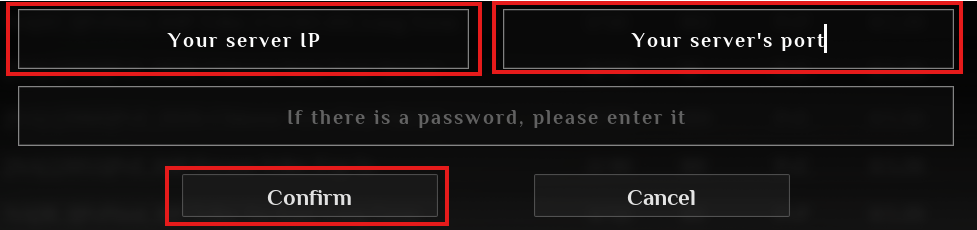
You'll then be met with another menu to input your servers details. The IP and port will need to be separate, keep this in mind. If you have a password, input it in the bottom box.