How To Wipe Or Partial Wipe Your Scum Server
Last updated 09 Aug 2025
Need a game server?
Spin one up fast with our feature-rich panel and seriously low prices.
Types Of Wipe
There are three types of wipe available to server owners:
Gold Wipe: Only resets players gold.
Partial Wipe: Resets everything in the game world other than gold and player stats.
Full Wipe: Resets everything in the game world, gold and player progress.
How To Wipe A Server
1 Login to the Kinetic Panel and Stop your server.
2 Go to the File Manager

3 Navigate through the following file: SCUM > Saved > Config > Windows Server
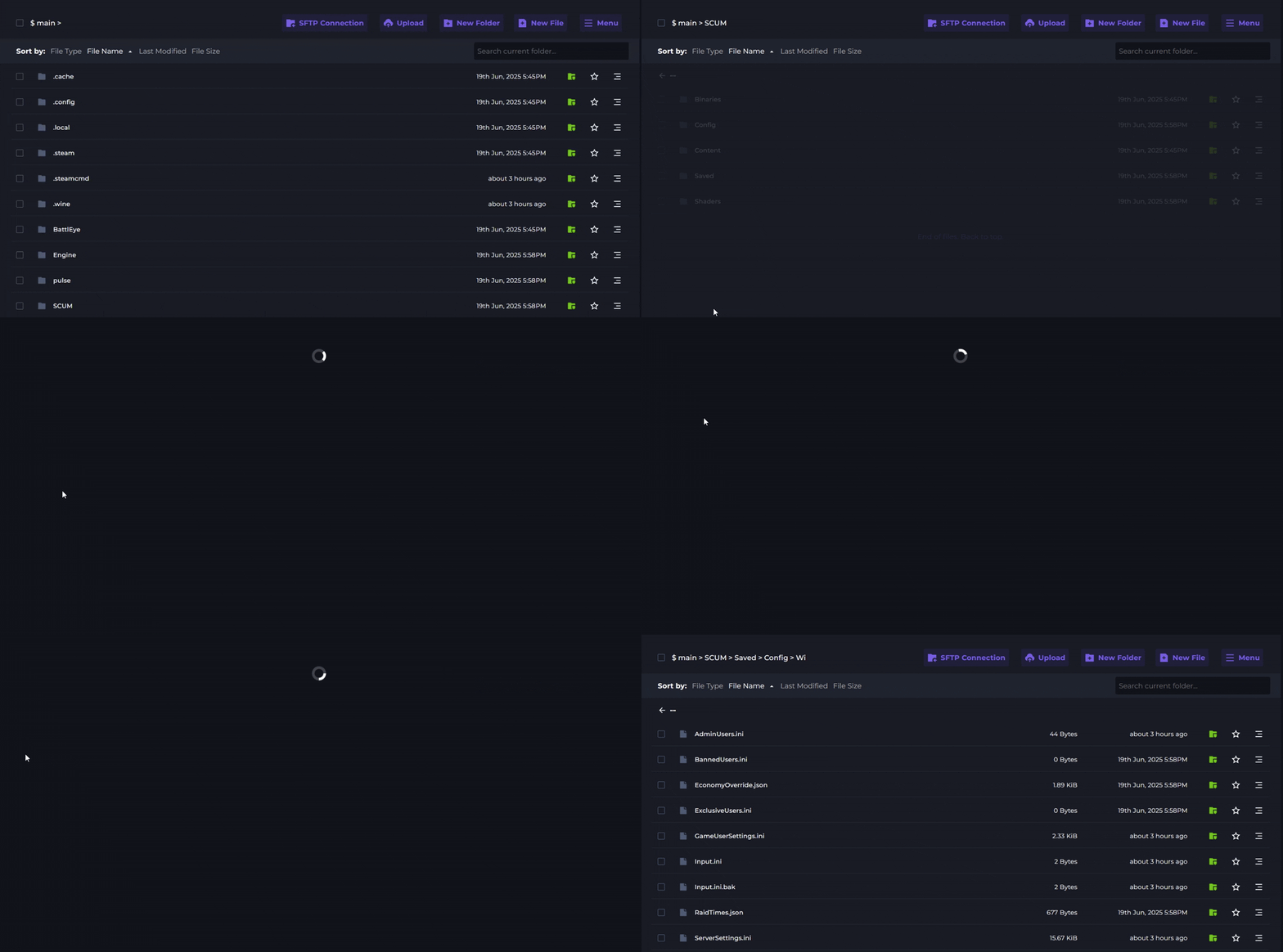
4 Open the ServerSetting.ini file.
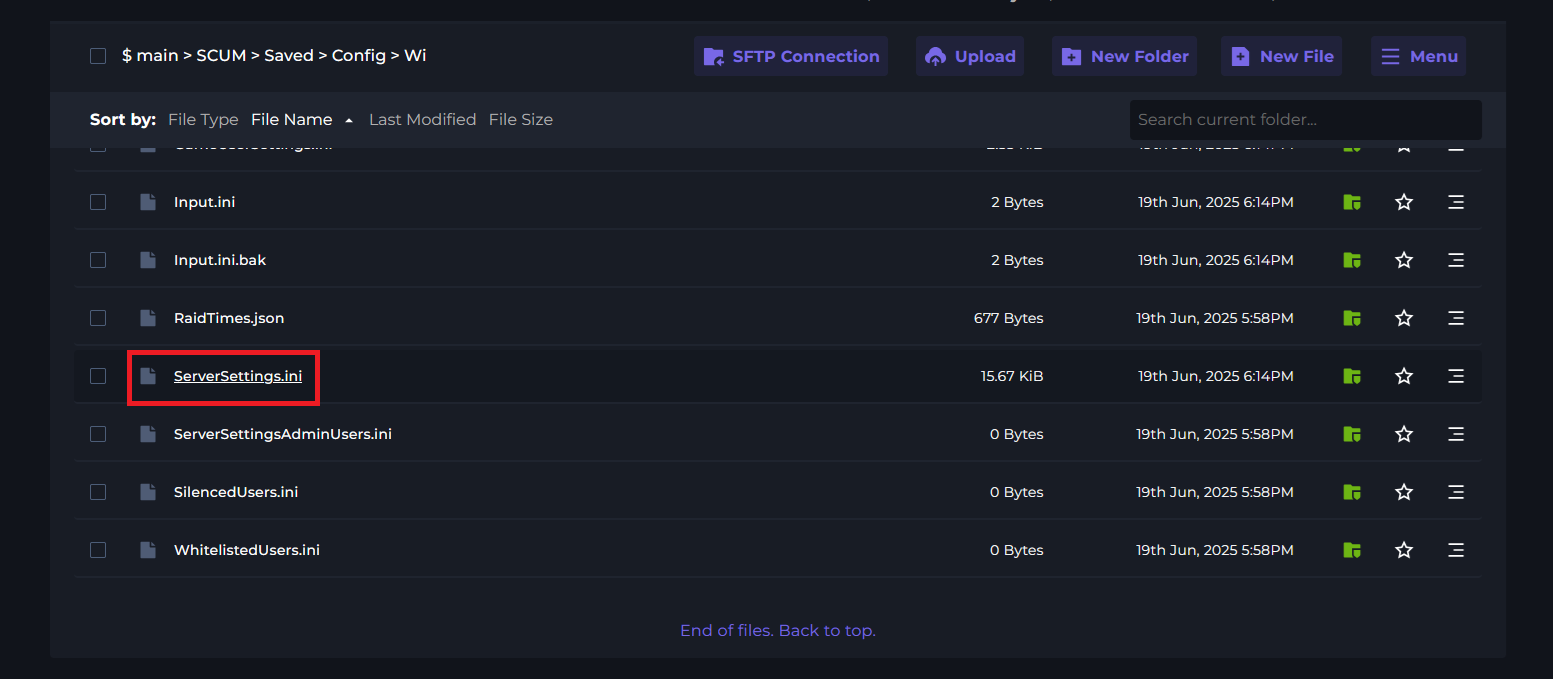
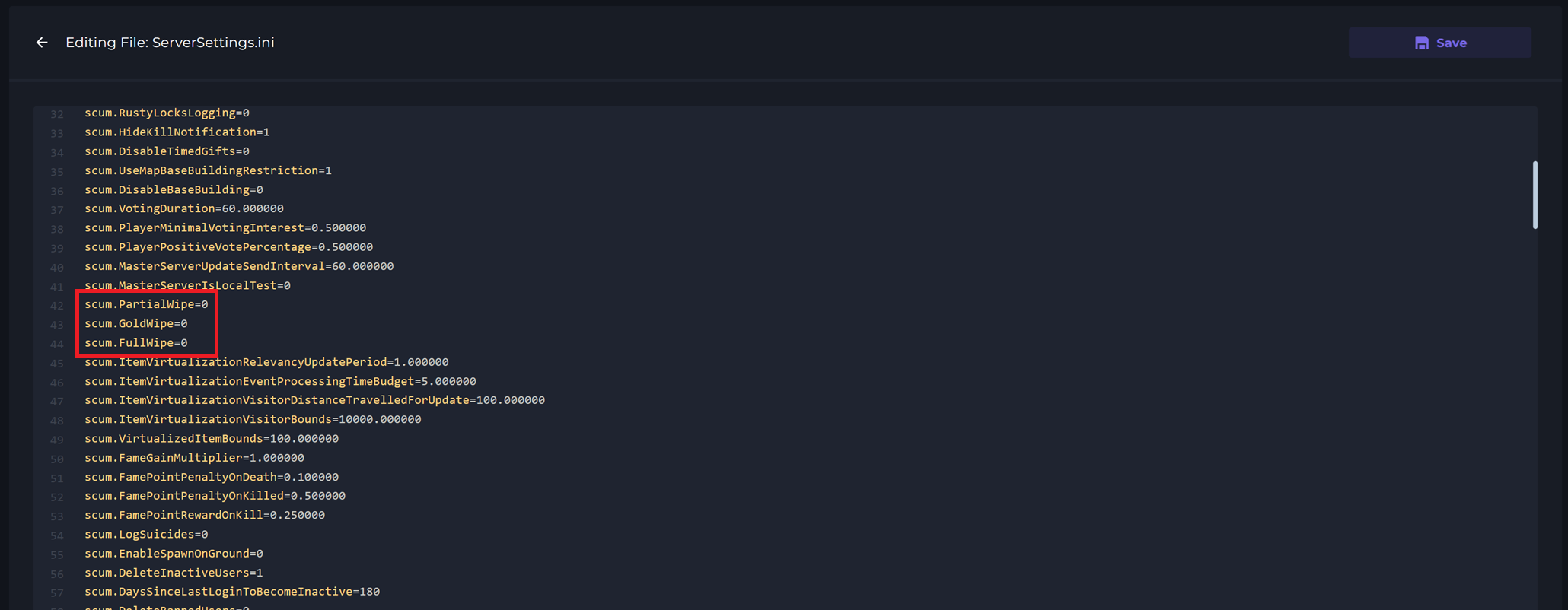
5 Locate the scum.PartialWipe, scum.GoldWipe or the scum.FullWipe option and set your desired the value of your desired wipe to 1.
6 Save and Start your server to complete your chosen wipe.