How To Whitelist Or Add Exclusive Players To Your Scum Server
Last updated 09 Aug 2025
Need a game server?
Spin one up fast with our feature-rich panel and seriously low prices.
Adding Whitelisted Players
1 Login to the Kinetic Panel and Stop your server.
2 Go to the File Manager

3 Navigate through the following file: SCUM > Saved > Config > Windows Server
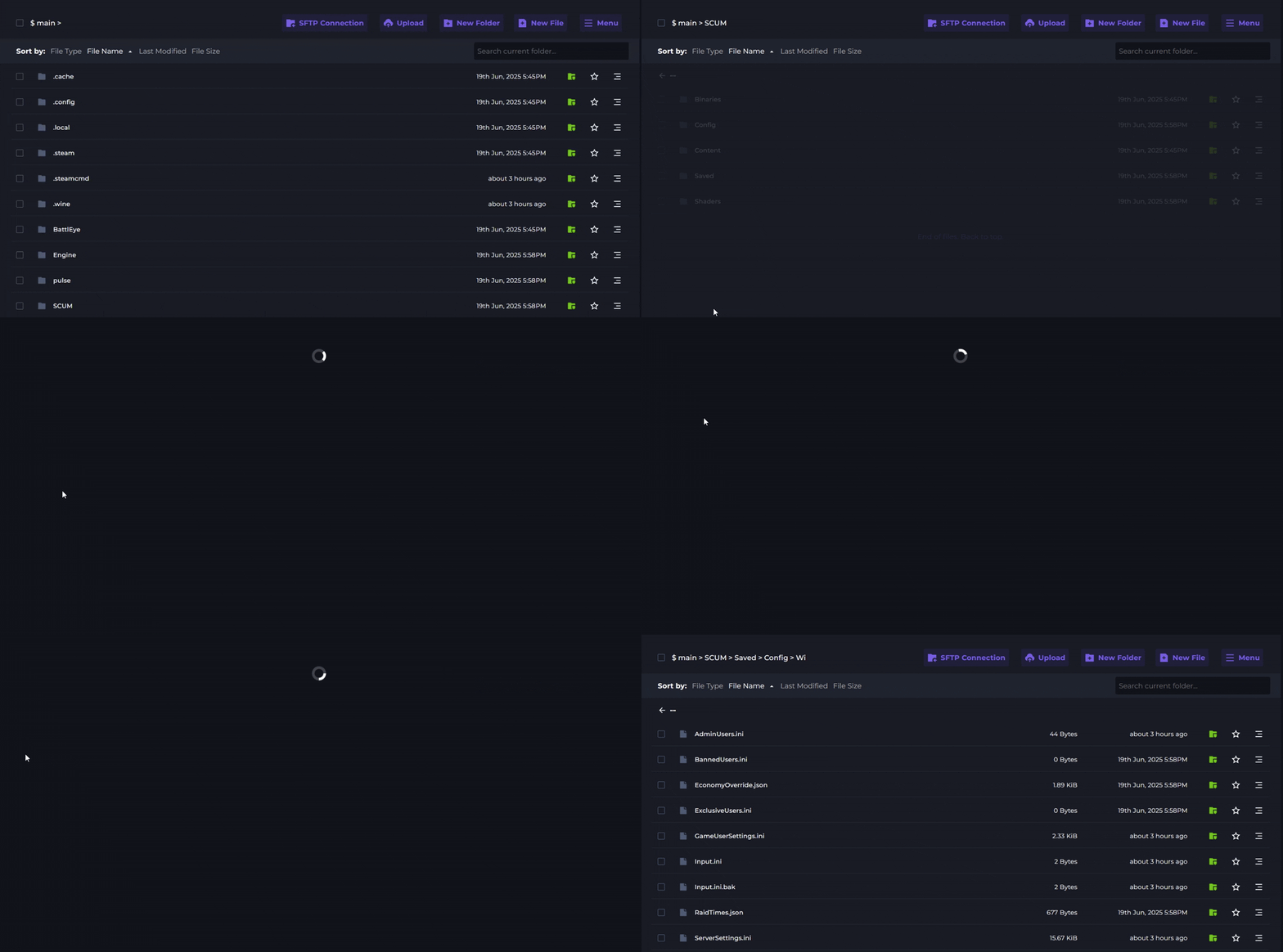
4 Open the WhitelistedUsers.ini file.
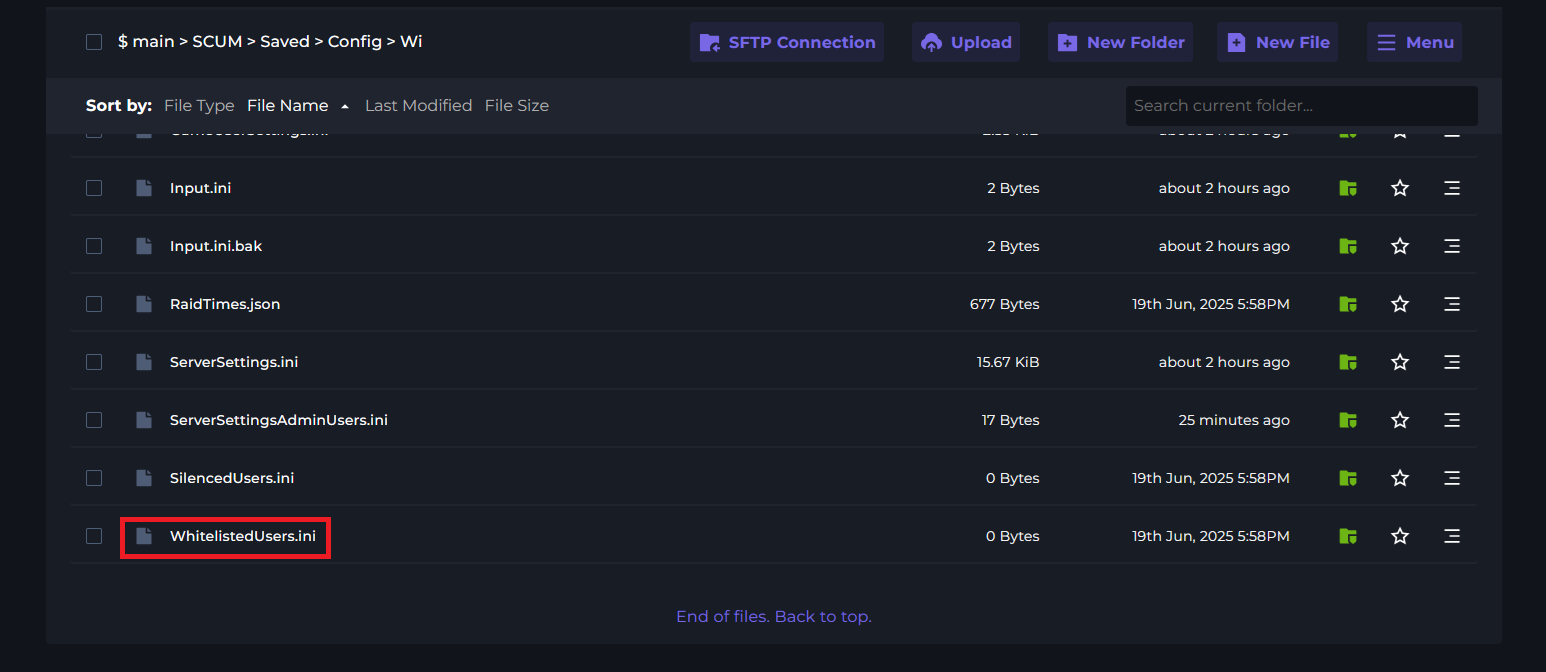
5 Find the Steam ID64 of the player you wish to add to the whitelist.
6 Add the ID of the player to the file with each ID on a new line.
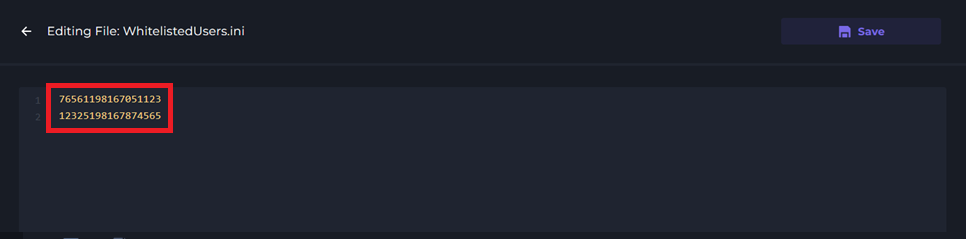
7 Click Save and Start your server to apply the changes.
Adding Exclusive Users
1 Login to the Kinetic Panel and Stop your server.
2 Go to the File Manager
3 Navigate through the following file: SCUM > Saved > Config > Windows Server
4 Open the ExclusiveUsers.ini file.
.gif)
5 Find the Steam ID64 of the player you wish to add to the whitelist.
6 Add the ID of the player to the file with each ID on a new line.
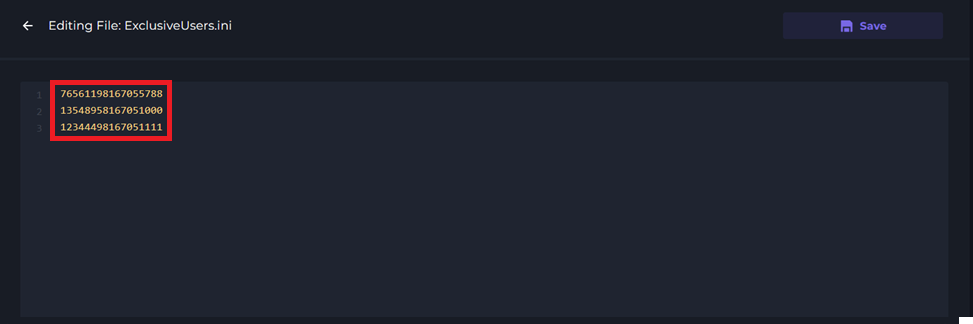
7 Click Save and Start your server to apply the changes.