How to make your self Admin
Last updated 09 Aug 2025
Need a game server?
Spin one up fast with our feature-rich panel and seriously low prices.
1 Login to the Kinetic Panel
2 Stop the server
2 Go to the File Manager

3 Navigate through the following file: SCUM > Saved > Config > Windows Server
4 In here, you will see a variety of Configuration files that you can make changes to for your SCUM server
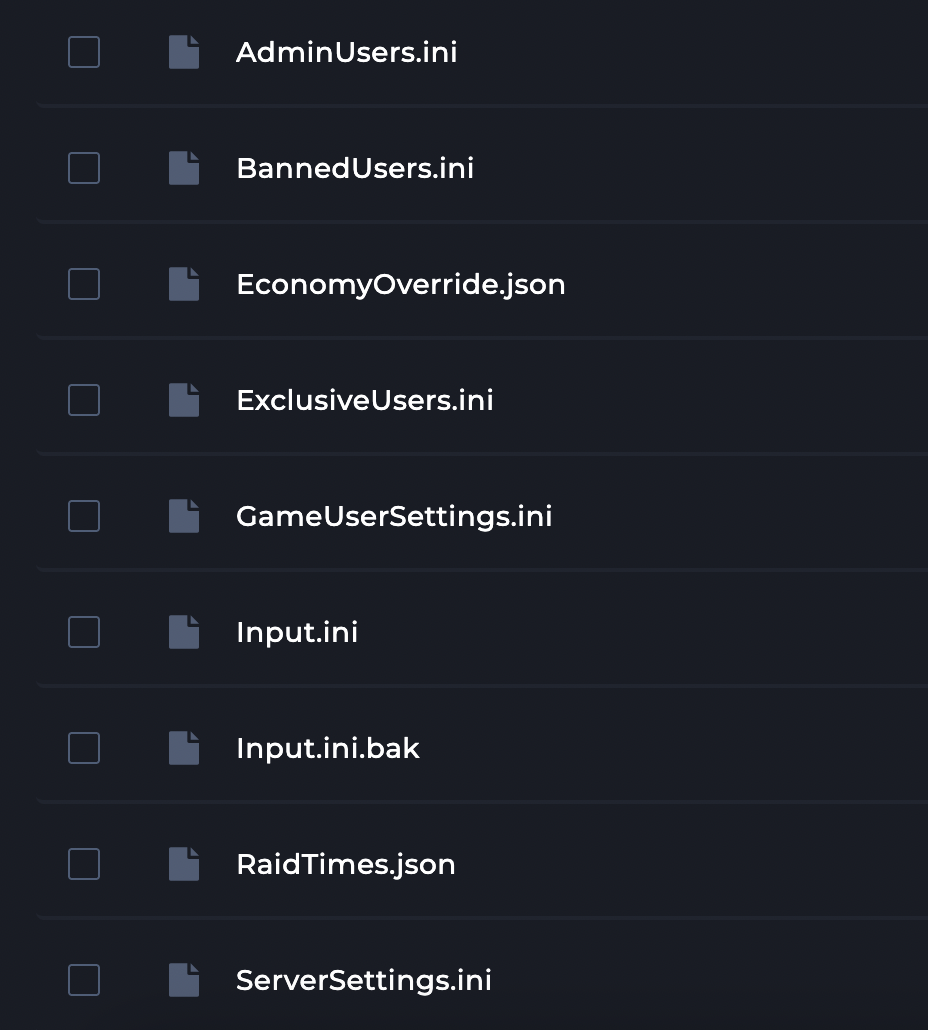
5 Now, open up the AdminUsers.ini file

6 You're going to want to find your Steam ID64
7 All you need to do now is paste your SteamID64 file in the AdminUsers.ini files & click save!
