How to Join a SCUM Server
Last updated 09 Aug 2025
Need a game server?
Spin one up fast with our feature-rich panel and seriously low prices.
If you have just purchased a SCUM server from Kinetic Hosting, this guide will walk you through the steps you need to join your SCUM server successfully.
1 Login to the Kinetic Panel
2 Head to the Overview Page
3 You should now see the Connection Address. You're going to want to copy the First Portion of the Connection Address without the Port.

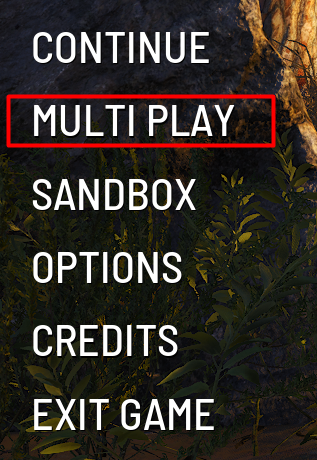
4 Within the SCUM Game, click on "Multi Play".
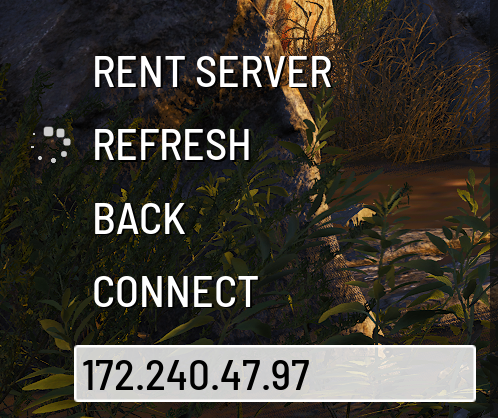
5 Now, paste in the first part of the Connection Address that you copied within the empty box in the SCUM menu.
6 Head to the Settings Page on the Kinetic Panel
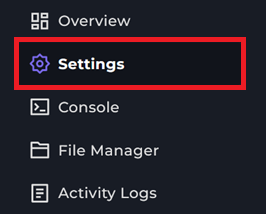
7 You should now see the Query Port, this is the port you will use to complete the connection for your SCUM Server, so make sure to copy it.
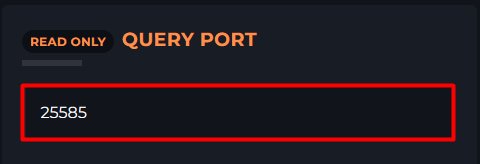
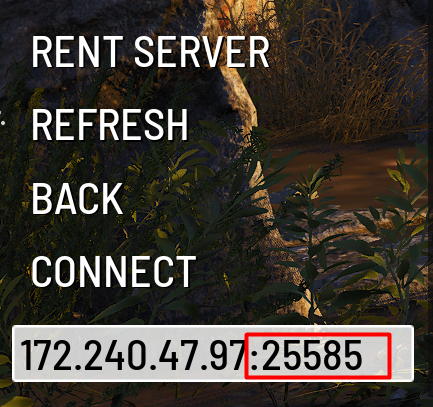
8 Head back to the SCUM game and put in the Query Port that you copied from the Kinetic Panel