How to Edit SCUM Server Settings
Last updated 09 Aug 2025
Need a game server?
Spin one up fast with our feature-rich panel and seriously low prices.
This guide will walk you through on how to change a variety of your SCUM Servers Settings
1 Login to the Kinetic Panel
2 Head to the Settings Page
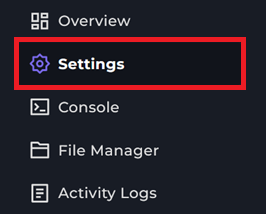
3 On this page, you will see some basic settings on how to edit your SCUM Server. Here you can make some smaller changes to your SCUM Server
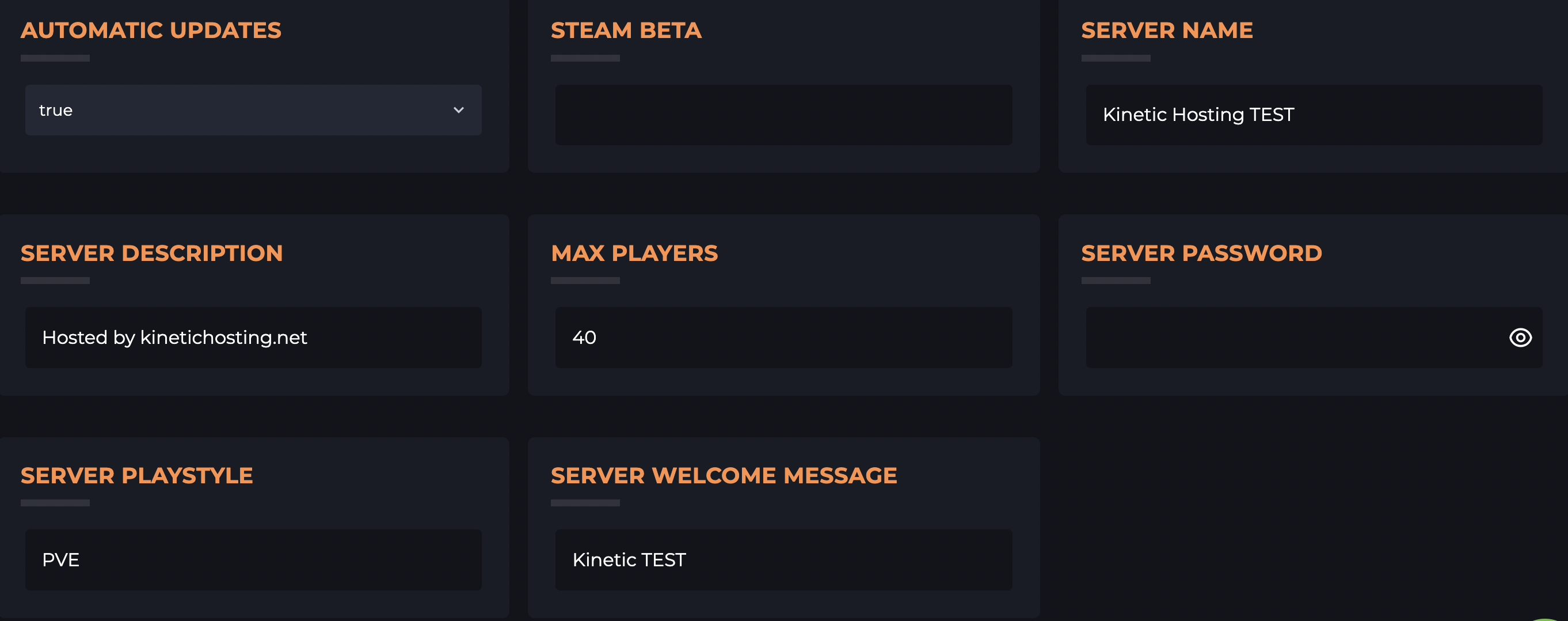
5 Once you make your servers changes, all you need to do is restart the server & they will be all set!
In some cases, you may need to fully power down the server before the changes can save.
More In Depth Settings
1 Login to the Kinetic Panel
2 Go to the File Manager

3 Navigate through the following file: SCUM > Saved > Config > Windows Server
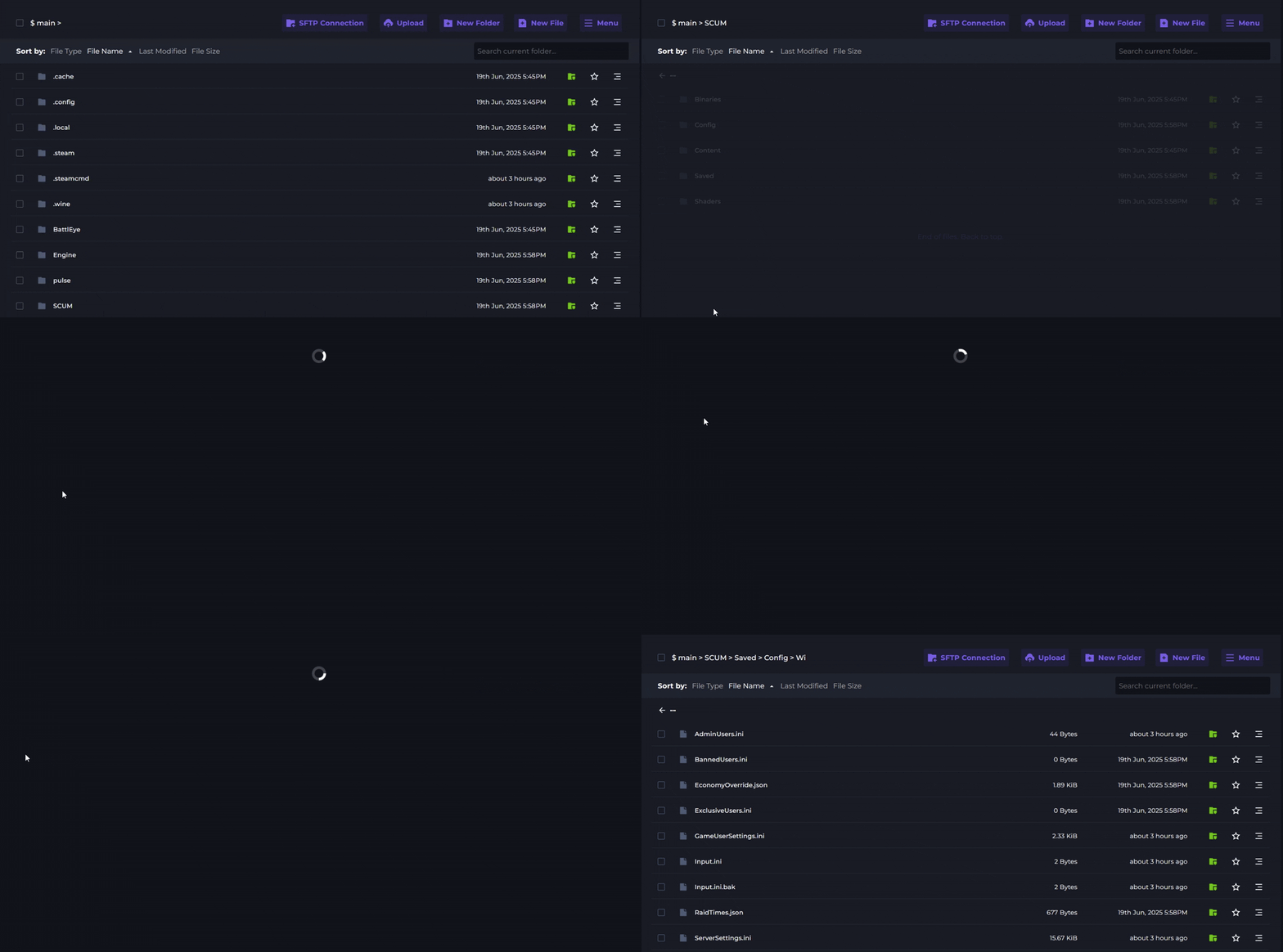
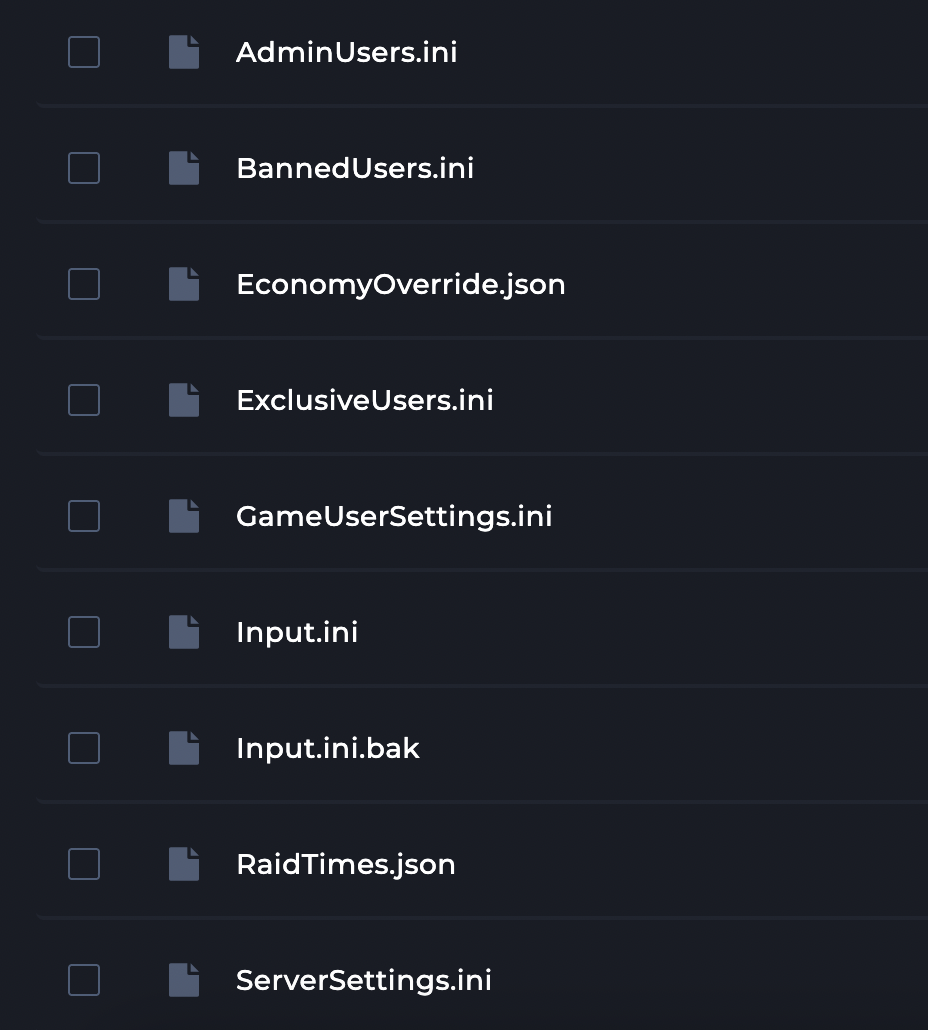
4 In here, you will see a variety of Configuration files that you can make changes to for your SCUM server