Configuring Your Scum Servers Message Of The Day
Last updated 09 Aug 2025
Need a game server?
Spin one up fast with our feature-rich panel and seriously low prices.
1 Login to the Kinetic Panel and Stop your server.
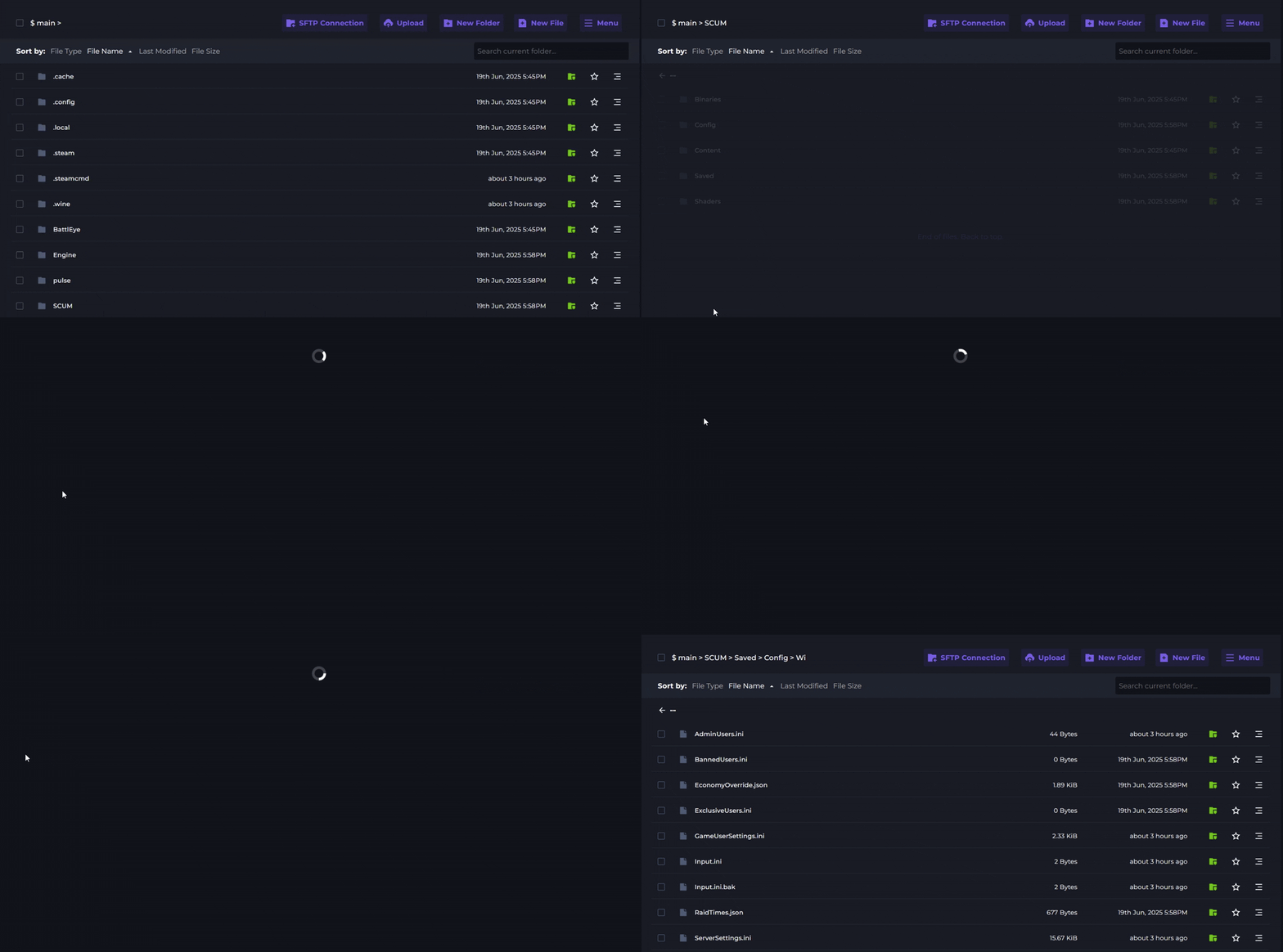
2 Go to the File Manager.

3 Navigate through the following file: SCUM > Saved > Config > Windows Server
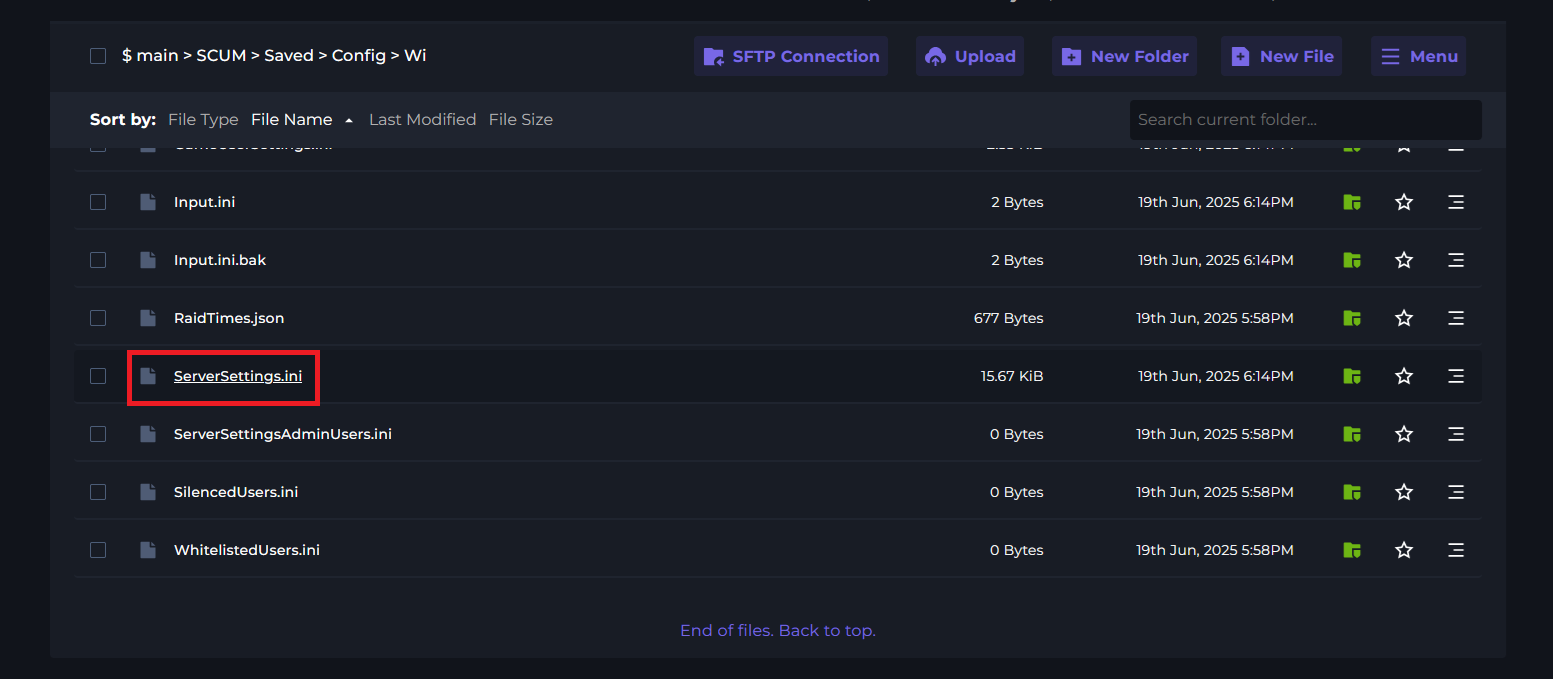
4 Open the ServerSetting.ini file.
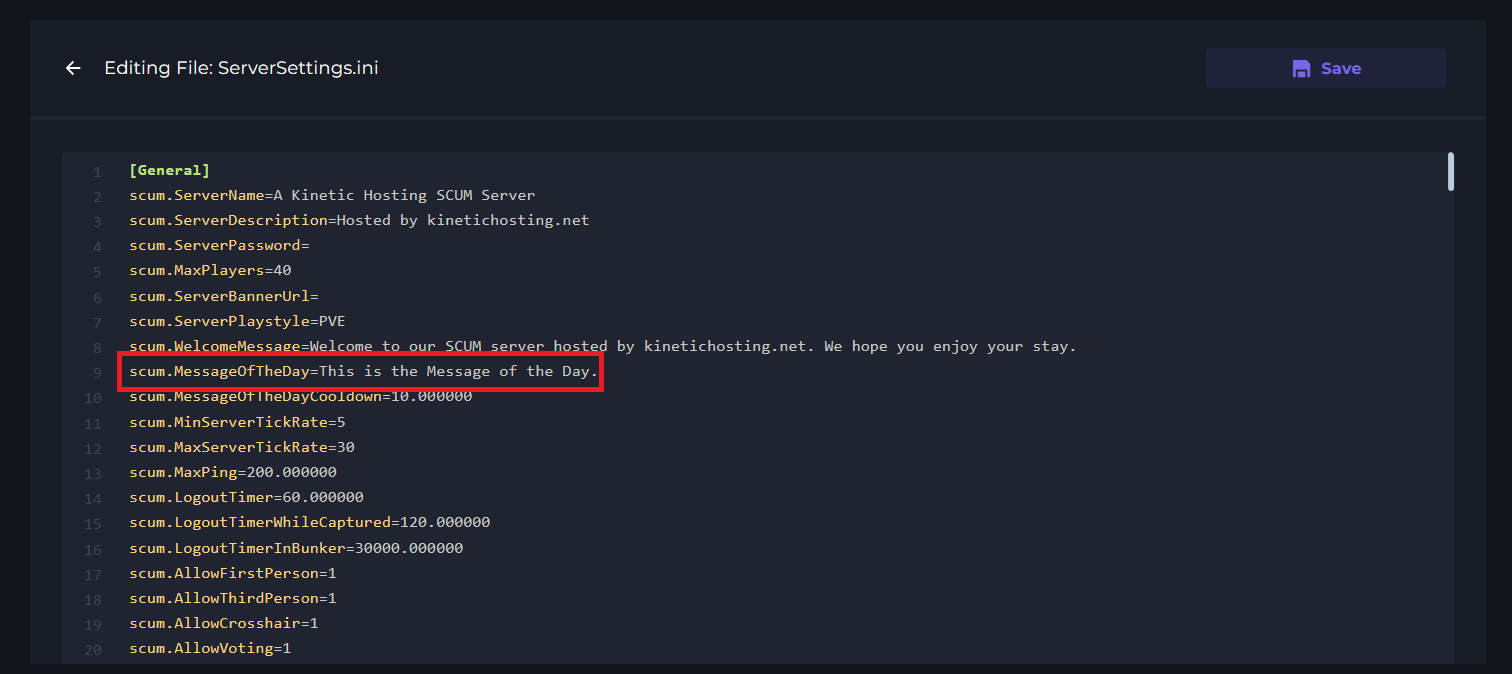
5 Locate the scum.MessageOfTheDay option and set your desired MOTD.
6 Save and Start your server to apply the changes.
Setting The MOTD Interval
1 Login to the Kinetic Panel and Stop your server.
2 Go to the File Manager
3 Navigate through the following file: SCUM > Saved > Config > Windows Server
4 Open the ServerSetting.ini file.
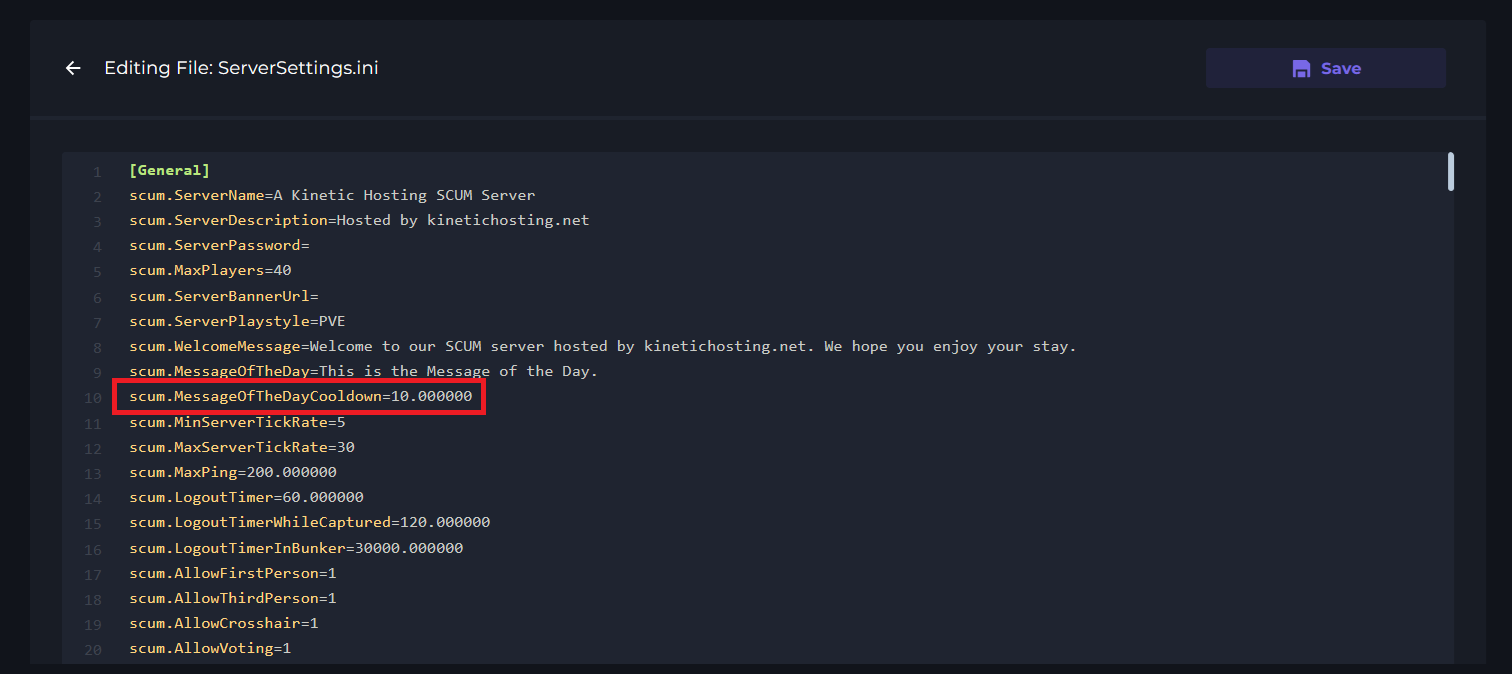
5 Locate the scum.MessageOfTheDayCooldown option and set your desired value (in minutes).
6 Save and Start your server to apply the changes.