In this guide
How to add mods to your Rimworld Together Server
In order to begin adding mods to your Rimworld together server, you'll first need to have joined your server.
A guide on how to do so can be found here.
Open Rimworld on your computer.
Go to "Browse servers".
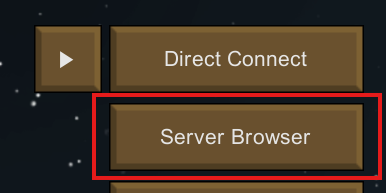
Select and join your server. If you're joining for the first time, you'll be able to configure the mods of the server within the startup menu within game. However, for the purpose of this tutorial, we will be demonstrating how to configure mods after the server has already been set up.

Within game, click the shield icon on the top right of your screen.

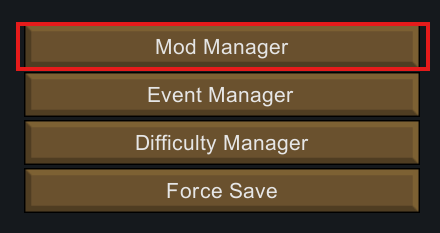
You'll now see this menu. Here, click "Mod Manager"
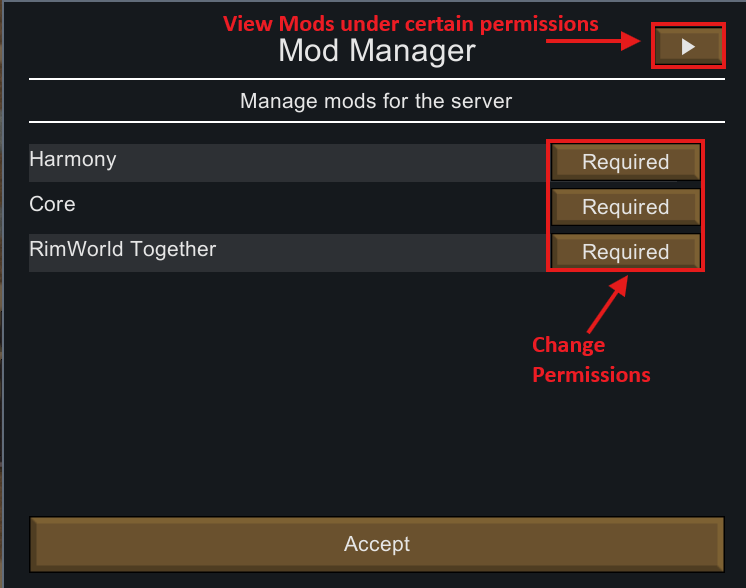
You'll now see the mod manager screen. Here, you can change the permissions of mods. You can either set mods to Forbidden, Optional, or Required.
Optional: Players won't be required to install the mod on their client in order to join to join the server, but they can if they wish.
Required: Players MUST have the mod installed on their game client in order to join the server.
Forbidden: Mod is banned from the server, and cannot be used.noticeIf you wish to add mods to the server, you must have the mods installed on your own game client first. They will then appear on the servers mod manager.