How to install Rimworld Together and join your Rimworld Together server
Last updated 20 Jun 2026
Need a game server?
Spin one up fast with our feature-rich panel and seriously low prices.
How to install Rimworld Together and join your Rimworld Together server
In order to join a Rimworld Together server, you'll first need to install the Rimworld Together mod on your game client.
Please follow these steps on how to install the mod onto your client:
Open Steam on your PC.
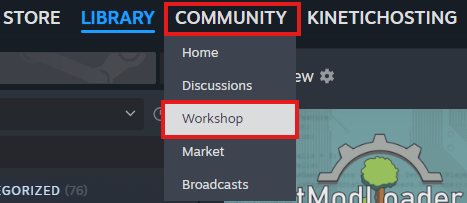
Within steam, go to the top left where you'll find "Community", then click "Workshop"
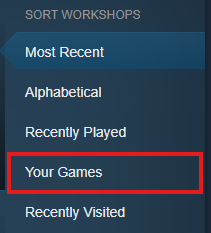
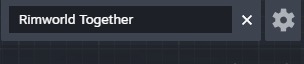
Once you're in the workshop, you can select Rimworld as the game, and search for Rimworld Together.

Once you've found the workspace page for the RimWorld Together Mod, you will need to subscribe to the workspace page. This will install the mod onto your game.
When subscribing, you may get a pop-up asking you to install a mod called Harmony. You will need to install it in order for RimWorld Together to work.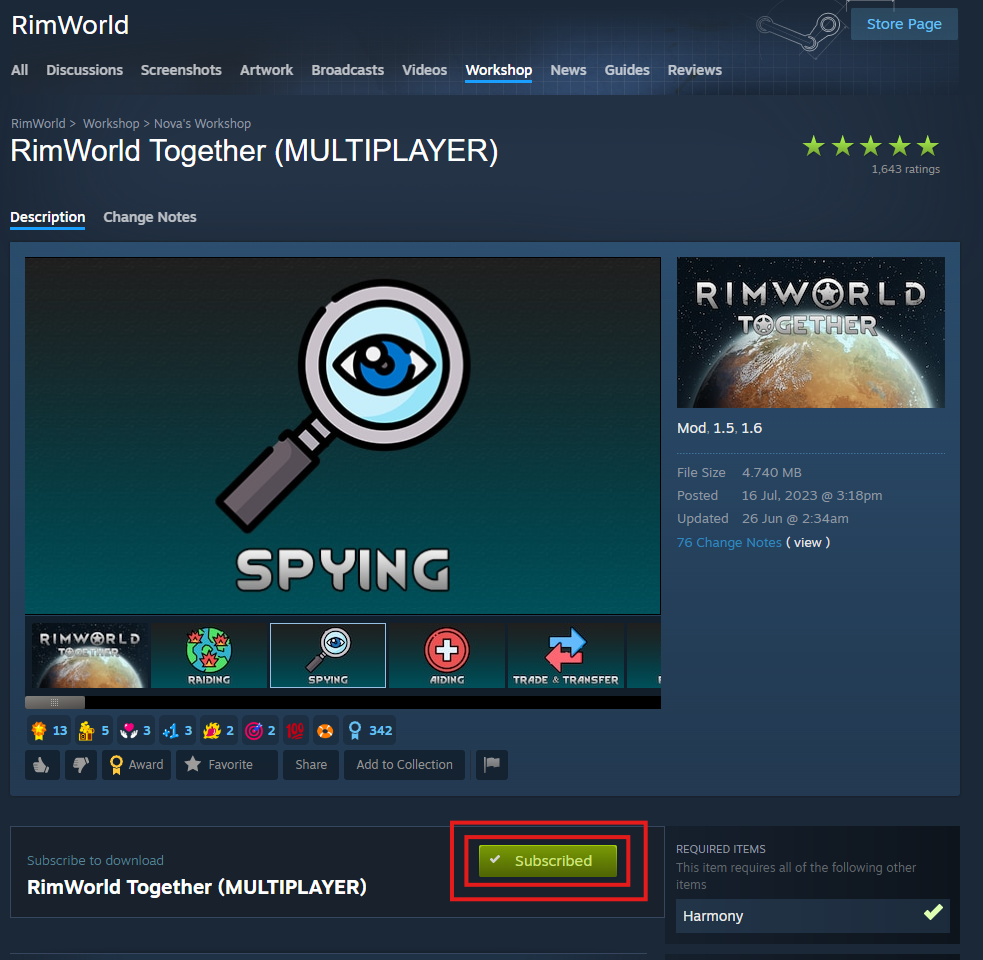
Launch Rimworld on your computer.
Within the game, go to "Mods". In here, you will need to activate Rimworld Together, and Harmony. You will need to restart your game after applying these changes.
You must ensure that the mod loader order is as follows: Harmony, Core, RimWorld Together.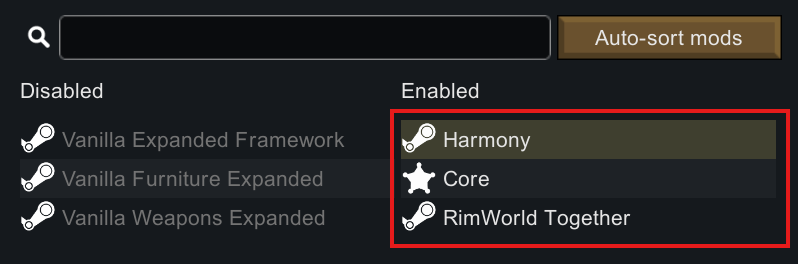
Login to your Kinetic Panel.
Go to "Settings"
-1770486781191.png)
Go to "Server Settings"

In this menu, you'll need to make sure you name your server something specific, so that you don't accidentally join the wrong server. In this case, I'm going to name it "Tutorial from Kinetic"
Make sure to click save after making these changes.
After you've set the name, start the server.
-1767462125511.png)
Open Rimworld, and click "Server Browser"
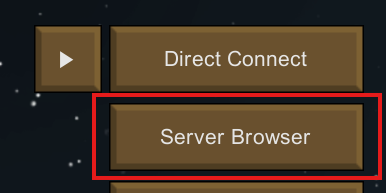
After you've found your server on the list, click "Select" Then "Connect"

Once you've selected the server, you'll be asked to select a gamemode, game difficulty, faction selection, and so on. Then you can join!