How to use your New Kinetic Hosting Server
Last updated 07 Jun 2025
Need a game server?
Spin one up fast with our feature-rich panel and seriously low prices.
If you ordered a Kinetic Hosting Server, and you want to use your new server, this guide will walk you through on how to get logged into the Game Panel!
Setup your game panel
1 Head to your email service you used to purchase your server.
2 You will see an email from Kinetic Panel - Panel. From there, you can click on that email.

3 You will then see a "Login and Begin Using" button, click on that.
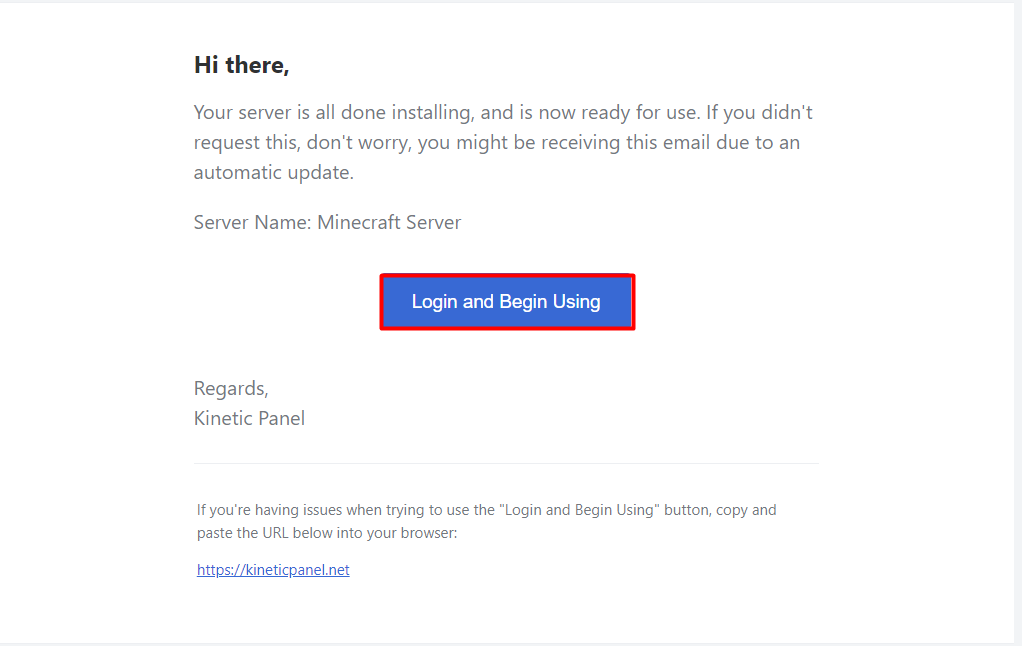
4 From there, you will setup your Panels password, you will be good to go from there.
That is how you would setup your account on the Kinetic Panel.