
Log in to the Kinetic Panel.
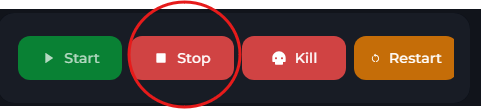
Stop the server.
Go to File Manager.
-1767384099292.png)
Locate config.json.
Locate "mods": [].
Locate the mod you wish to add on https://reforger.armaplatform.com/workshop
Inside the double square brackets. Fill out this template & paste in
{"modId": "ID",
"name": "NAME",
"version": "VERSION"
}
You can find these details on the side of the page. Each mod should be separated by a comma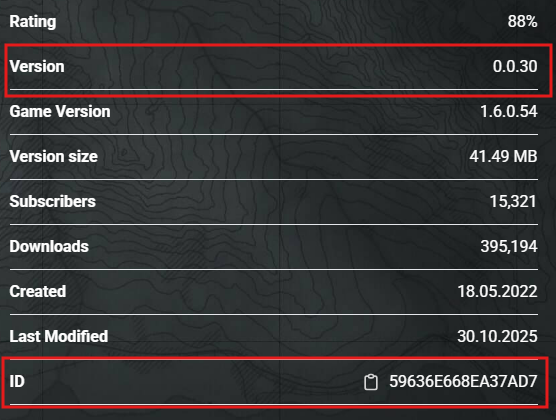
Start the server

Adding Scenarios
Follow all the above steps bar Step 8.
On the Scenario workshop page, click on Scenarios.
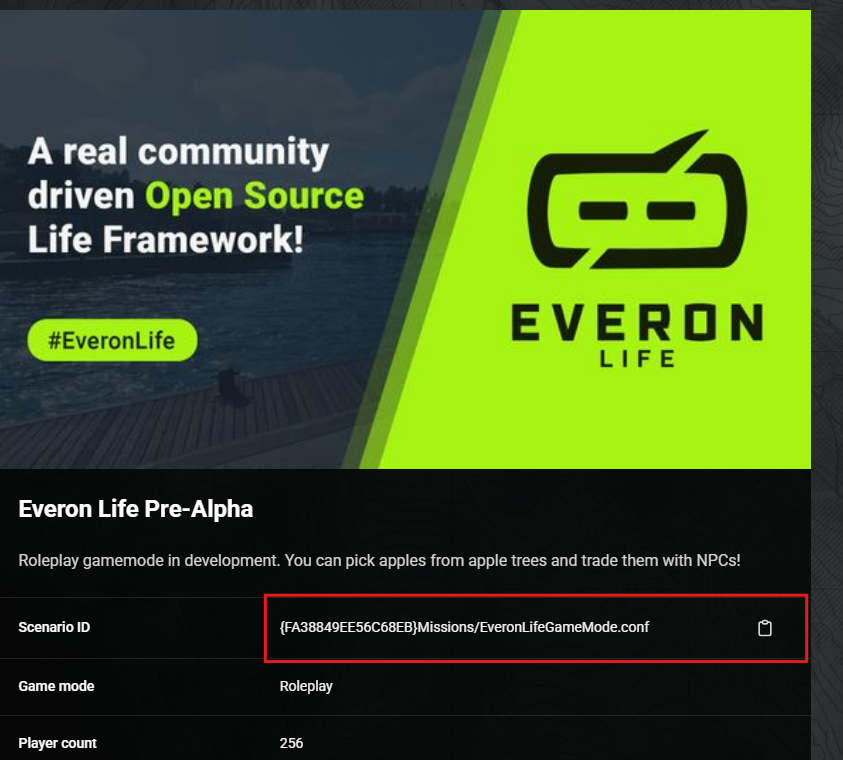
Copy the ID.
Go to settings
-1767382223523.png)
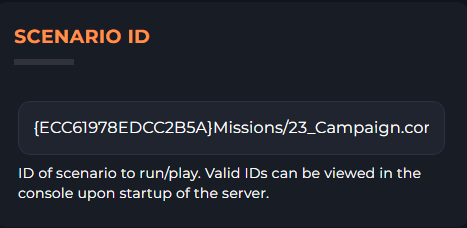
Paste into the Scenario id box.
Start server