How to set the mission for your ARMA 3 Server
Last updated 05 Jun 2025
Need a game server?
Spin one up fast with our feature-rich panel and seriously low prices.
Log in to the Kinetic Panel & stop your server.

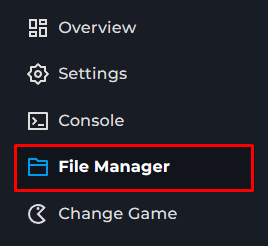
Go to the File Manager on the Kinetic Panel.
Click on server.cfg
Locate class Missions.
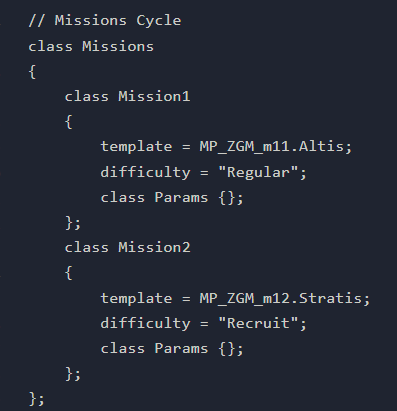
Under the class Mission, Change the 'template=' to the name of the mission Mission Names
You may also define more than 1 mission. These can then be voted on.Save & Start your server