How to join your Arma 3 Server
Last updated 05 Jun 2025
Need a game server?
Spin one up fast with our feature-rich panel and seriously low prices.
Log in to the Kinetic Panel and head to the overview page.
You will see a Connection Address, which is your server's IP Address.
From the main menu, click on the "Multiplayer" option and select the server browser

In the Multiplayer menu, look for the "Direct Connect" button and click it.

Paste or type the server's IP address into the input field. Aswell as the port from the overview page
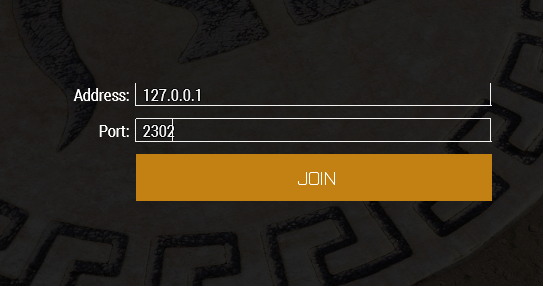
Click the "Join" button to join the server.