In this article
We have a bug fix update for you today, lets drive in
Schedules
We found a bug in the schedule system related to how cron syntax was being processed. In some cases, scheduled times could be skipped depending on the order they were entered. For example, if you wanted a task to run at 12am, 6am, 12pm, and 6pm, the cron value would be:
0,6,12,18
However, if the values were entered as:
18,12,0,6
the last two times could be skipped. This issue affected both hours and minutes. Oddly, some schedules would still run correctly regardless of the order, which made the issue difficult to track down.
We traced the problem to a library used by the panel. We've now applied a patch to fix the issue, and we've also updated the frontend to automatically sort values before saving as an extra safeguard. Cron syntax itself shouldn't care about the order, but due to this bug in the library, it unfortunately did.
Because all schedules are sent to the backend as cron expressions, even when using the UI, and because the UI previously didn't sort values, the order in which you selected times could have resulted in some scheduled runs being missed. If you believe your schedule isn't running correctly, please resave it or open a support ticket and we'll be happy to take a look.
If you run a panel based on pterodactyl, check to see if this is a bug your side as well. As we've changed so much of the panel, we're unsure if this bug impacts other pterodactyl based panels. We can't recall changing anything here, and we haven't changed the library, there is a chance that other pterodactyl based panels also have this bug,
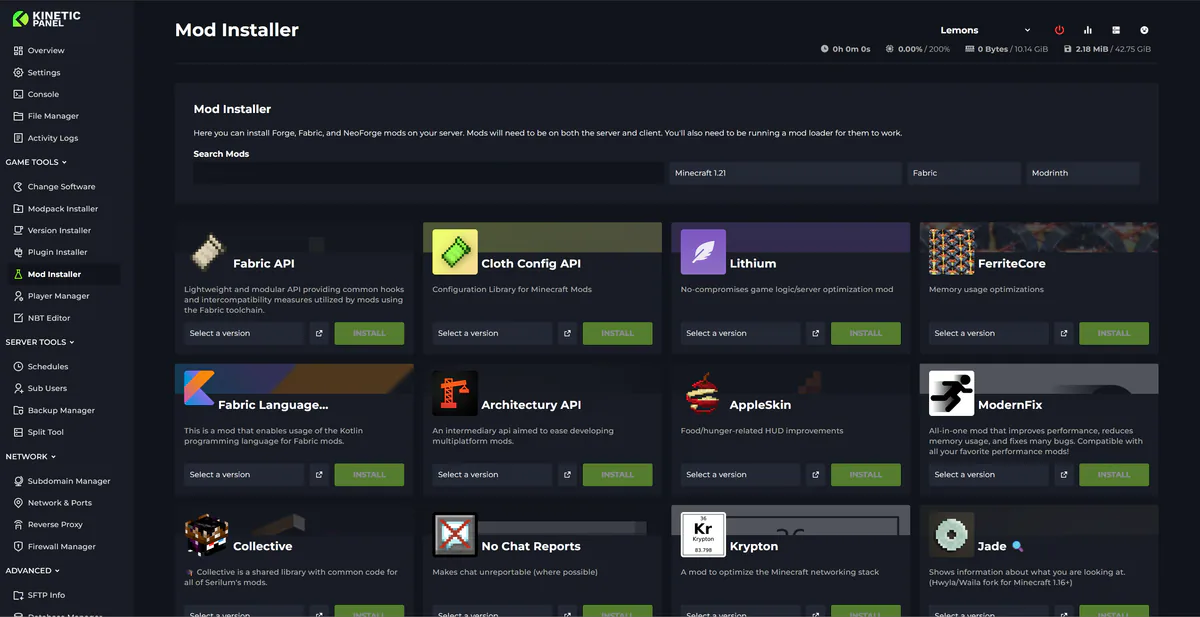
Mod Manager (Minecraft)
Fixed:
Mod update button download mods without checking the Minecraft versions
Added:
Update all button
Mod updates are locked by default if you're running a modpack
Check for updates button