How to upload your Save to your Voyagers of Nera Server
Last updated 10 Dec 2025
Need a game server?
Spin one up fast with our feature-rich panel and seriously low prices.
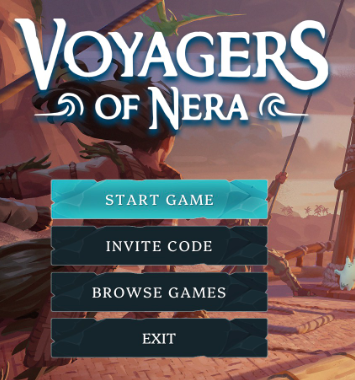
Start the game.
Click Start Game
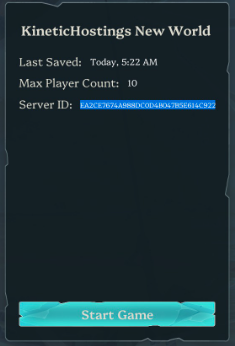
When at Load Game, click the Server ID to show the whole string.
Open the Windows Run menu. The Keybind is Windows + R.
Paste %localappdata%\BoatGame\Saved\PersistedData\nera
Locate the folder whose ID matches.
Open the Kinetic Panel.
Stop the server.

Open File Manager.

Navgaite to BoatGame > Saved > PersistedData
Delete existing files.
Upload the folder from the pc.
Open the folder on your pc.
Upload the CustomConfig file to the same directory.
Start the server.