How to add mods to your Vintage Story Server
Last updated 07 Aug 2025
Need a game server?
Spin one up fast with our feature-rich panel and seriously low prices.
Go to VSModDB and locate the desired mod.
Download the zip file for your version (It will be the latest by default)
Log in to the Kinetic Panel.
Stop the server if it's online.

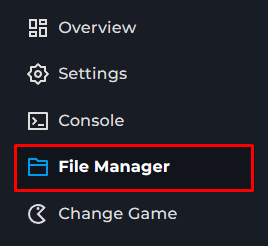
Go to the File Manager on the Kinetic Panel.
Open the data Folder.
Open the Mods Folder.
Upload the zip to the mods folder.
Start your server.
notice
The mods will download when you attempt to join the server.