
Login to Kinetic Panel.
Open File Manager
Navigate to Vein/Saved/Config/LinuxServer/Game.ini.
Copy the server name.
noticeYou can change the name, Just save the file and restartStart the server.

Open Vein Game.
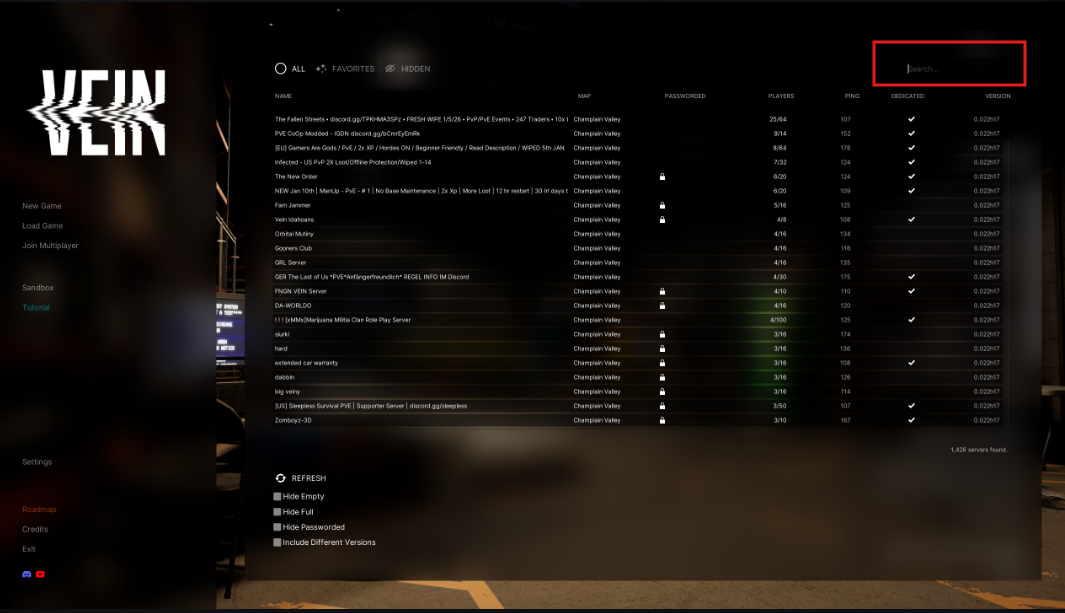
Click Join Multiplayer.

In the top-right, enter the Server Name.
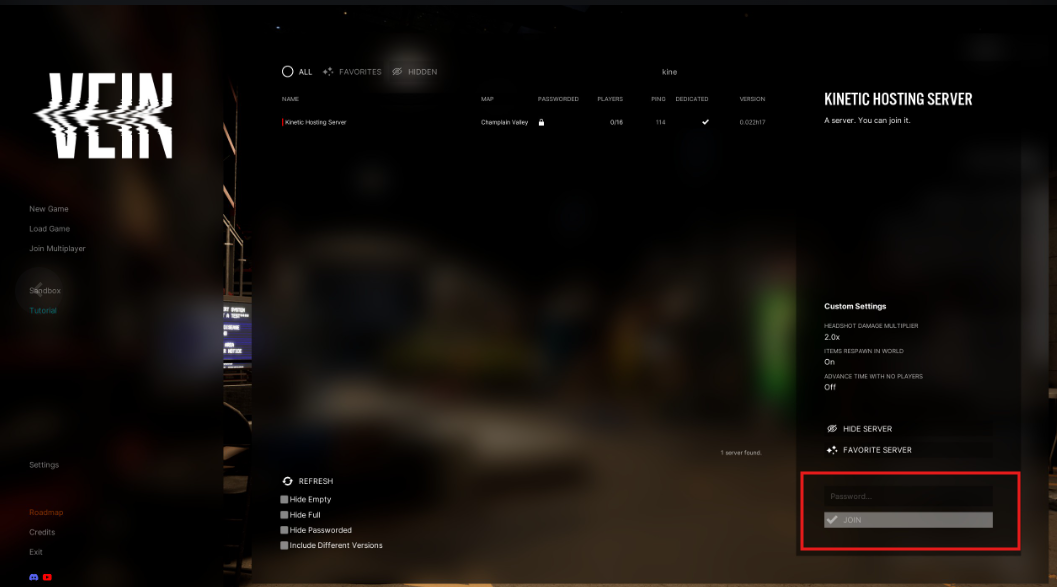
Select your server & Join
Vein guide
How to join your Vein Server
This guide will show you how to join your Vein Server.