How To Install BepInEx On Your Valheim Server
Last updated 12 Aug 2025
Need a game server?
Spin one up fast with our feature-rich panel and seriously low prices.
1 Login to the Kinetic Panel and Stop your server.
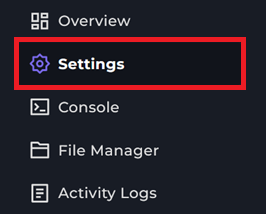
2 Go to the Settings
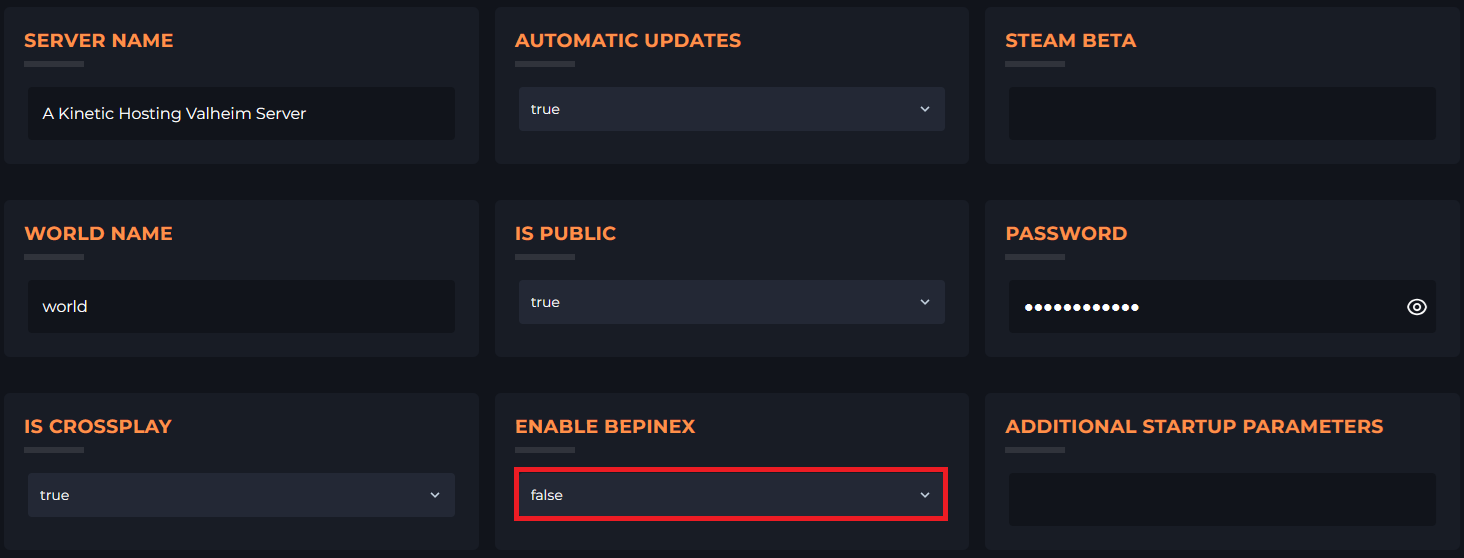
3 Locate the Enable BepInEx option and set it to true.
4 Start you server to apply the change.