In this guide
How To Add Thunderstore Mods To Your Valheim Server
Login to your Kinetic panel.
If your server isn't off already, stop your server.
-1767383729764-optimized.webp)
Go to "Settings".
-1770311132720-optimized.webp)
In this settings page, scroll down till your see the "Thunderstore mod ID's" settings box. In there, you will need to input the mod ID's of the Thunderstore mods you wish to add.
If you wish to add several mods, then you can put a "," between each mod ID.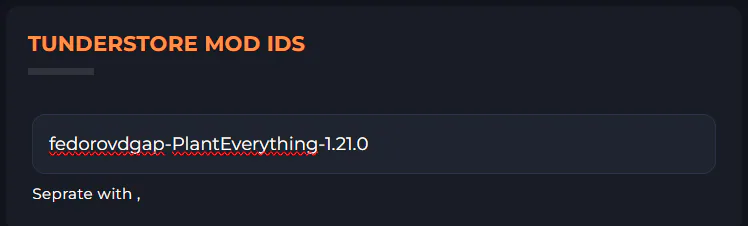
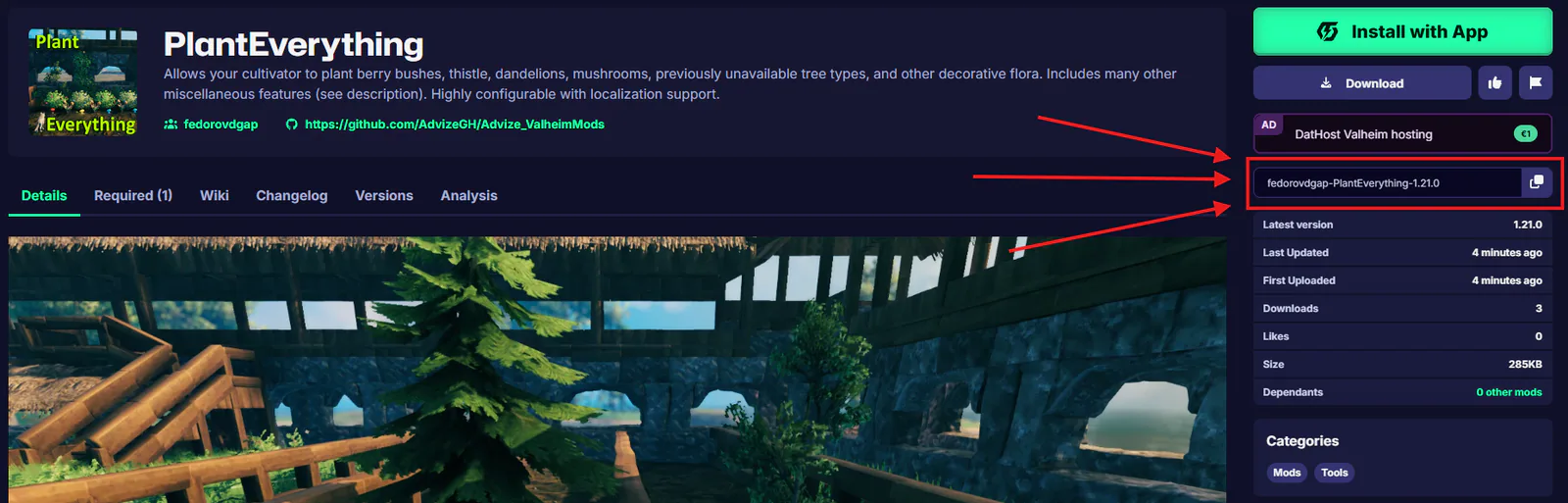
How to find mod ID's on Thunderstore
When you enter a mod page for a mod on Thunderstore, you will see the mod ID on the right side of the page, which will give you an option to copy the ID.