
1 While in-game press Tab to open your inventory.
2 Click the two swords at the top right to enable PvP.
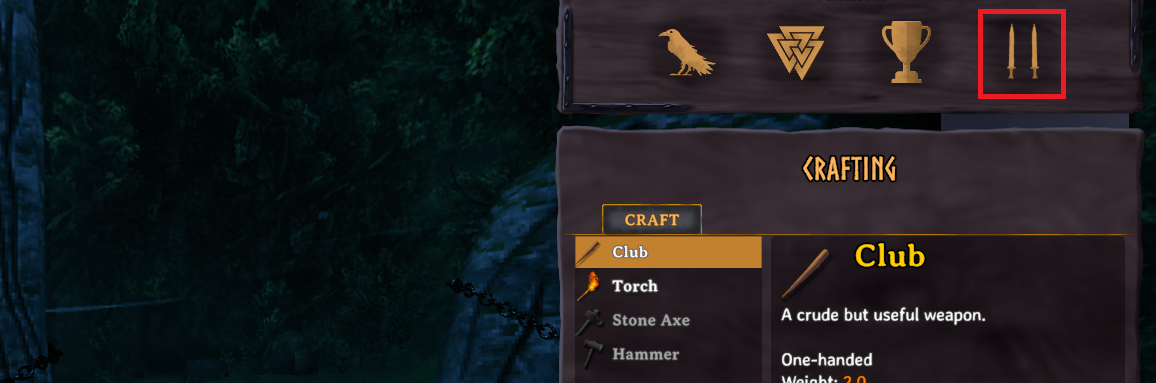
You will still only be able to engage in PvP with other players that have this option enabled.
While there isn't a global option to enable or disable PvP on a Valheim server it is possible for individual players to to opt in and out of PvP(Friendly Fire) at any point. When dying to another player, you will drop your entire inventory and lose any food/potion related buffs.
1 While in-game press Tab to open your inventory.
2 Click the two swords at the top right to enable PvP.
You will still only be able to engage in PvP with other players that have this option enabled.