
In this guide
Locating the world
Open File Explorer.
Paste into the search bar C:\Users\<username\AppData\LocalLow\sks\TheForest
Remember to replace <username> with your own.
Uploading / Setting the save.
Login to the Kinetic Panel.
Stop the server.

Navgaite to File Manager.
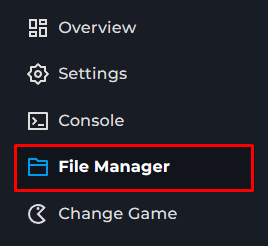
Going down this path TheForestDedicatedServer_DataMultiplayer
Upload the folder from your pc.
Go to settings.
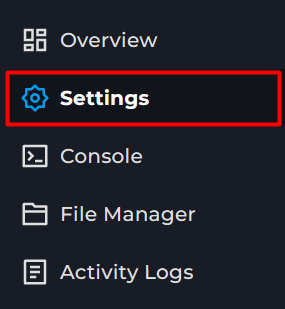
Change init Type to continue
Change the saveslot to the uploaded one.
Start the server