
Adding plugins to your Forest server requires Oxide to be on.
You can find oxide plugins here
Login to the Kinetic Panel.
Stop the server.

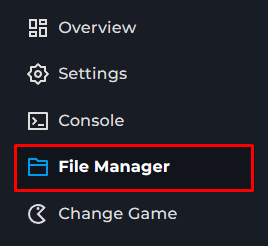
Go to File Manager.
Go to the oxide folder.
Upload cs file
Start the server.

This guide will show you how to add Oxide plugins to your Forest server—allowing you to make use of the many existing plugins for the game.
Adding plugins to your Forest server requires Oxide to be on.
You can find oxide plugins here
Login to the Kinetic Panel.
Stop the server.
Go to File Manager.
Go to the oxide folder.
Upload cs file
Start the server.