How To Upload A World To Your Terraria Server
Last updated 17 Aug 2025
Need a game server?
Spin one up fast with our feature-rich panel and seriously low prices.
Locating Your World File
Before you can upload an existing world to your server you first need to locate it. Below you can see the common location for single player worlds across each operating system.
OS | Directory |
|---|---|
Windows |
|
Mac |
|
Linux |
|
Uploading A World
1 Login to the Kinetic Panel and Stop your server.
2 Go to the File Manager

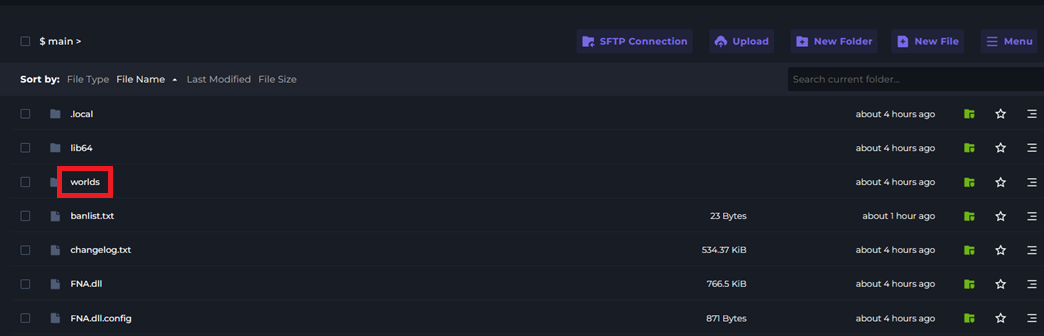
3 Open the worlds folder.
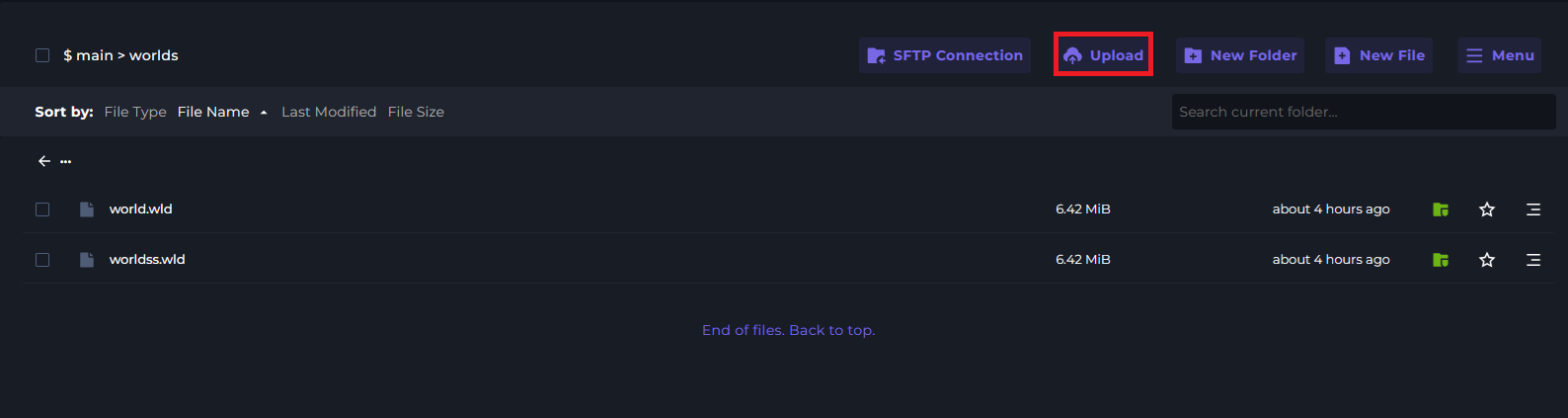
4 Click Upload and select your .wld file.
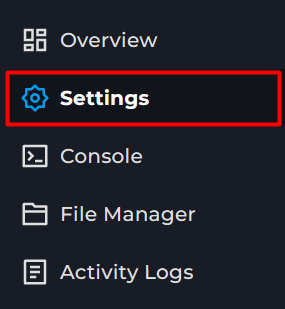
5 Go to the Settings page
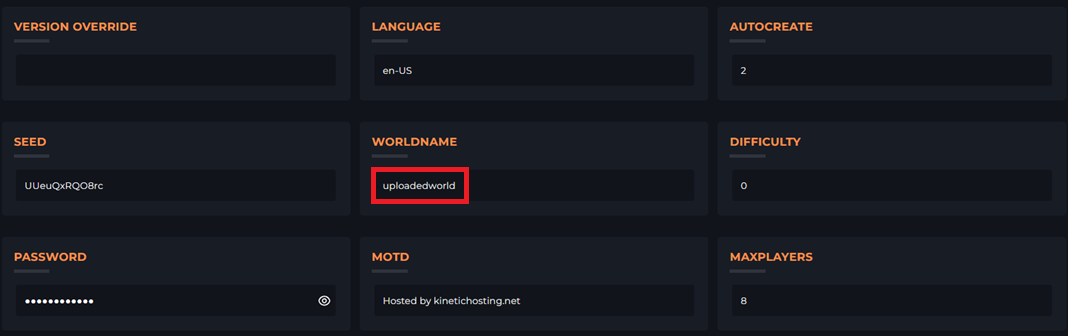
6 Locate the WORLDNAME option and set it to the name of your .wld file.