How To Join Your Terraria Server
Last updated 17 Aug 2025
Need a game server?
Spin one up fast with our feature-rich panel and seriously low prices.
Location Your Server Connection Address
1 Login to the Kinetic Panel.
2 Head to the Overview page and & copy your connection address.

Joining Your Server
1 Click Multiplayer.
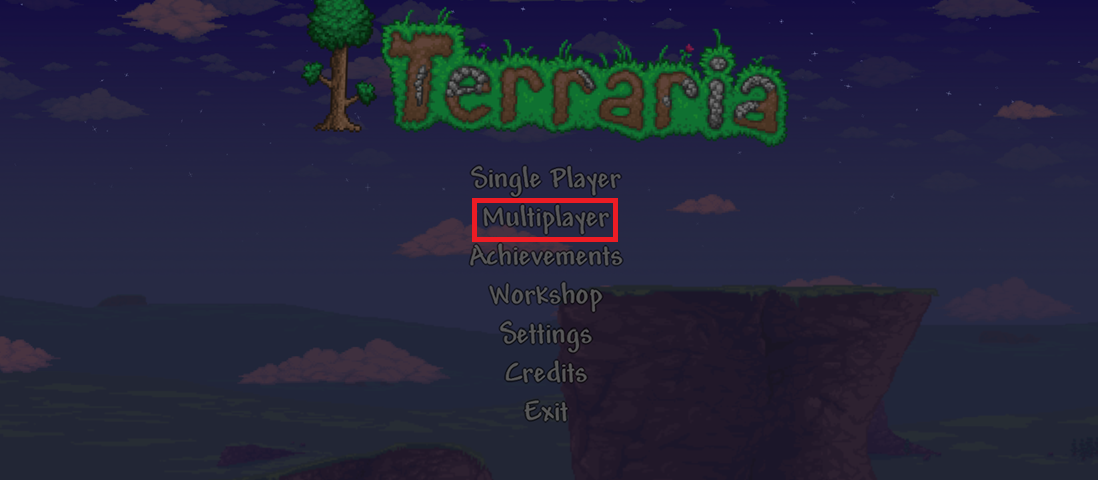
2 Click Join via IP.

3 Select the character you want to play.
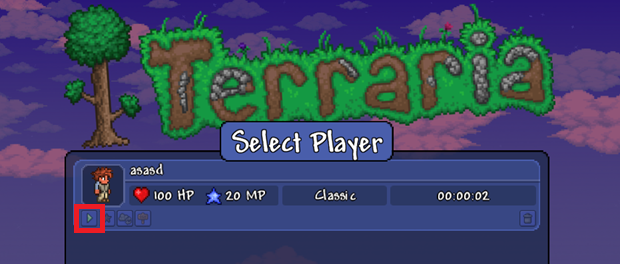
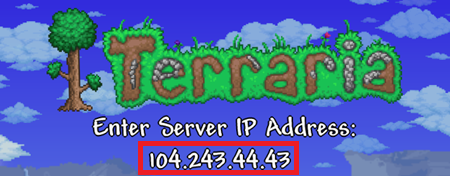
4 Enter the IP of your connection address.
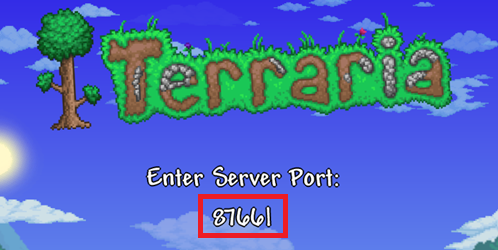
5 Enter the Port of your connection address.