
In this guide
Getting plugins
Plugins can be found here https://github.com/Pryaxis/TShock/wiki/Plugins & At the Tshock Discord aswell as other places.
Download the plugin. It will be a DLL file
Installing the Plugins
Log in to the Kinetic Panel
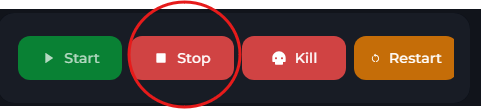
Stop the server.
Go to the file Manager
-1770311095747.png)
Open the ServerPlugins Folder.
Upload the file.
-1767463079847.png)
Start the server.