In this guide
How to upload your world to your Soulmask server
Login to your Kinetic Panel
Stop your server.
-1767383729764.png)
Open File Manager.
-1770311095747.png)
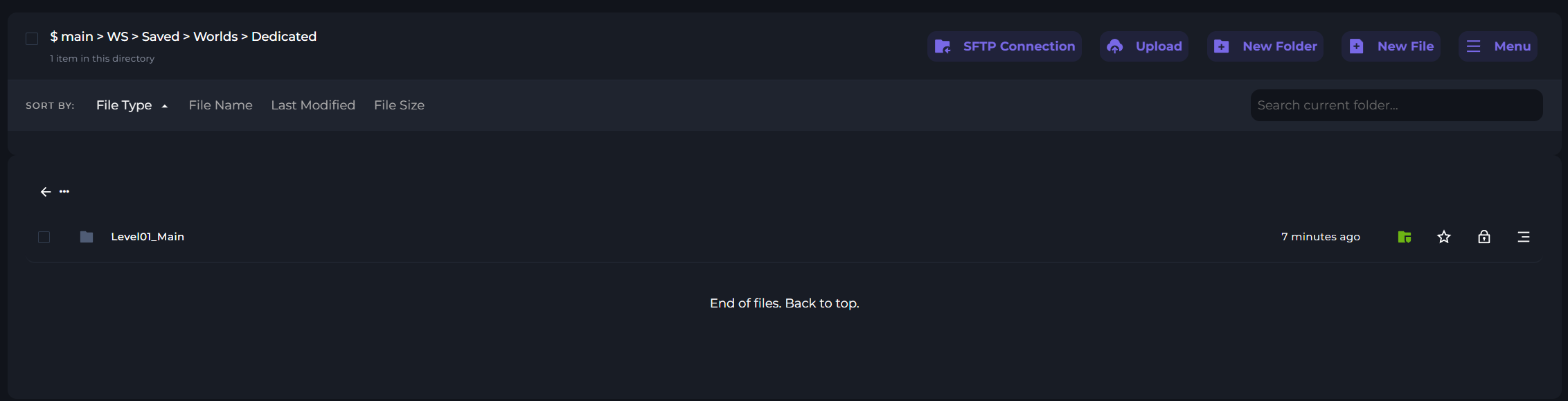
In your file manager, go to the following file directory. Here, you'll find the world folder upload location. You may see an existing world folder, so you'll need to replace it with yours.